REASONS

Why Use Handy Quick View?

Explore the comprehensive list of features and compelling reasons to choose Handy Quick View for your WooCommerce store.

01

Customizable Quick View Modal

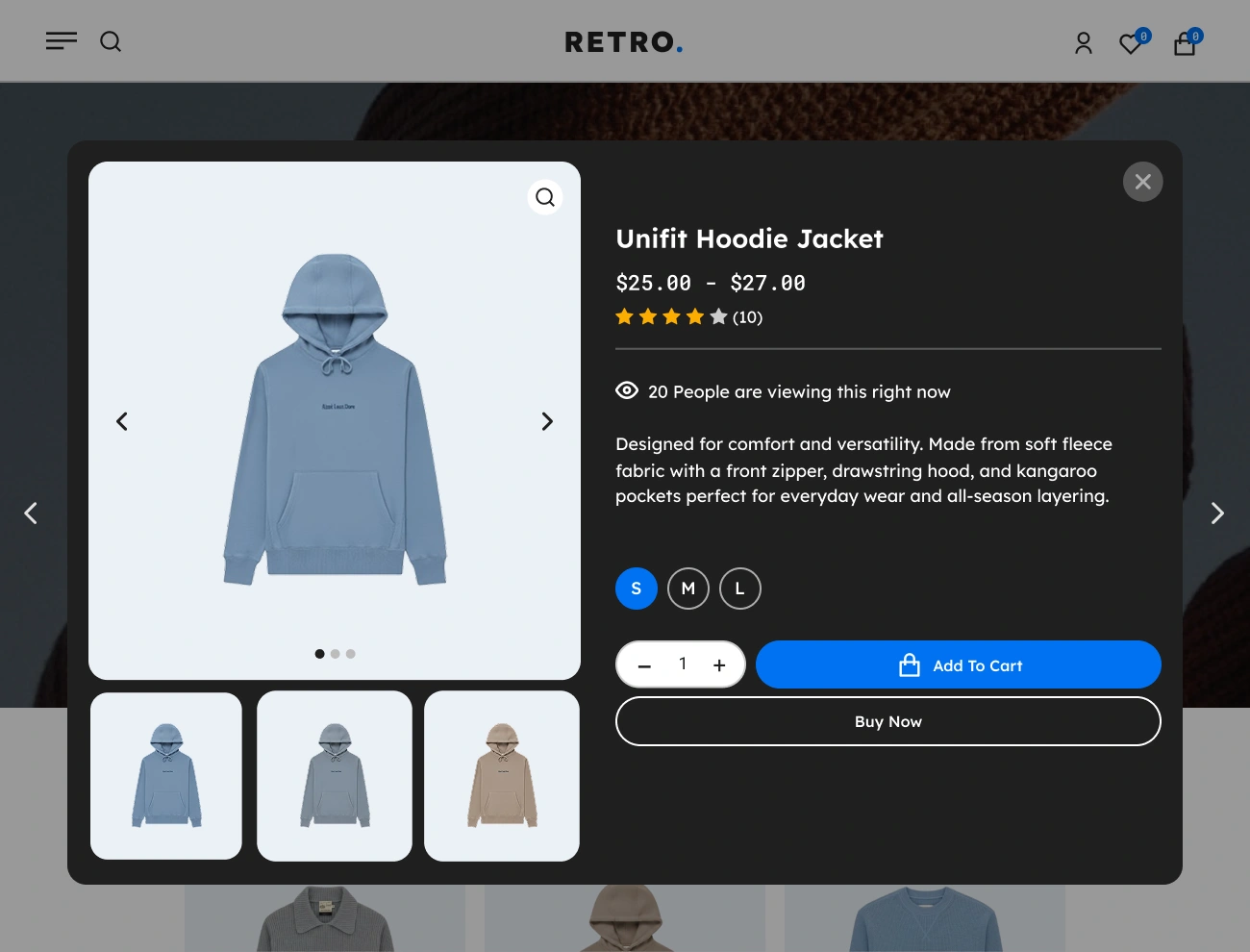
Create beautifully designed Quick View popups that match your brand. Adjust layout, spacing, colors, images, and content to give customers a seamless preview experience.

02

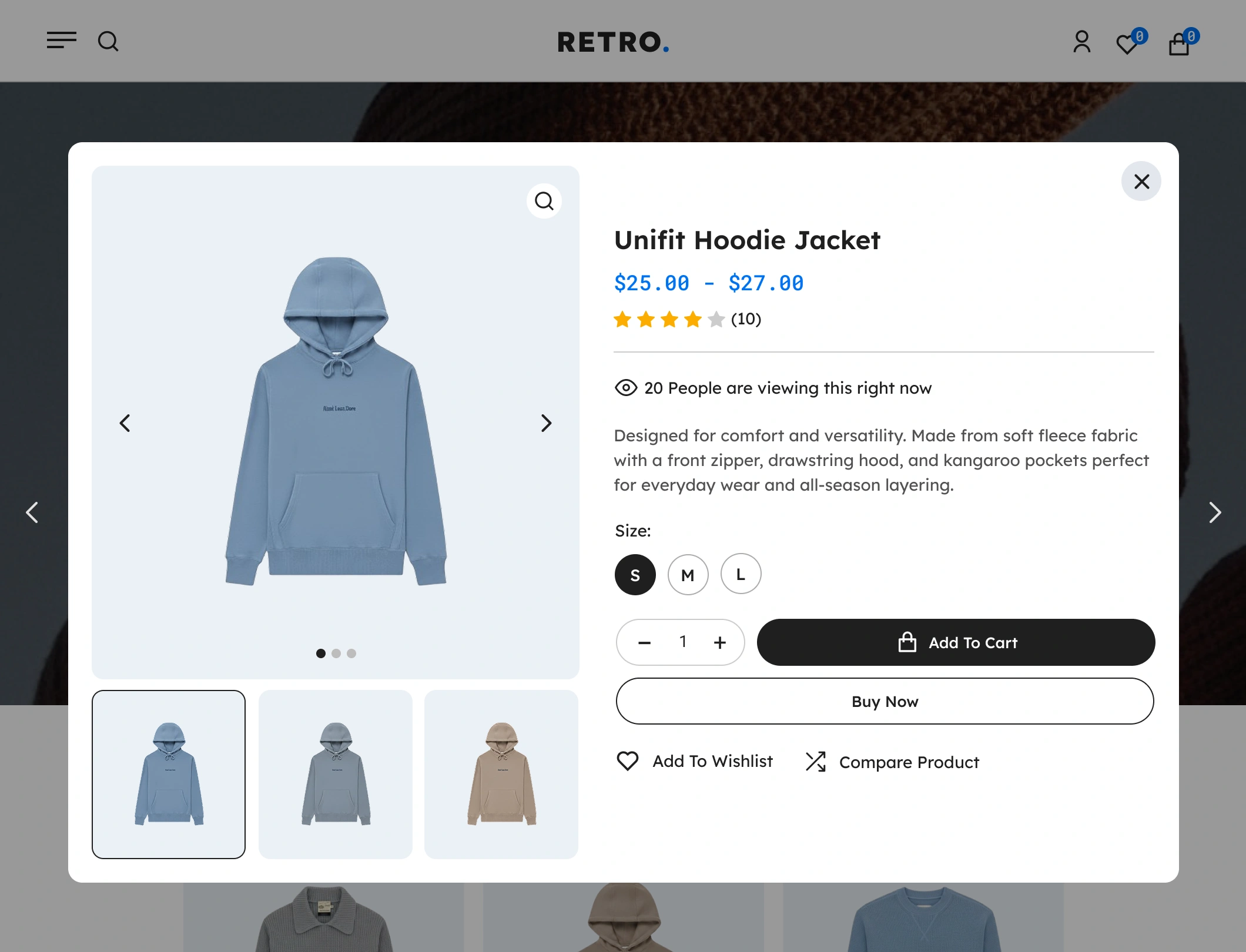
Instant Product Preview

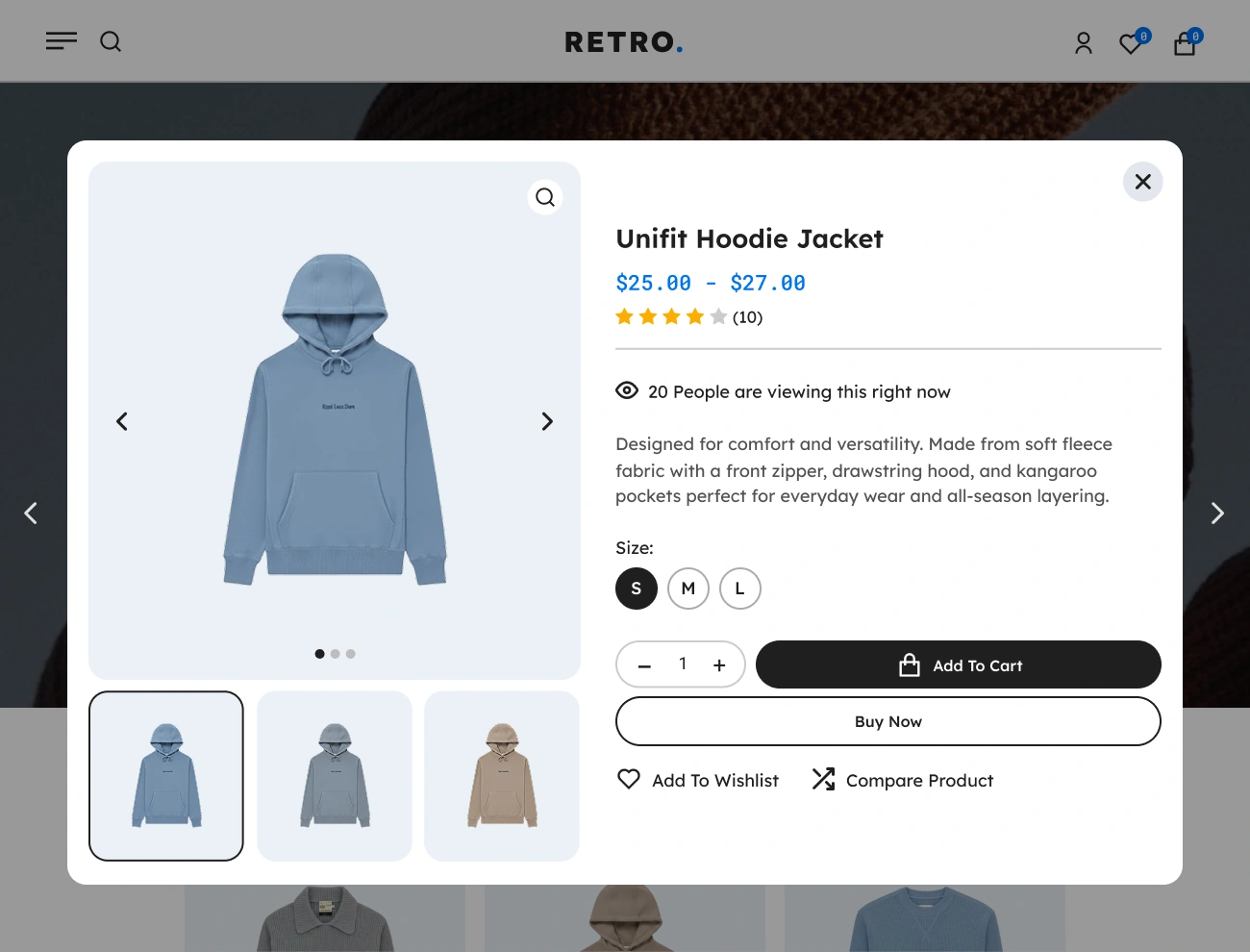
Let shoppers view essential product details images, price, rating, description, and variations without loading the full product page, making browsing much faster.

03

Image Zoom & Lightbox Support

Let customers zoom in and view full-size product images in a lightbox directly from the Quick View modal, giving them a clearer look without leaving the page.

04

Add to Cart Inside Quick View

Shoppers can add products to their cart without leaving the current page, creating a faster buying flow and reducing drop offs.

05

Keyboard & Click Navigation

Customers can close the modal by clicking outside or pressing escape, ensuring intuitive usage for all types of shoppers.

06

Support Product Variation

Allow customers to view and choose product variations (color, size, type) directly from the Quick View popup, improving convenience and boosting conversions.

07

AJAX-Powered Loading

The Quick View modal loads instantly via AJAX, ensuring smooth, lag-free interactions that keep users engaged and reduce browsing friction.

08

Mobile-Responsive Modal

The Quick View modal automatically adapts to all screen sizes phones, tablets, and desktops ensuring perfect usability across all devices.

09

Developer Hooks & Filters

Built with clean code and extendable hooks that developers can use to customize or integrate the Quick View with other tools and features.

FEATURES

Core Features & Functionalities

Discover the complete set of core features and powerful functionalities of Handy Quick View, designed to enhance your WooCommerce stores.

Handy Quick View For WooCommerce Supports Quick View Button In Shop Page

Supports Quick View Button In Shop Page

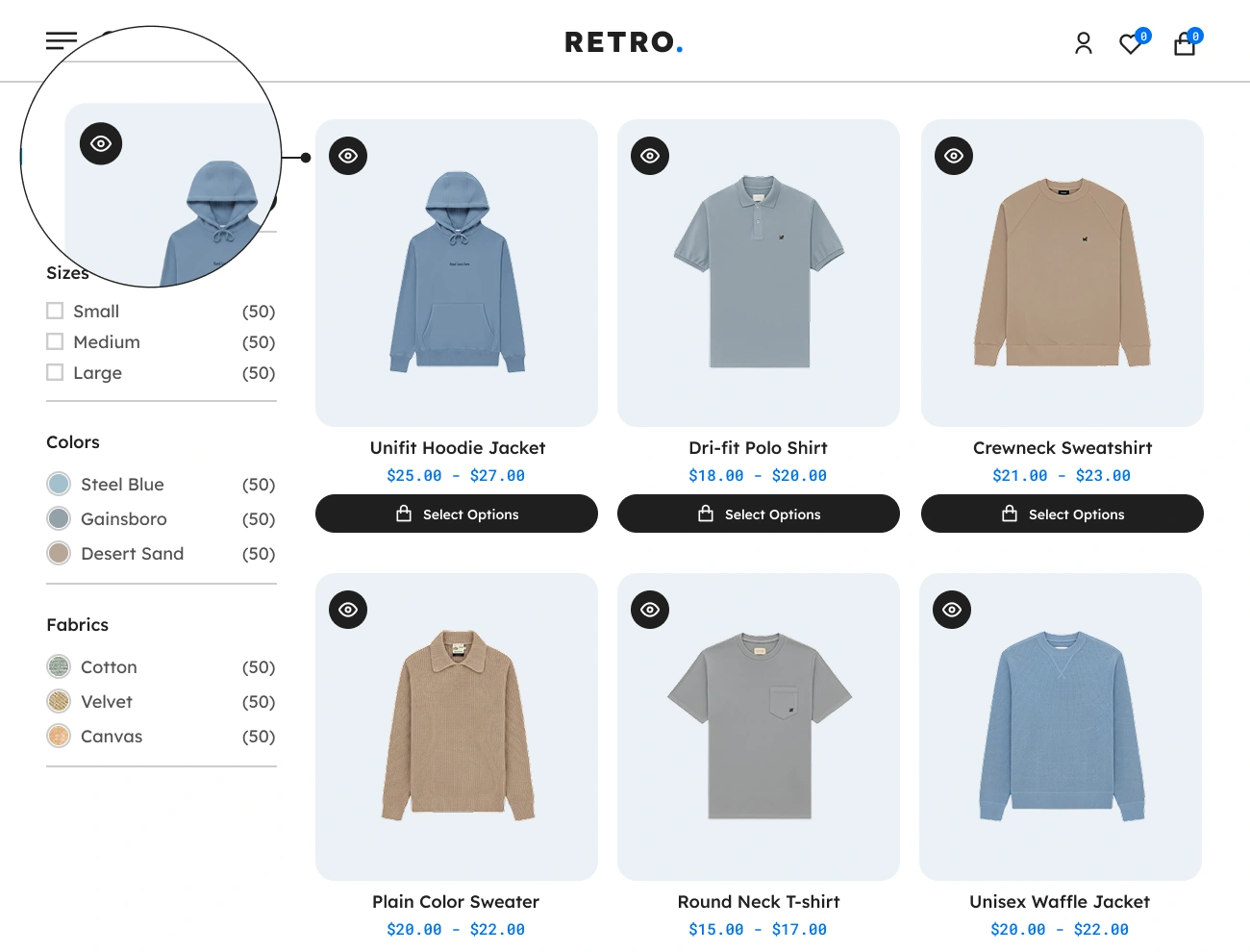
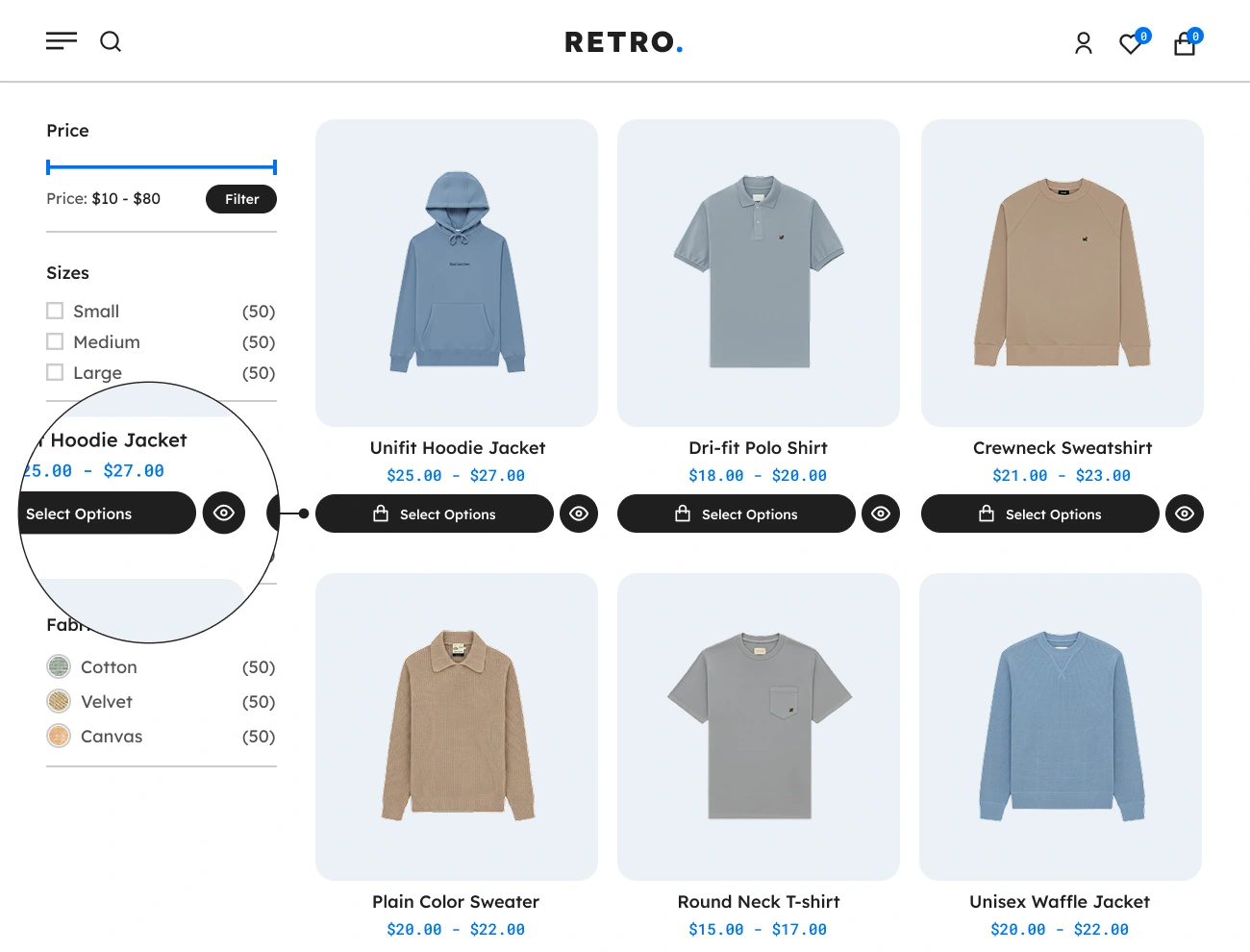
One of the most important features of Handy Quick View for WooCommerce is adding a “Quick View” button to the product on the shop page or product archive page. This will allow website visitors to easily get an overview of a certain product by just clicking a single button using AJAX. This will be helpful to your website visitors since they can have a glance at a certain product without going to the product’s single page.
Handy Quick View For WooCommerce Customizable Quick View Button Type

Customizable Quick View Button Type

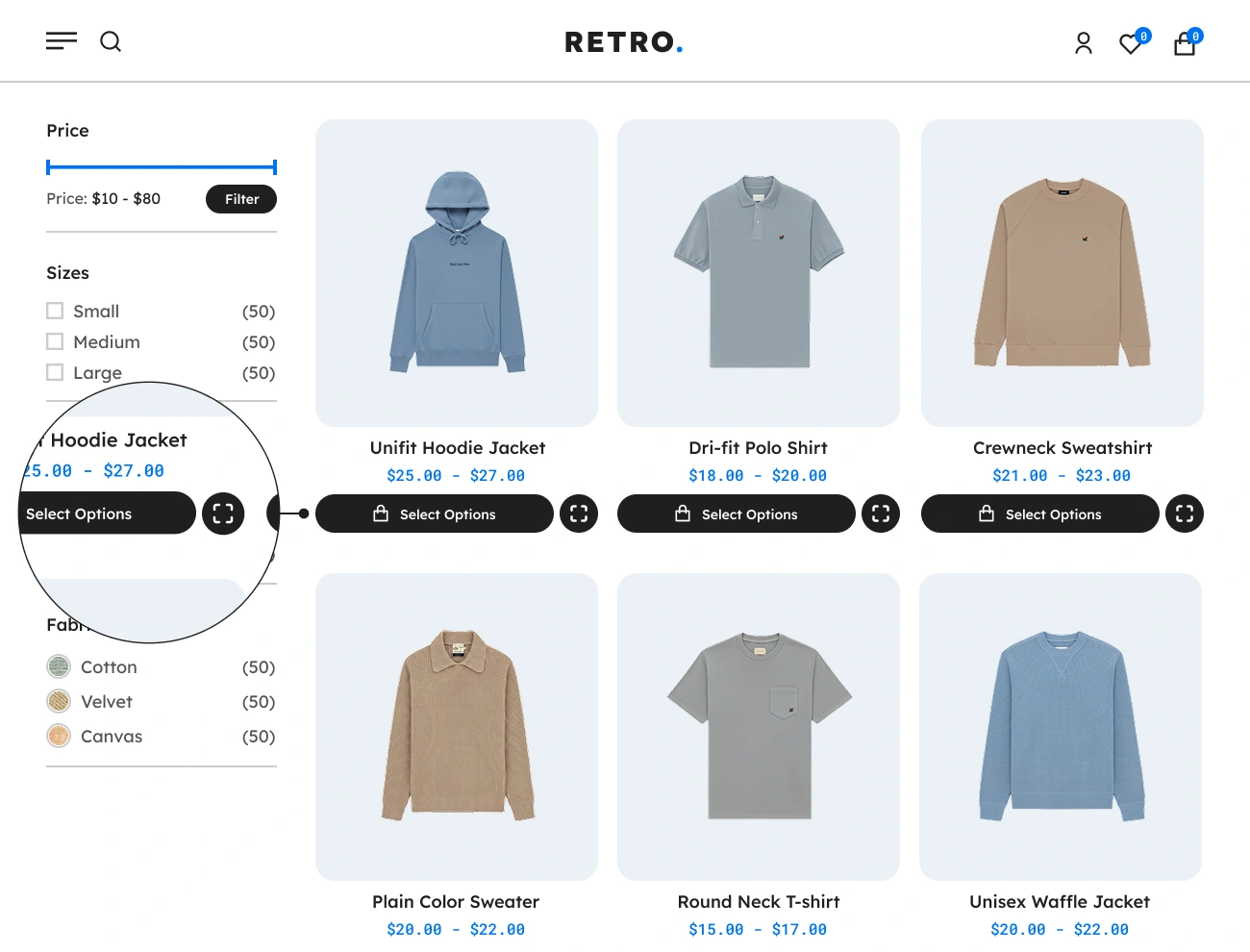
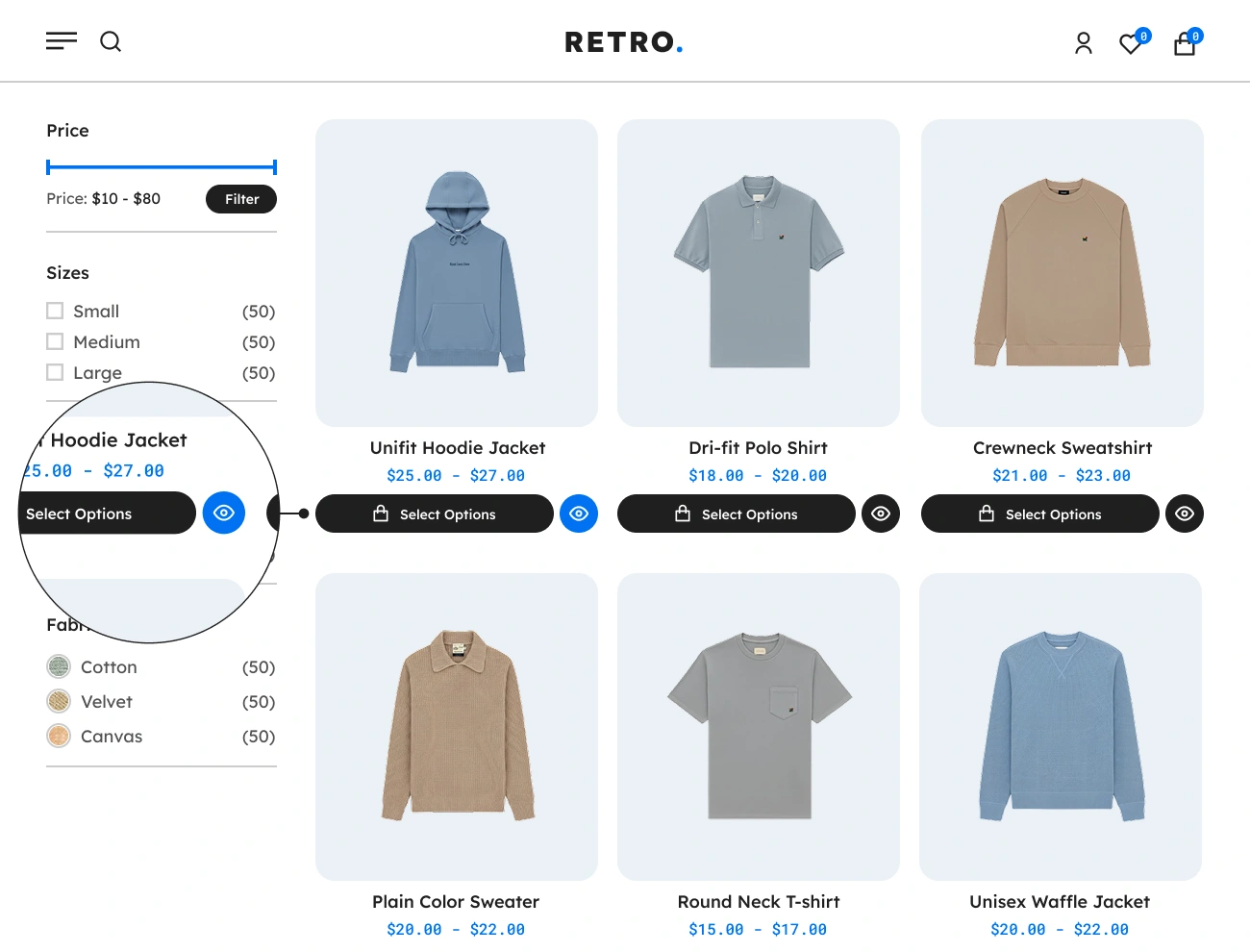
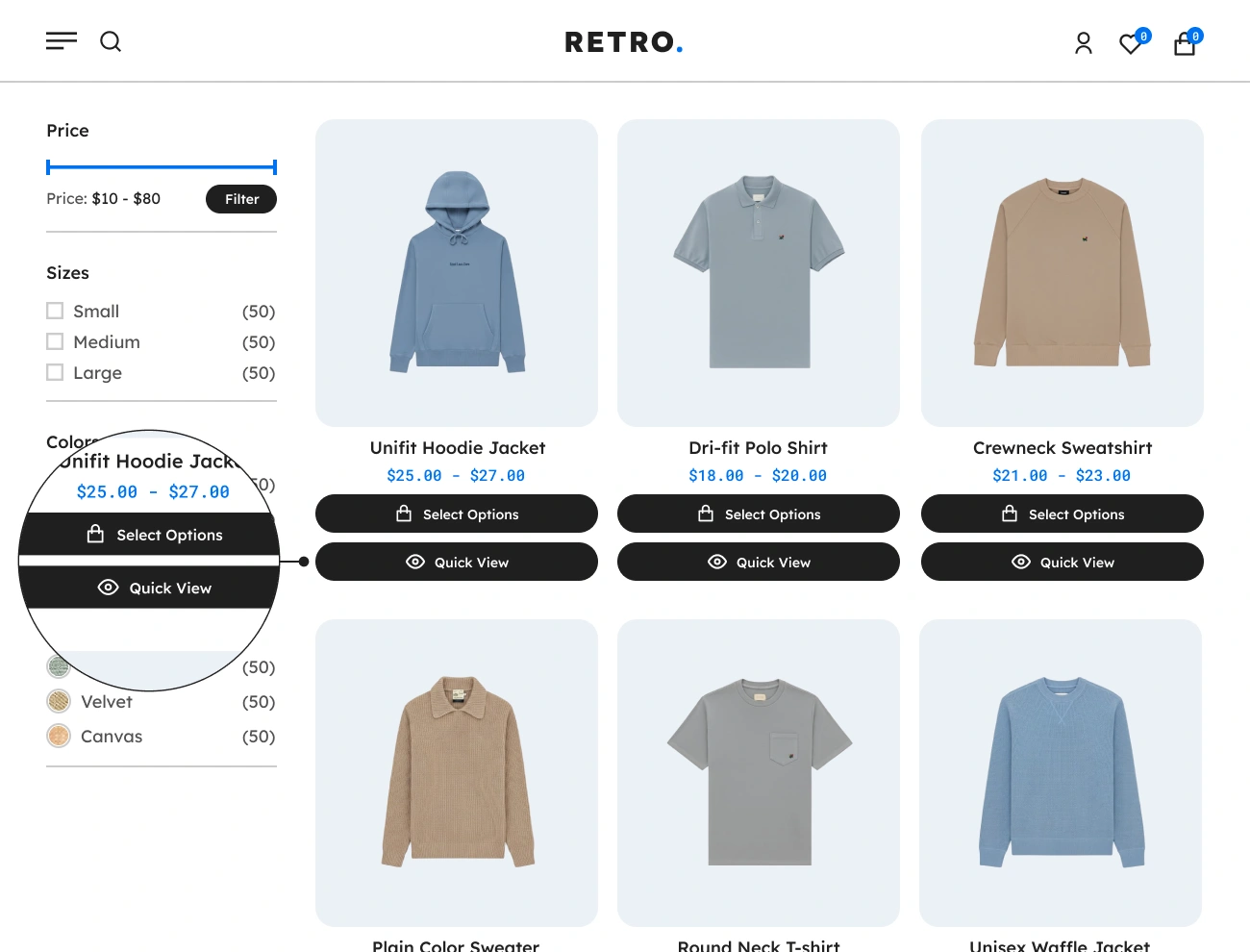
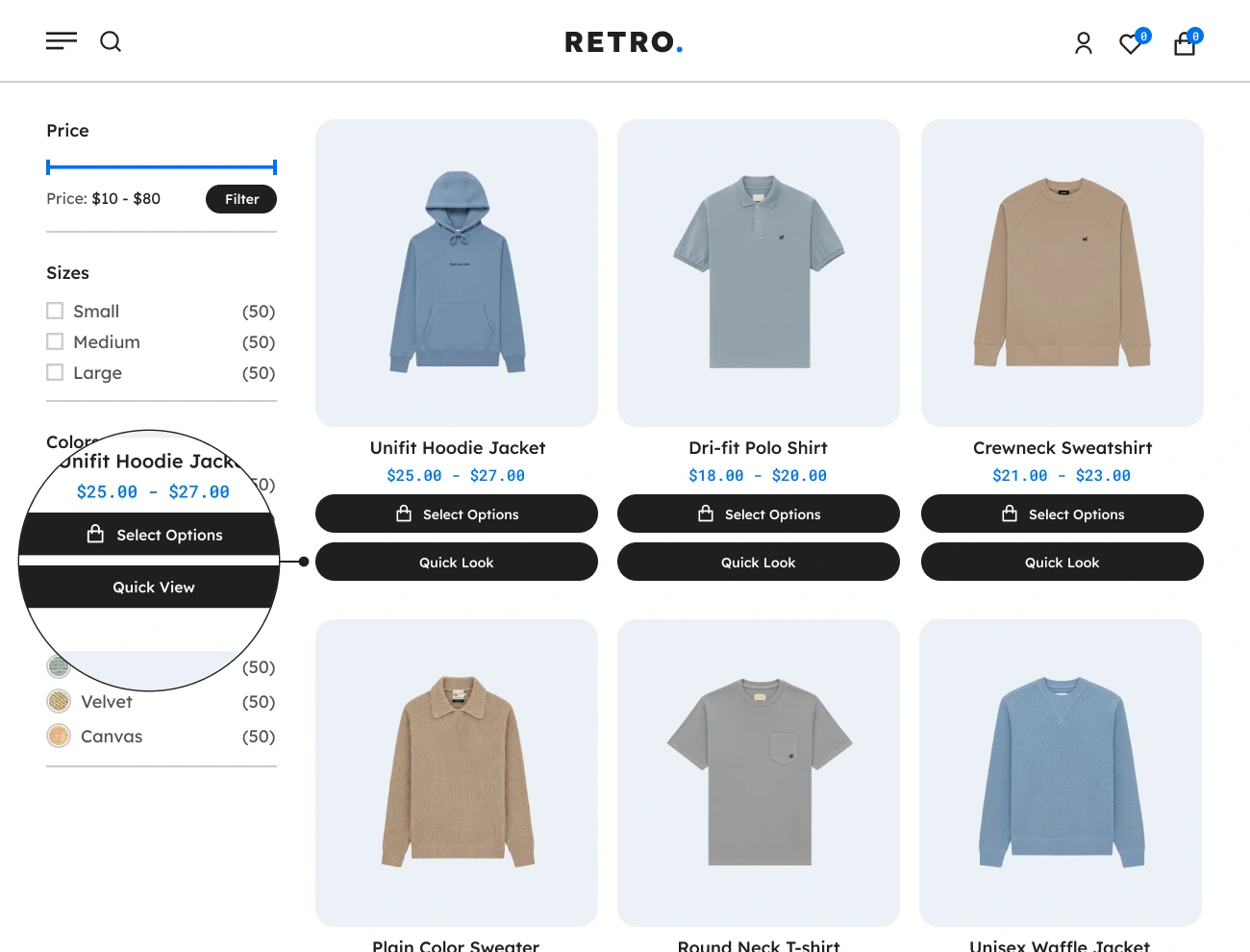
This plugin comes with a feature that allows you to select a type of “Quick View” button. You can choose from the following three “Quick View” button types: text, icon, and text + icon. This option is very simple but powerful since it will improve the appearance of the “Quick View” button on your WooCommerce website.

Handy Quick View For WooCommerce Customizable Quick View Button Label

Customizable Quick View Button Label

This plugin also allows you to customize the label of the “Quick View” button. This will allow you to localize or change the default label of the “Quick View” button and replace it with a more appropriate label based on your needs. This will improve the readability of the “Quick View” button on your website.

Handy Quick View For WooCommerce Customizable Quick View Button Icon

Customizable Quick View Button Icon

This plugin comes with a feature that allows you to customize or select an icon to be displayed in the “Quick View” button from a defined set of icons. This will allow you to enhance the appearance of the “Quick View” button based on your preferences. This option will help your website visitors easily point out or recognize the “Quick View” button.

Handy Quick View For WooCommerce Customizable Quick View Button Loader

Customizable Quick View Button Loader

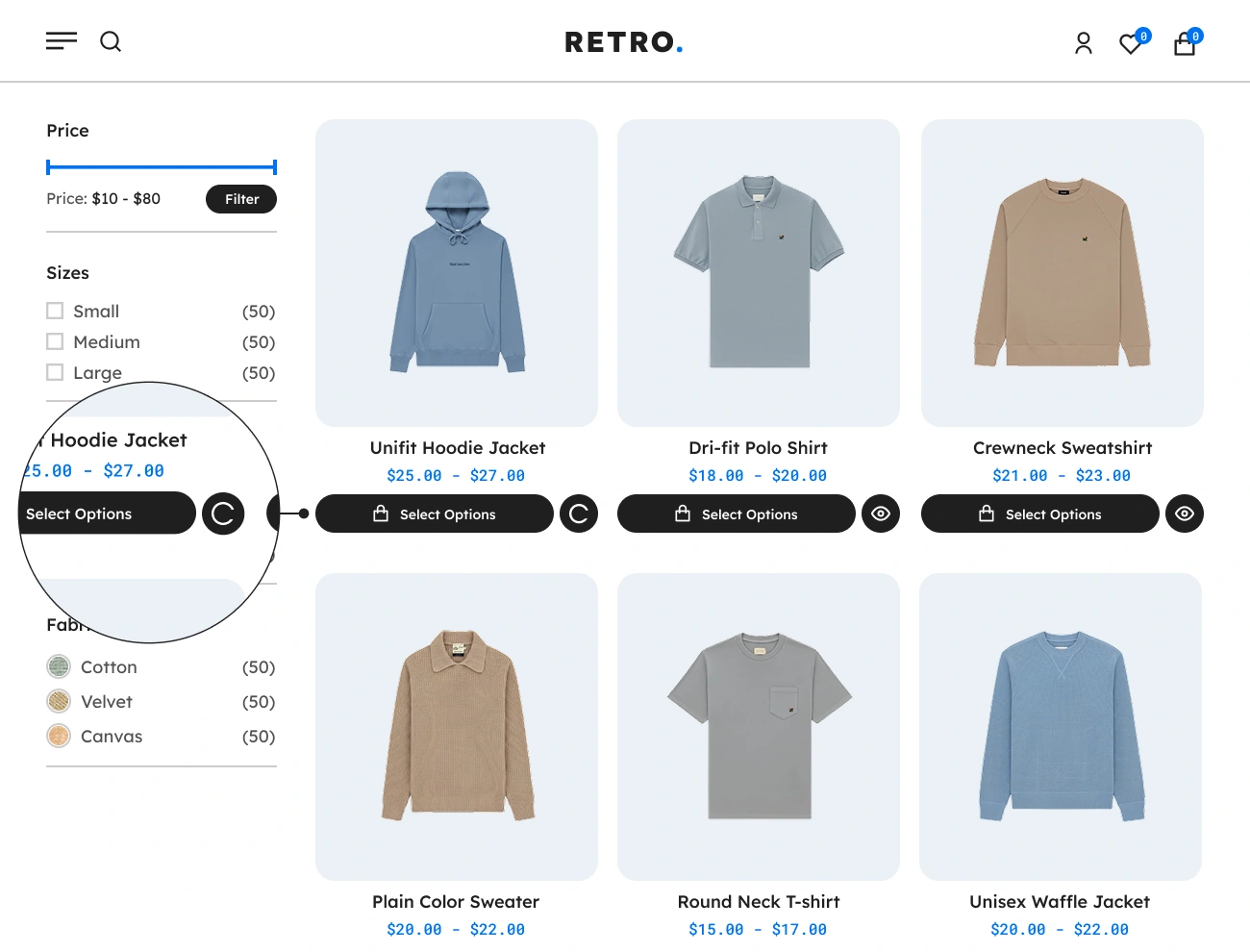
This plugin also allows you to customize or select a loader to be displayed in the “Quick View” button from the defined set of loaders. This will allow website visitors to recognize the “Quick View” button if it is processing an event. This option will improve the user experience of website visitors in viewing a product.

Handy Quick View For WooCommerce Customizable Quick View Button Style

Customizable Quick View Button Style

This plugin comes with a feature allows you to fully customize the appearance or style of the “Quick View” button. This will give you a chance to fully design the appearance of the “Quick View” button, including the width, height, padding, font, text color, background color, border, radius, etc. This option will help you align the appearance of the “Quick View” button with your website’s appearance.

Handy Quick View For WooCommerce Customizable Quick View Button Position

Customizable Quick View Button Position

This plugin also allows you to modify the position of the “Quick View” button in each product on the shop page or product archive page. You can choose from the following three positions: before add to cart button, after add to cart button, and manually position using shortcode. This option is very simple but powerful since it will improve the appearance of your website, particularly in the product loop thumbnail area.

Handy Quick View For WooCommerce Supports Quick View Button Shortcode

Supports Quick View Button Shortcode

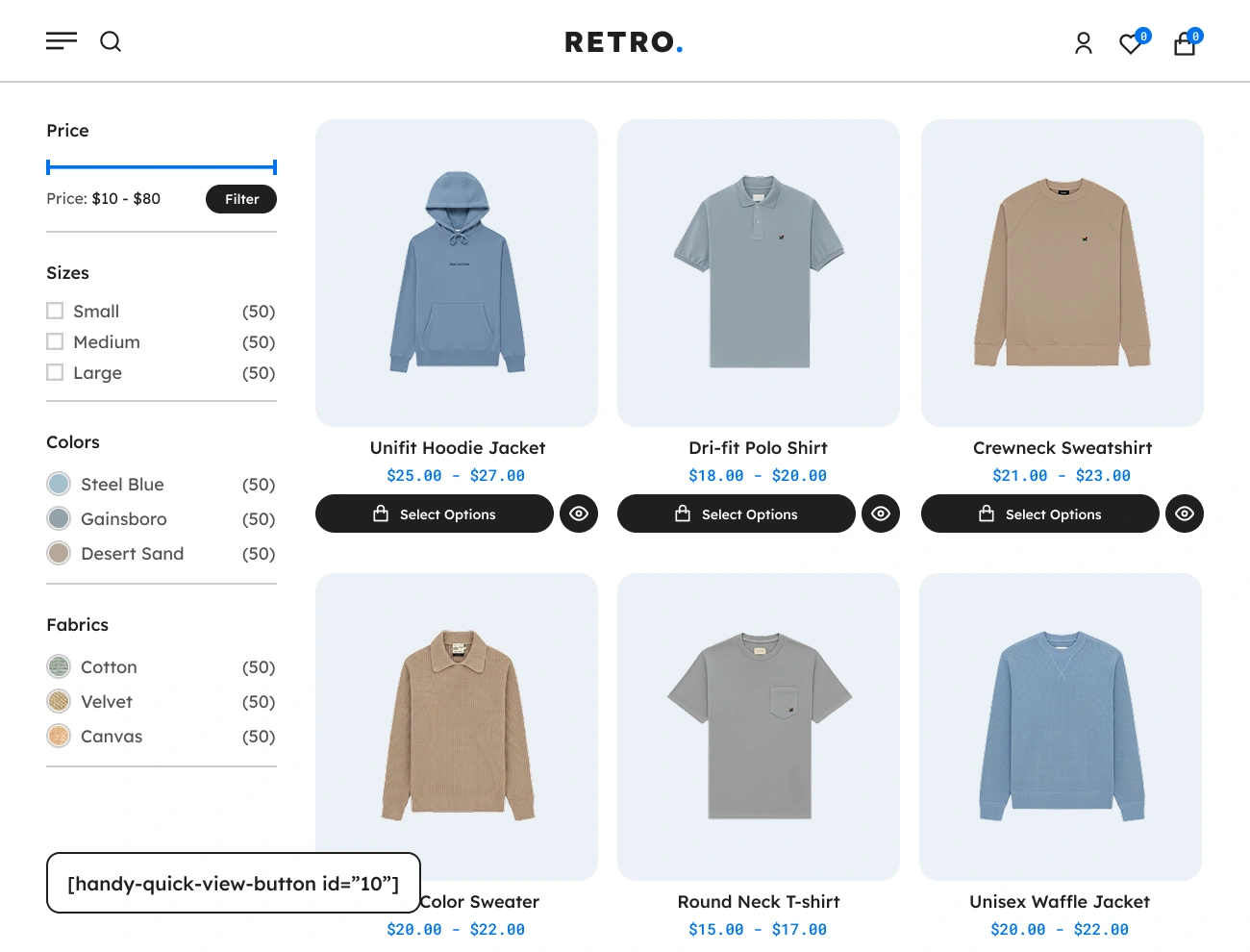
This plugin comes with a shortcode that you can use to manually add a “Quick View” button to a certain product, exclusive only to the shop page or product loop thumbnail. Here’s the shortcode you can use: [handy-quick-view-button id=”product_id”]. Note: Do not forget to provide the product’s ID in the shortcode id parameter in order to use it.

Handy Quick View For WooCommerce Supports Flexible Quick View Modal

Supports Flexible Quick View Modal

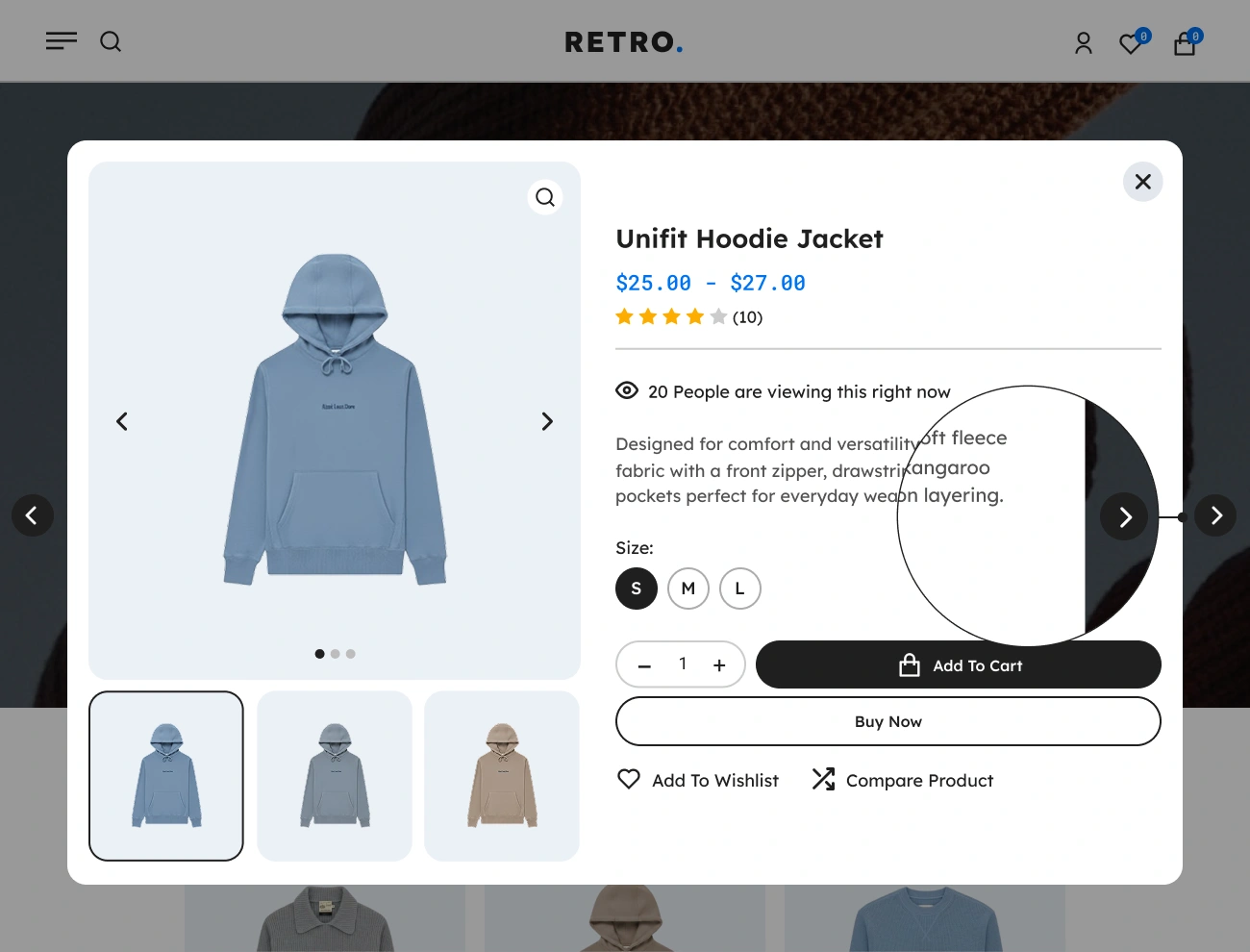
The Handy Quick View for WooCommerce provides a flexible Quick View Modal that displays the product’s information (via AJAX) when the “Quick View” button has been clicked. This will enable website visitors or customers to quickly view a certain product without redirecting or going to the product’s single page. Having this feature is so convenient for your website visitors.
Handy Quick View For WooCommerce Customizable Quick View Modal Style

Customizable Quick View Modal Style

This plugin also allows you to fully customize the appearance or style of the Quick View Modal. This will give you a chance to fully design the appearance of the Quick View Modal, including the width, height, padding, font, text color, background color, border, radius, etc. This option will help you align the appearance of the Quick View Modal with your website’s appearance.

Handy Quick View For WooCommerce Supports Product Slider In Quick View Modal

Supports Product Slider In Quick View Modal

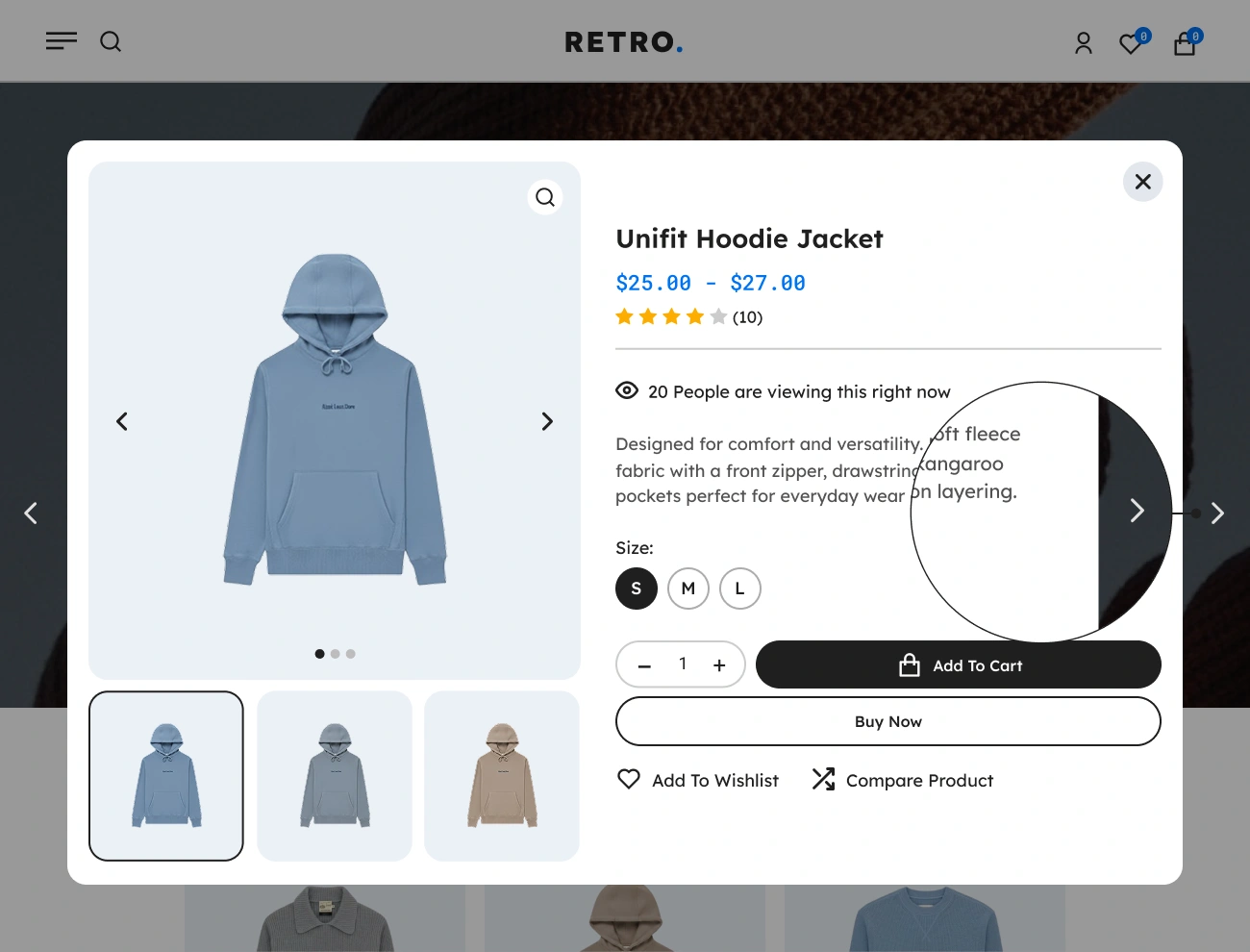
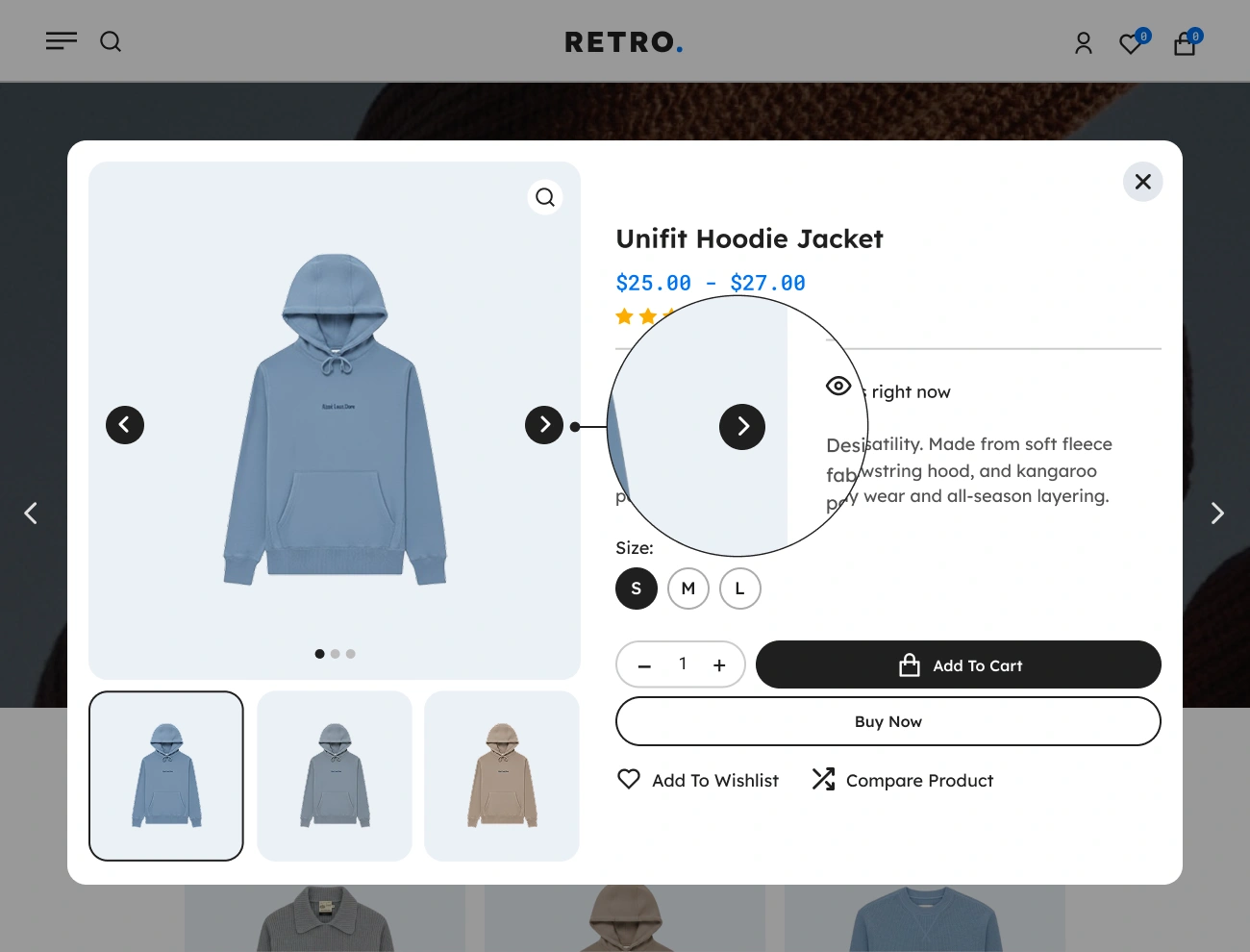
This plugin comes with a product slider feature in the Quick View Modal that allows website visitors or customers to easily navigate or preview the previous and next products without closing the Quick View Modal. Having this feature is helpful to your website visitors since they can easily navigate and view the products in the Quick View Modal by just clicking the previous and next slider buttons.

Handy Quick View For WooCommerce Customizable Product Slider Button Icon

Customizable Product Slider Button Icon

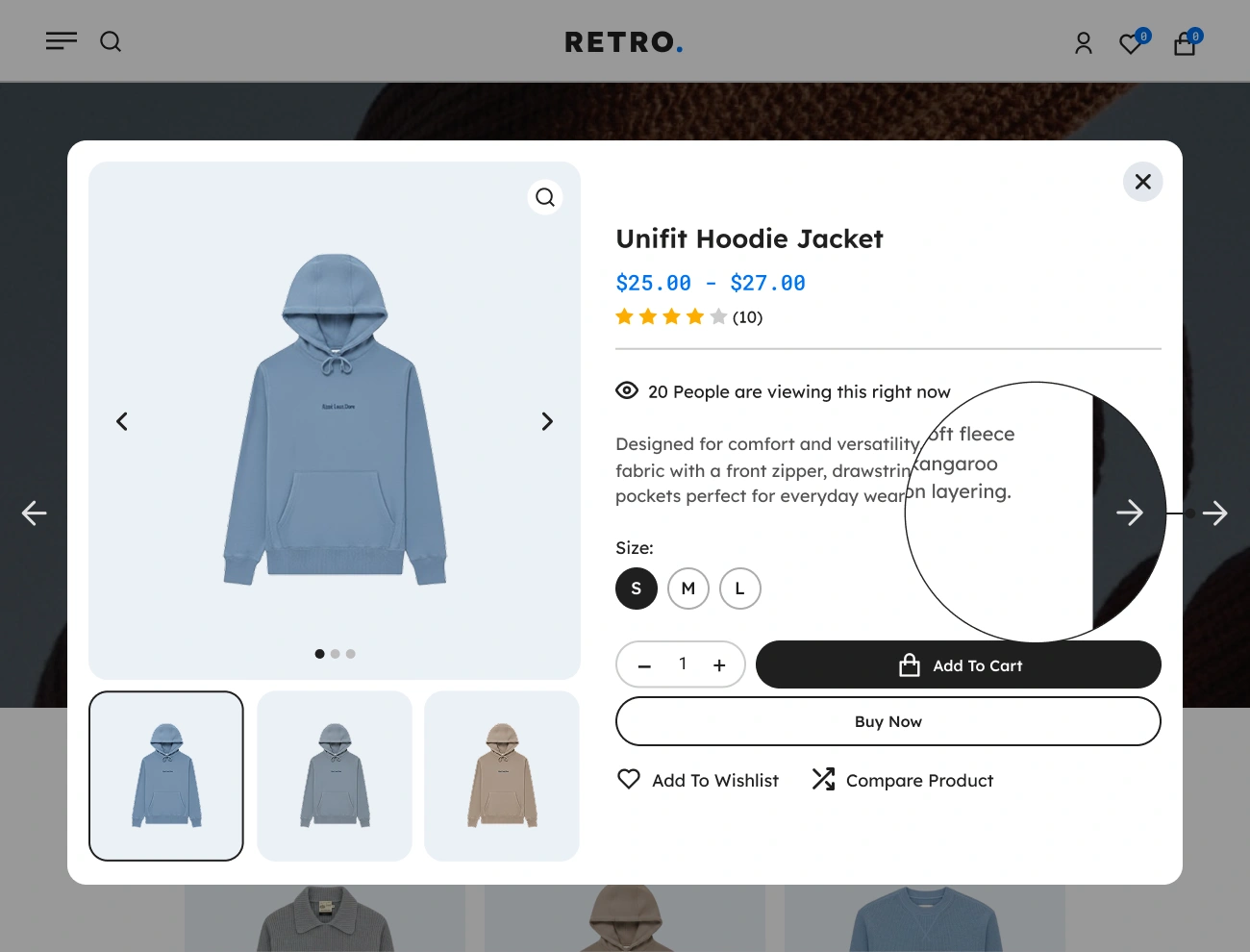
This plugin also allows you to customize or select an icon to be displayed in the “Product Slider” button from a defined set of icons. This will allow you to enhance the appearance of the “Product Slider” button based on your preferences. This option will help your website visitors easily point out or recognize the “Product Slider” button.

Handy Quick View For WooCommerce Customizable Product Slider Button Style

Customizable Product Slider Button Style

This plugin comes with a feature that allows you to fully customize the appearance or style of the “Product Slider” button. This will give you a chance to fully design the appearance of the “Product Slider” button, including the width, height, padding, font, text color, background color, border, radius, etc. This option will help you align the appearance of the “Product Slider” button with your website’s appearance.

Handy Quick View For WooCommerce Customizable Quick View Modal Loader

Customizable Quick View Modal Loader

This plugin also allows you to customize or select a loader to be displayed in the Quick View Modal from the defined set of loaders. This will allow website visitors to recognize the Quick View Modal if it is fetching product data. This option will improve the user experience of website visitors when viewing a product.

Handy Quick View For WooCommerce Supports Product Thumbnail In Quick View Modal

Supports Product Thumbnail In Quick View Modal

This plugin comes with a Product Thumbnail in the Quick View Modal that provides a visual preview of a certain product in the Quick View Modal, so website visitors or customers can quickly identify products. Having a Product Thumbail in the Quick View Modal can improve visibility, engagement, and the user experience, as well as help to strengthen product recognition.

Handy Quick View For WooCommerce Supports Image Slider In Product Thumbnail

Supports Image Slider In Product Thumbnail

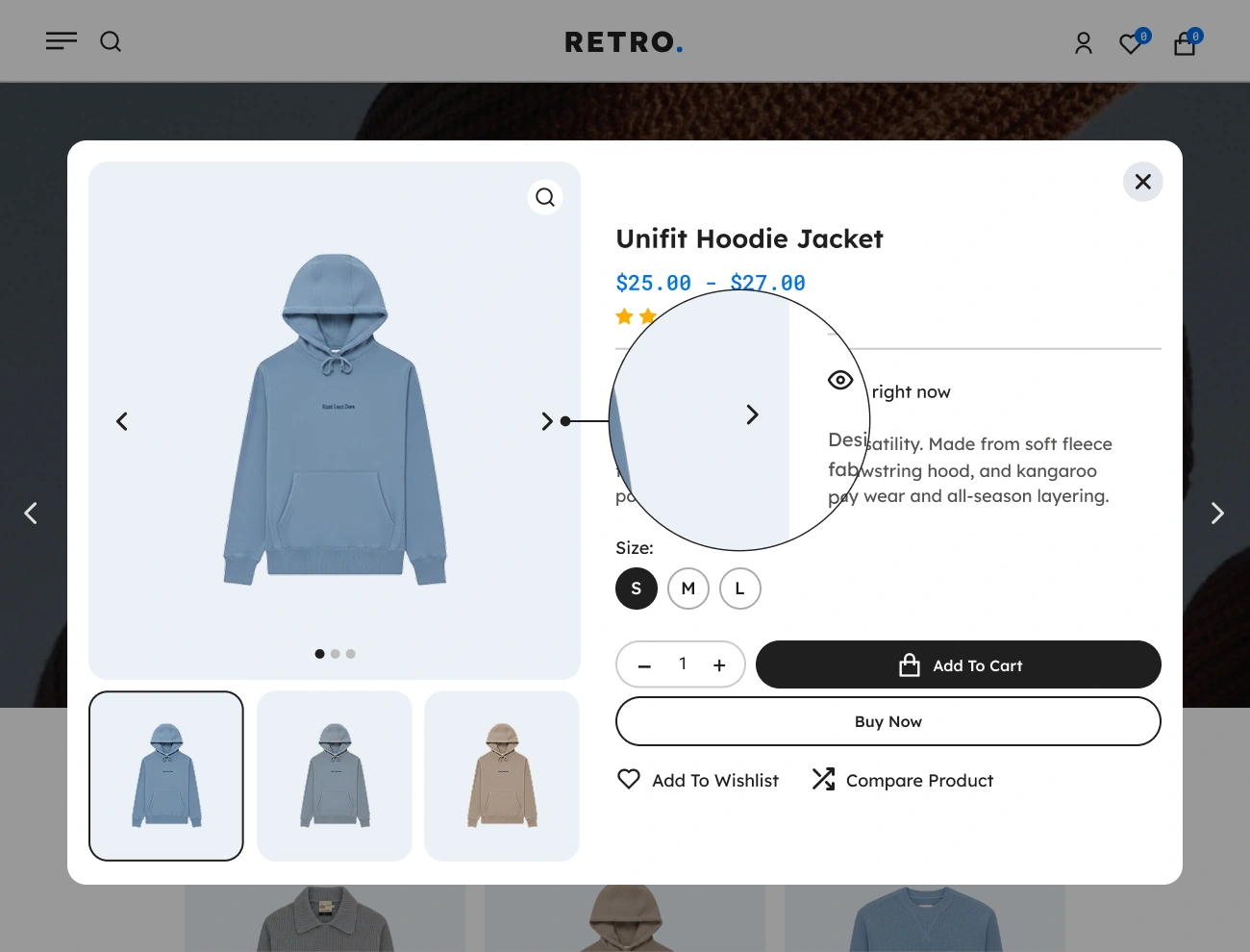
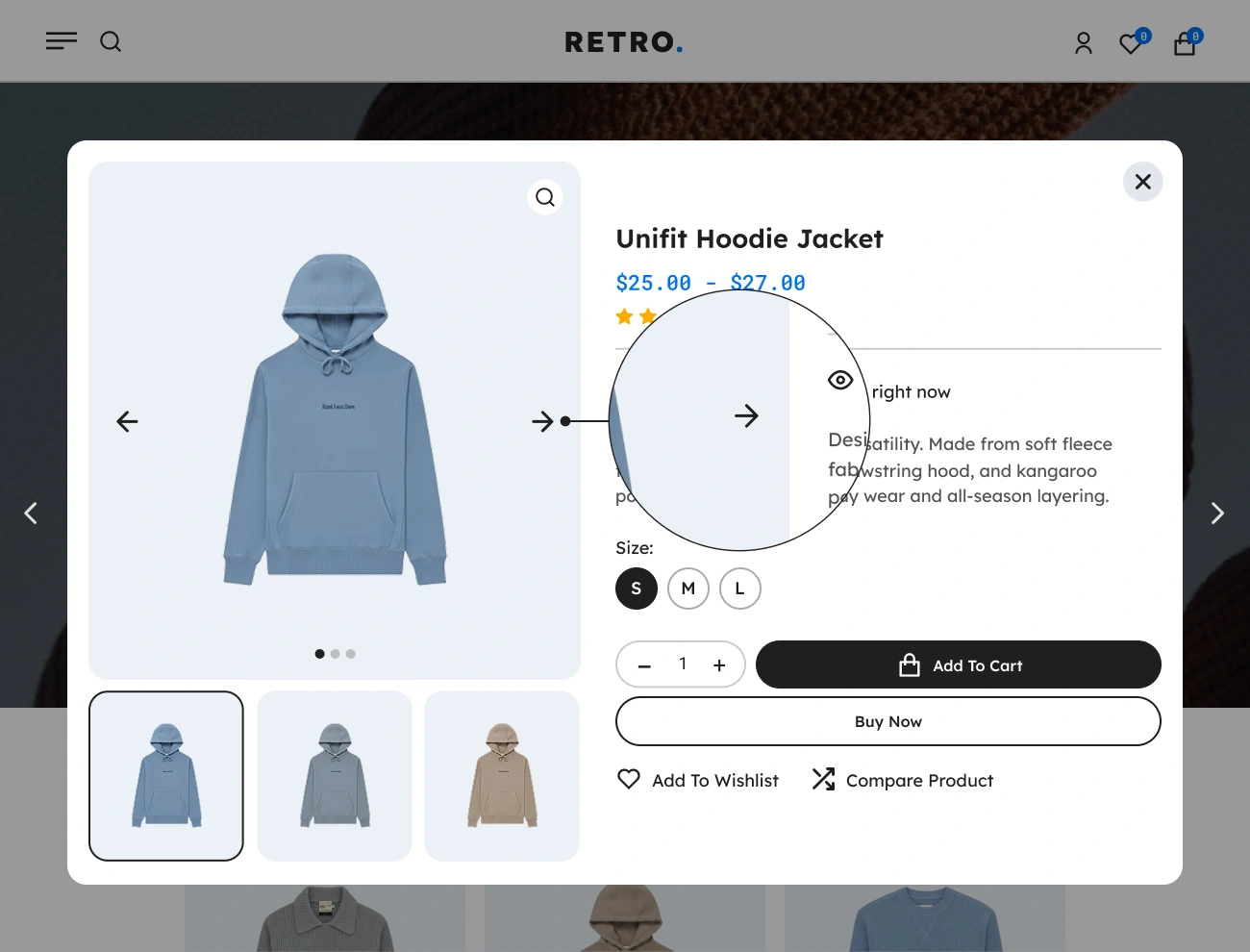
This plugin also provides an Image Slider in the Product Thumbnail that shows one big image at a time and allows website visitors or customers to change the current big image by just clicking the previous and next slider buttons. This feature is helpful to customers, especially when viewing a product that contains an image gallery.

Handy Quick View For WooCommerce Customizable Image Slider Button Icon

Customizable Image Slider Button Icon

This plugin comes with a feature that allows you to customize or select an icon to be displayed in the “Image Slider” button from a defined set of icons. This will allow you to enhance the appearance of the “Image Slider” button based on your preferences. This option will help your website visitors easily point out or recognize the “Image Slider” button.

Handy Quick View For WooCommerce Customizable Image Slider Button Style

Customizable Image Slider Button Style

This plugin also allows you to fully customize the appearance or style of the “Image Slider” button. This will give you a chance to fully design the appearance of the “Image Slider” button, including the width, height, padding, font, text color, background color, border, radius, etc. This option will help you align the appearance of the “Image Slider” button with your website’s appearance.

Handy Quick View For WooCommerce Supports Image Zoom In Product Thumbnail

Supports Image Zoom In Product Thumbnail

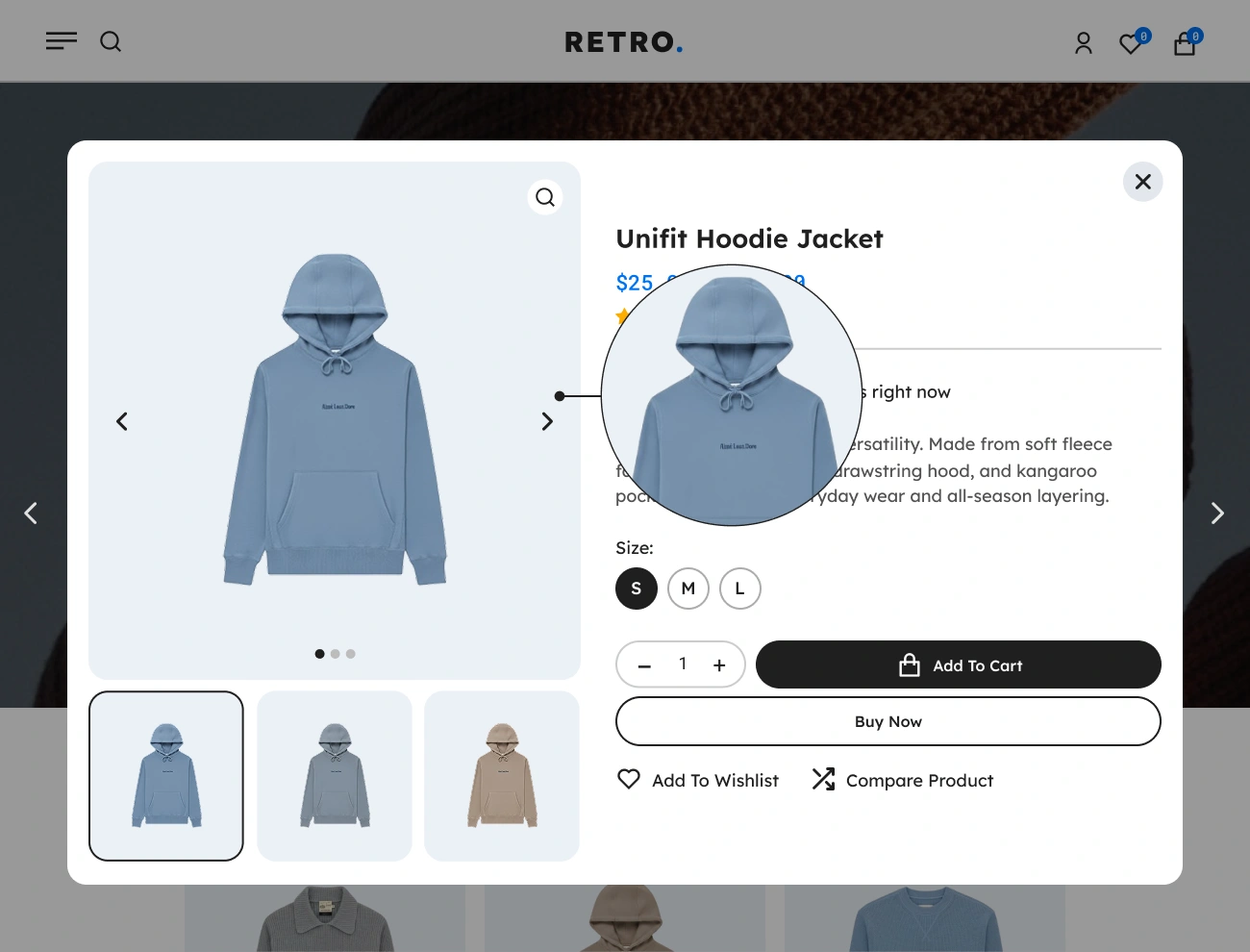
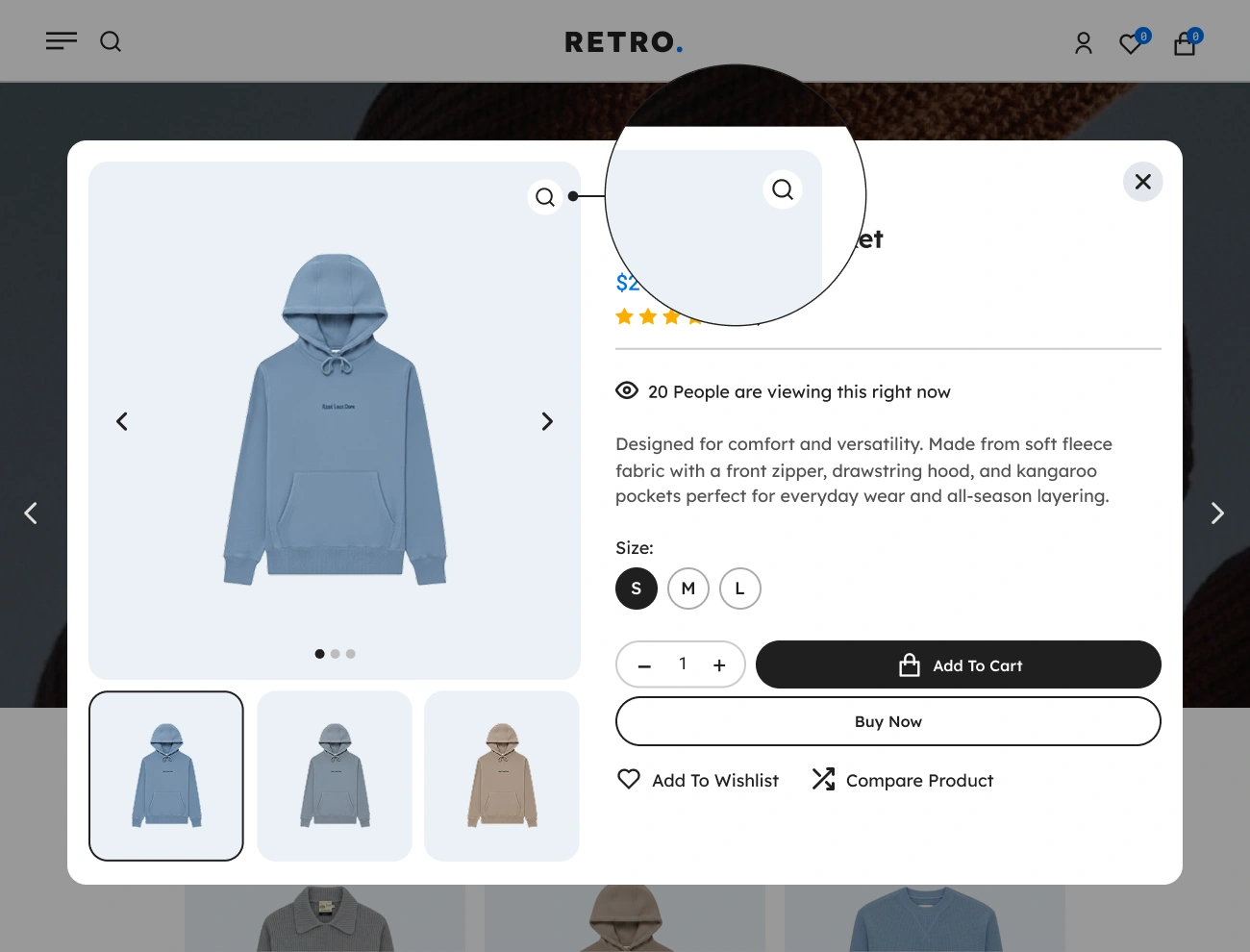
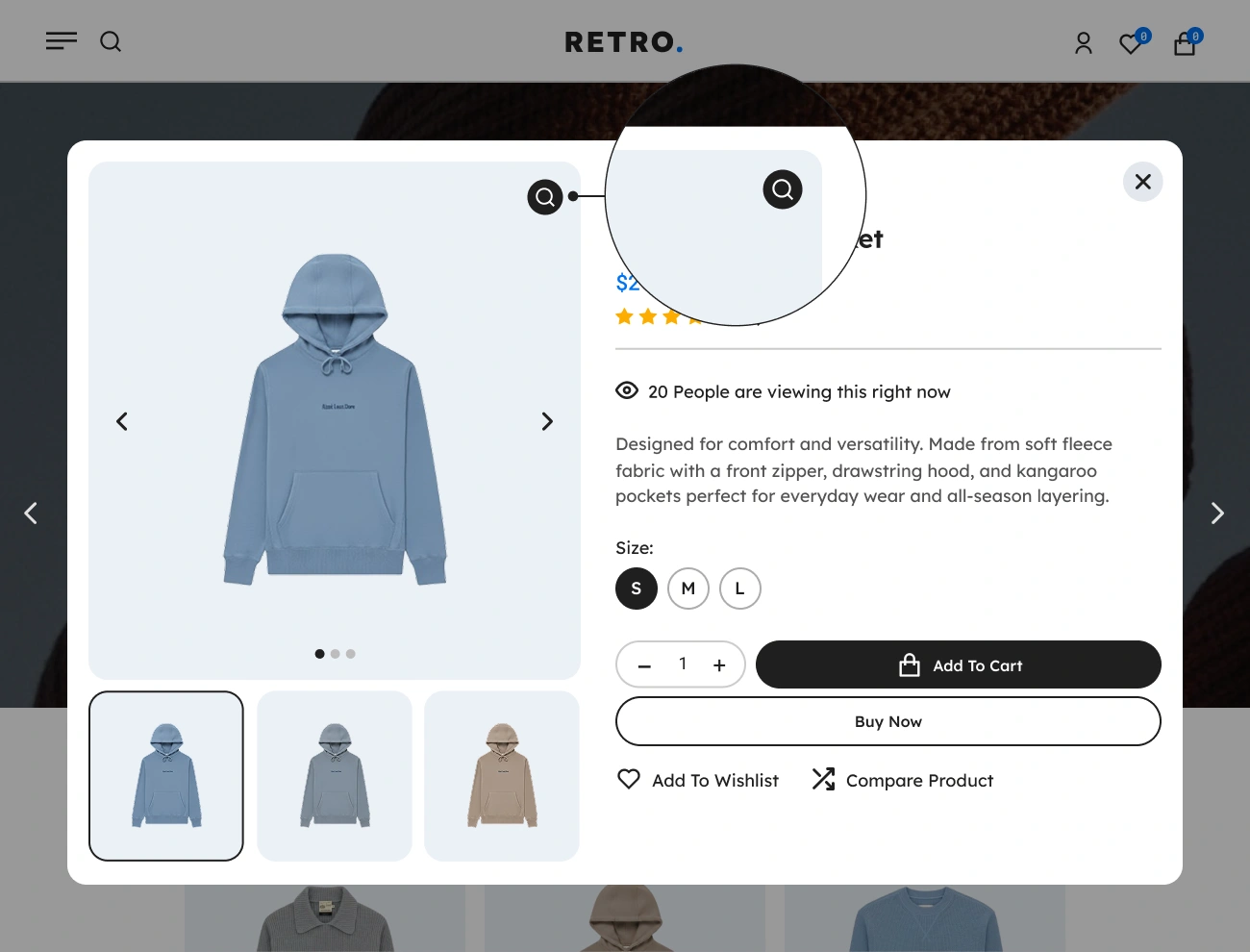
This plugin comes with an Image Zoom feature in the Product Thumbnail that allows website visitors or customers to zoom in on the big image when hovered or focused in the Product Thumbnail. Having this feature will increase your conversion rate since having clear images and close-up views will increase customer interest in your products.

Handy Quick View For WooCommerce Customizable Image Zoom Button Style

Customizable Image Zoom Button Style

This plugin also allows you to fully customize the appearance or style of the “Image Zoom” button. This will give you a chance to fully design the appearance of the “Image Zoom” button, including the width, height, padding, font, text color, background color, border, radius, etc. This option will help you align the appearance of the “Image Zoom” button with your website’s appearance.