REASONS

Why Use Added To Cart Toaster Notifier?

Explore the comprehensive list of features and compelling reasons to choose Handy Added To Cart Toaster Notifier for your WooCommerce store.

01

Stylish Toaster Modal

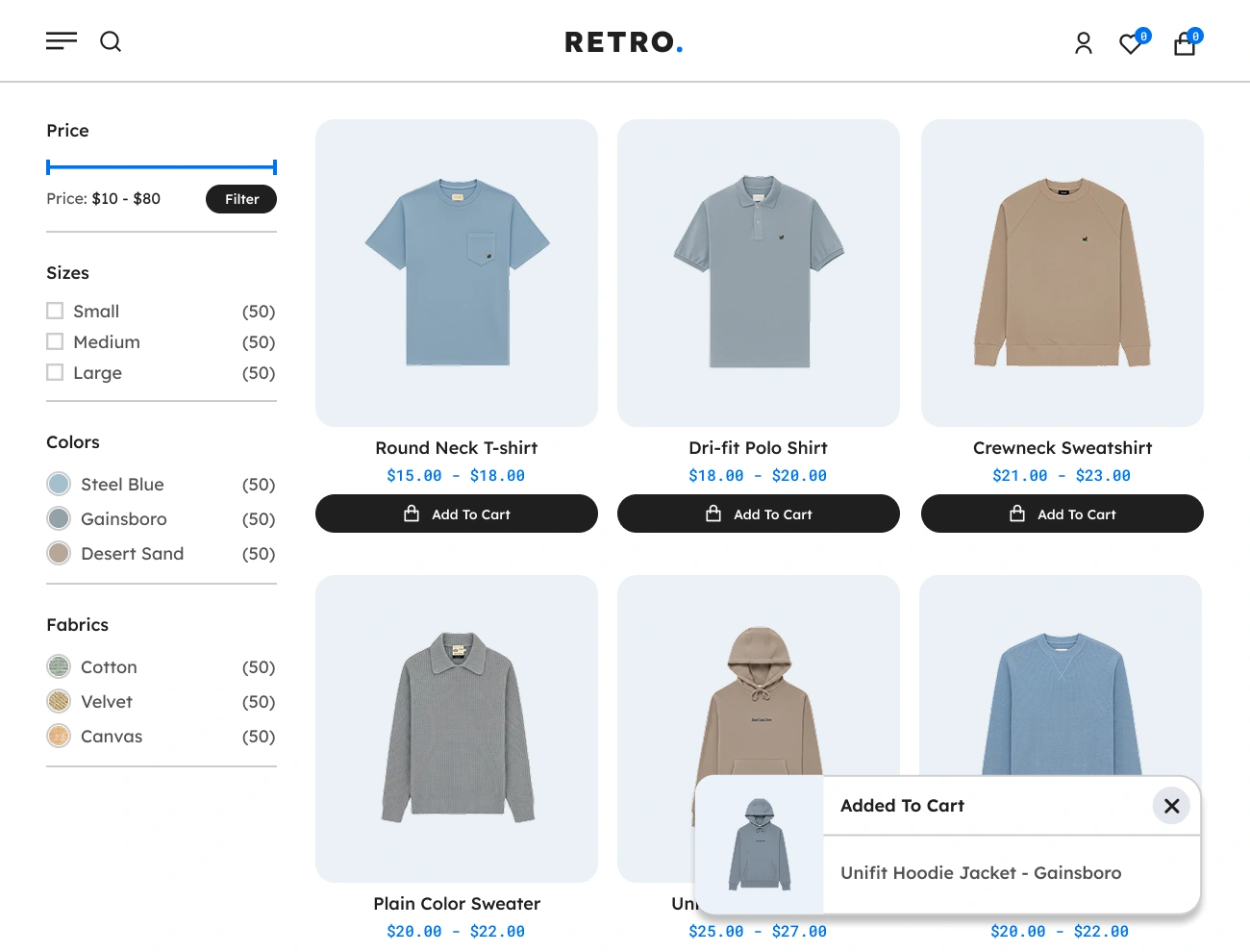
Displays a clean, modern toaster modal every time a product is added to the cart, giving customers clear feedback and improving UX.

02

Customizable Toaster Design

Customize colors, text, icons, spacing, and shadows to match your store’s branding and create a consistent shopping experience.

03

Adjustable Toaster Position

Choose where the toaster appears top, bottom, left, right, or corner giving full flexibility in how the message is displayed.

04

Added to Cart Notification

Shows a confirmation message that reassures customers that their item was successfully added, reducing confusion and misclicks.

05

Product Thumbnail Display

Includes the product image inside the notification so customers can visually confirm what they just added to the cart.

06

Animated Show & Hide Effects

Beautify and smooth fade, slide, or bounce animations draw attention naturally without interrupting the browsing flow.

07

Auto-Close Timer Control

Set how long the notification remains visible auto-hide quickly or stay longer depending on your UX/UI design strategy.

08

Support AJAX Add To Cart

Compatible with AJAX add-to-cart buttons, ensuring instant notifications without page reloads for better user experience.

09

Mobile Responsive

The toaster notification adapts beautifully to all screens, making it ideal for mobile-heavy WooCommerce stores.

FEATURES

Core Features & Functionalities

Discover the complete set of core features and powerful functionalities of Handy Added To Cart Toaster Notifier, designed to enhance your WooCommerce stores.

Handy Added To Cart Toaster Notifier For WooCommerce Supports Flexible Toaster Notifier

Supports Flexible Toaster Notifier

The Handy Added To Cart Toaster Notifier for WooCommerce provides a flexible Toaster Notification that serves as a notification mechanism with a low attention requirement and is primarily intended for conveying various forms of user’s action information, such as adding products to cart status, success status, and error status.
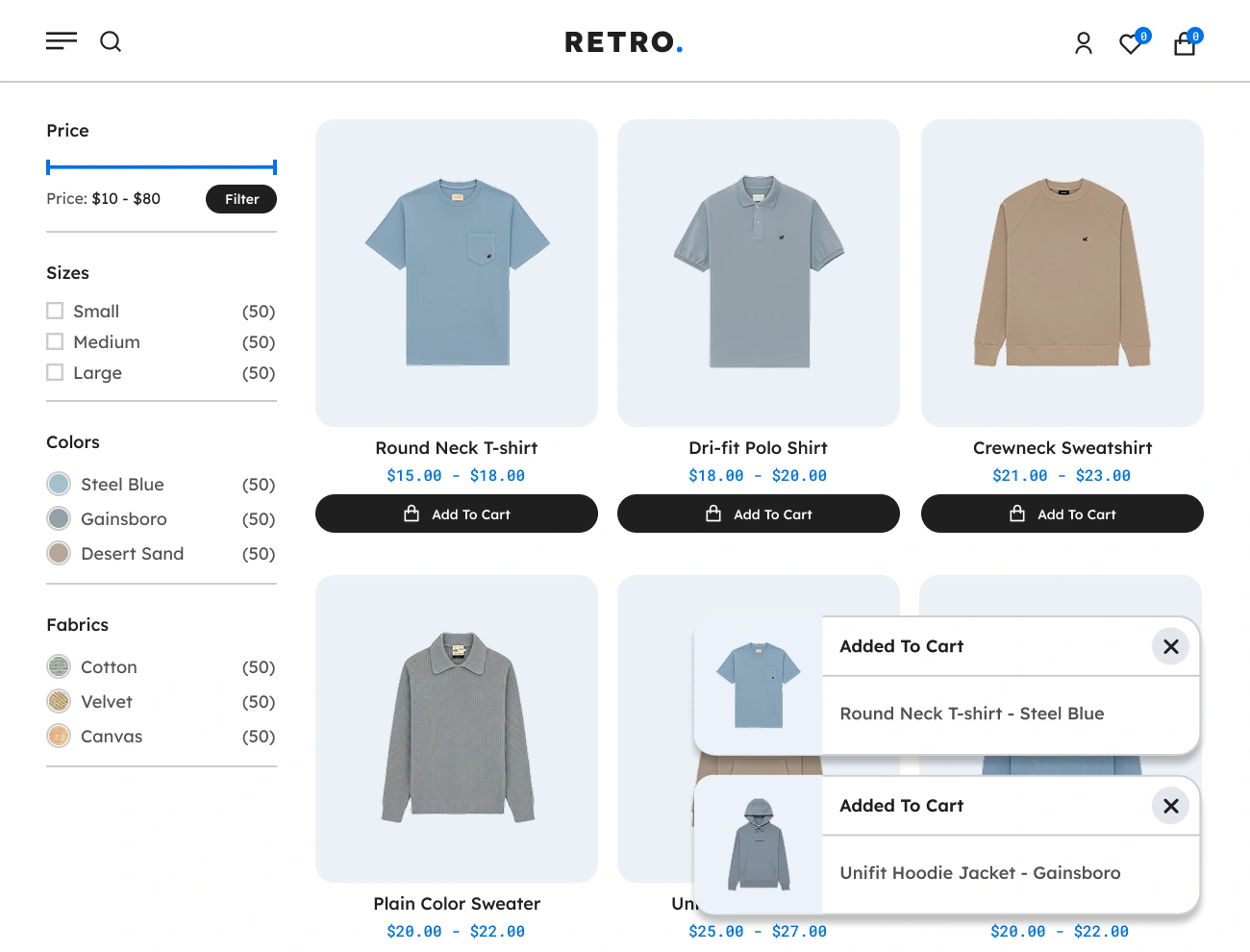
Handy Added To Cart Toaster Notifier For WooCommerce Supports Toaster Notifier Stacking

Supports Toaster Notifier Stacking

This plugin comes with a feature that stacks multiple Toaster Notifications at the same time. This will allow you to display multiple toaster notifications on your website. Having this feature is helpful to your website visitors or customers since it will make sure that they are notified of all the events and transactions that they are doing at the same time.

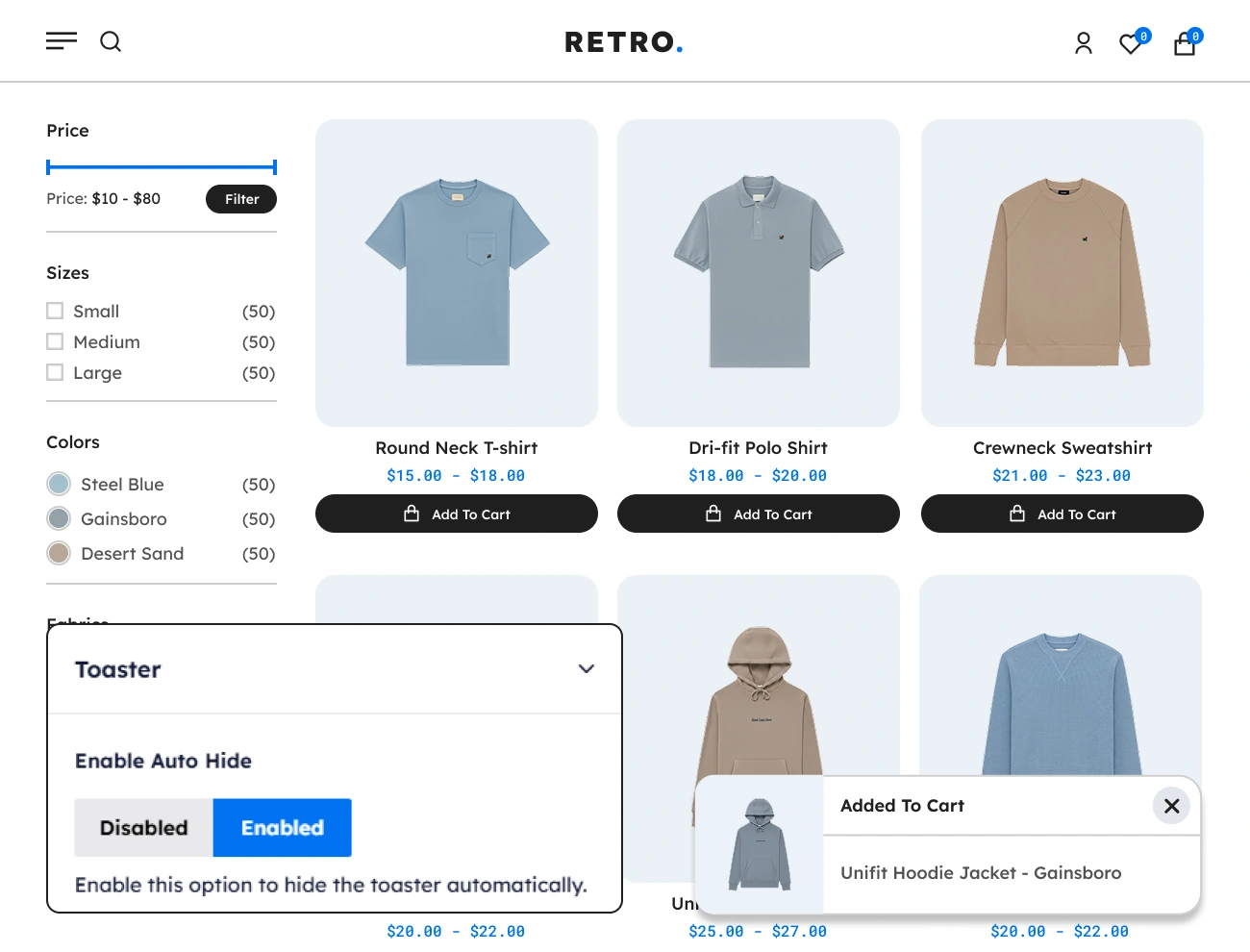
Handy Added To Cart Toaster Notifier For WooCommerce Supports Toaster Notifier Auto Hide

Supports Toaster Notifier Auto Hide

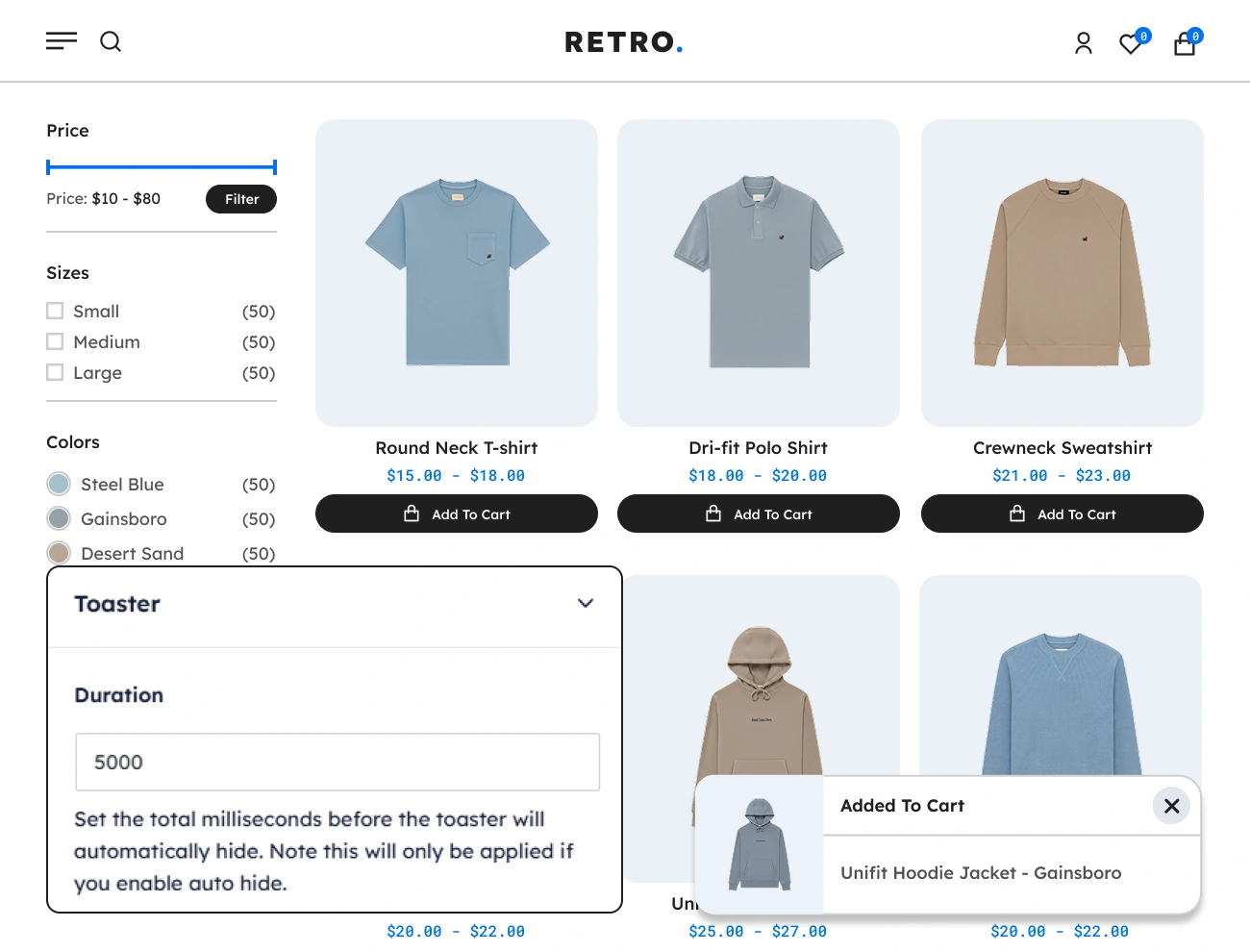
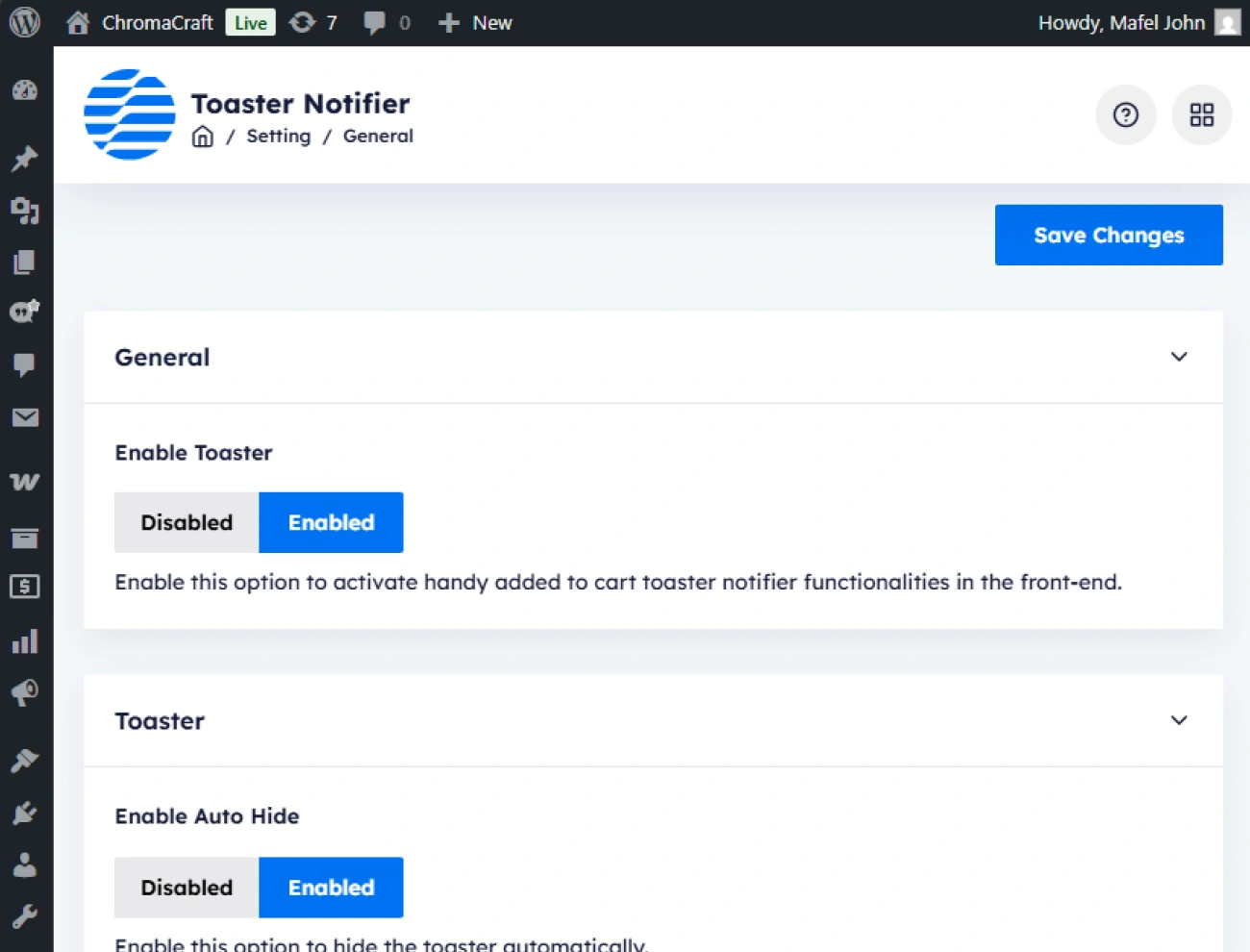
This plugin also allows you to control or set whether the Toaster Notification will be automatically hidden based on the defined toaster visibility duration. This feature will be convenient for your website visitors or customers since they won’t have to manually click the Toaster Notification’s close button in order to hide it.

Handy Added To Cart Toaster Notifier For WooCommerce Customizable Toaster Notifier Visibility Duration

Customizable Toaster Notifier Visibility Duration

This plugin comes with a feature that allows you to customize or set the total milliseconds before the Toaster Notification will automatically hide. Having this feature is powerful since you will have full control over the total duration of the visibility state of the Toaster Notification. Note that this will only be applicable if you enable the auto-hide option.

Handy Added To Cart Toaster Notifier For WooCommerce Customizable Toaster Notifier Position

Customizable Toaster Notifier Position

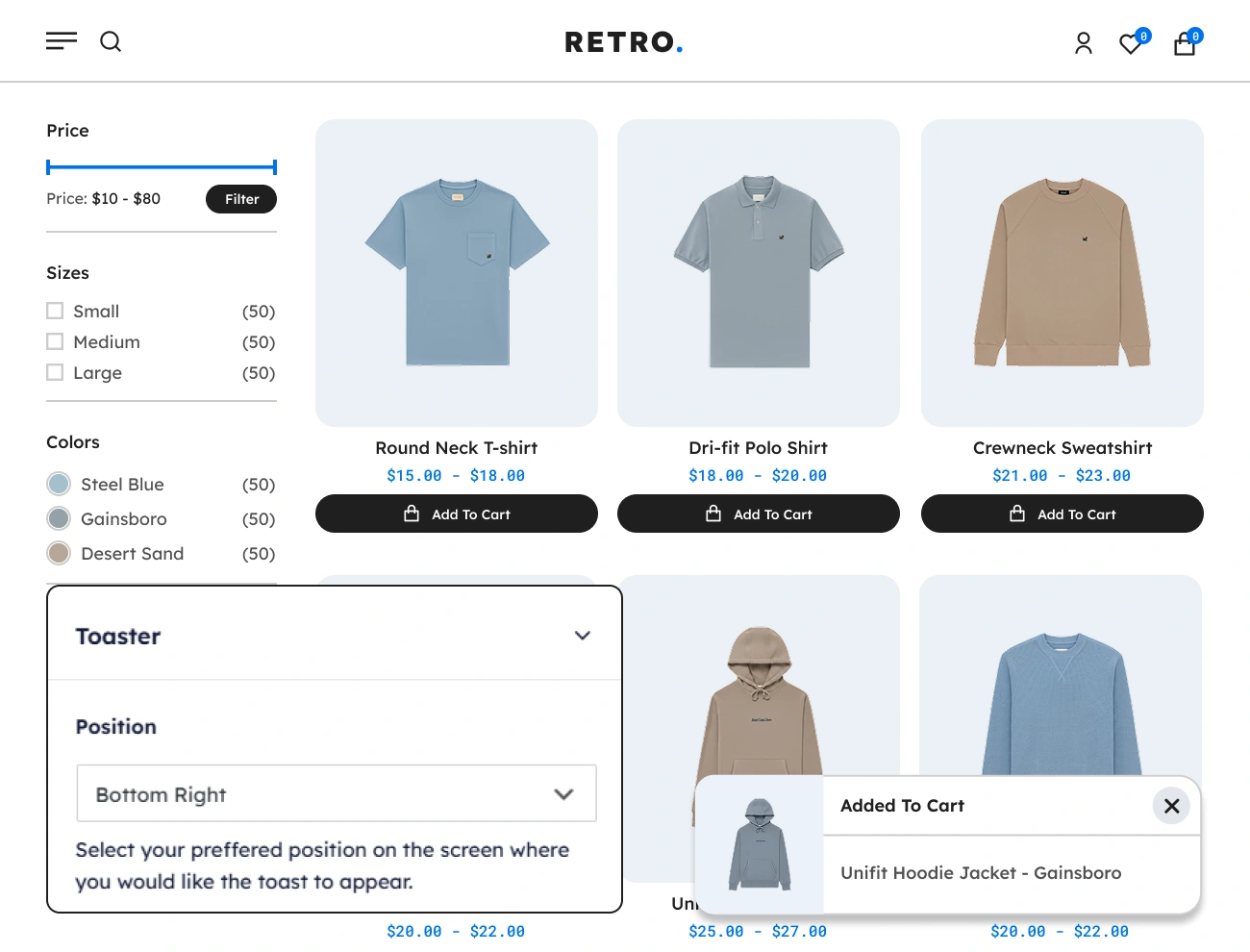
This plugin also allows you to change the position of the Toaster Notification on your website. There are 4 different positions you can pick: top-left, top-right, bottom-left, and bottom-right. This option will help you position the Toaster Notification according to your preference.

Handy Added To Cart Toaster Notifier For WooCommerce Customizable Toaster Notifier Style

Customizable Toaster Notifier Style

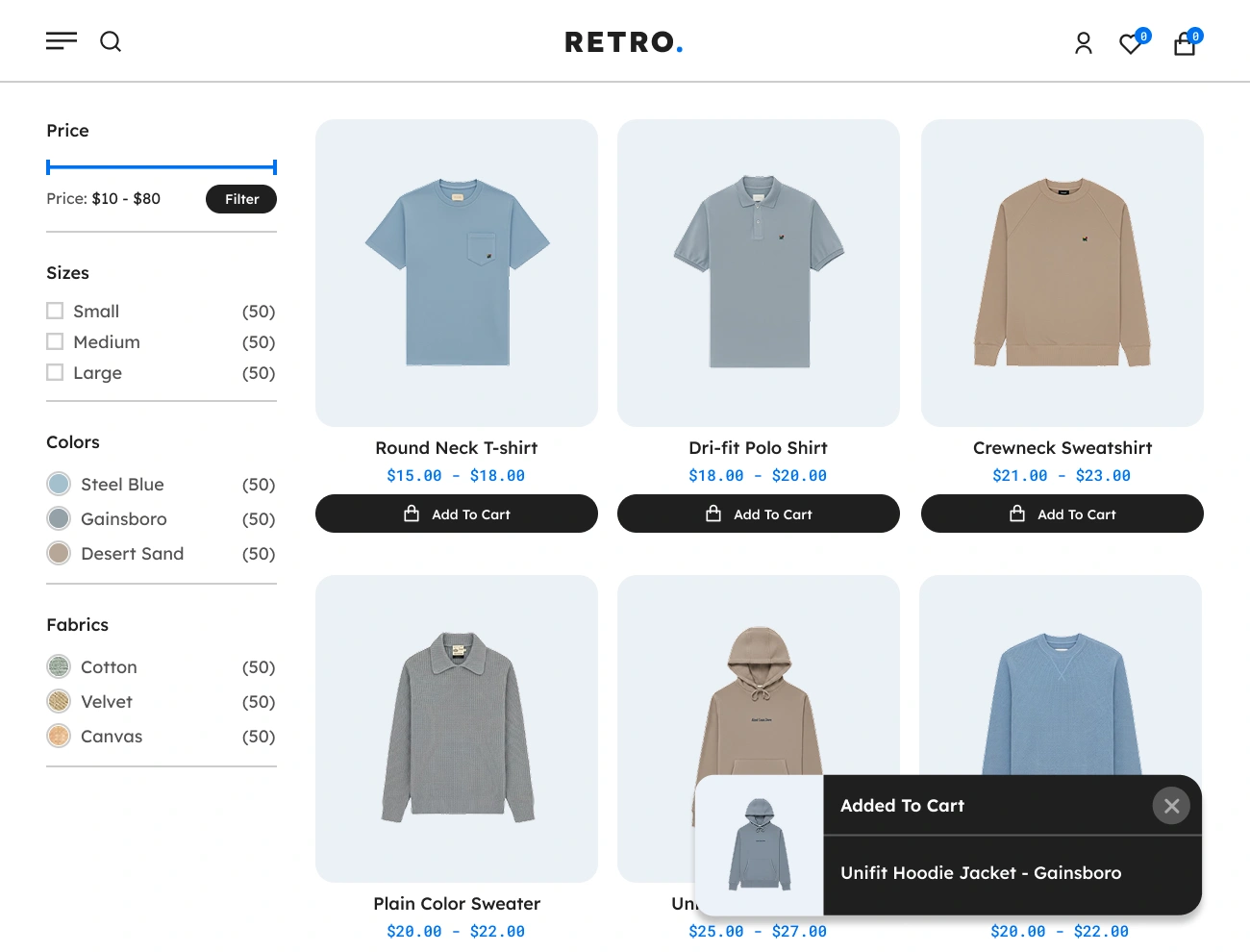
This plugin comes with a feature that allows you to fully customize the appearance or style of the Toaster Notification. This will give you a chance to fully design the appearance of the Toaster Notification, including the width, height, padding, font, text color, background color, border, radius, etc. This option will help you align the appearance of the Toaster Notification with your website’s looks.

Handy Added To Cart Toaster Notifier For WooCommerce Supports Success Status Toaster Notifier

Supports Success Status Toaster Notifier

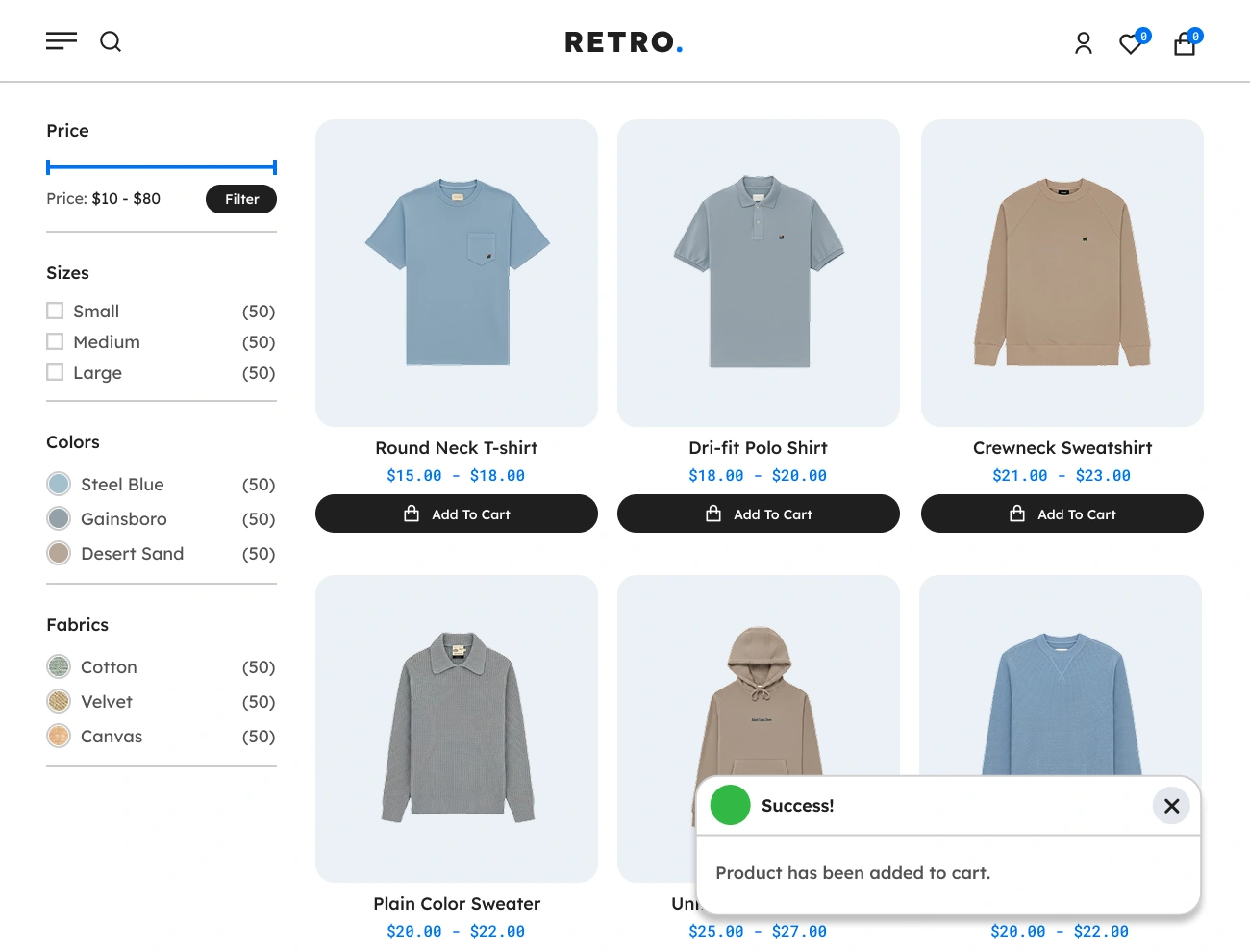
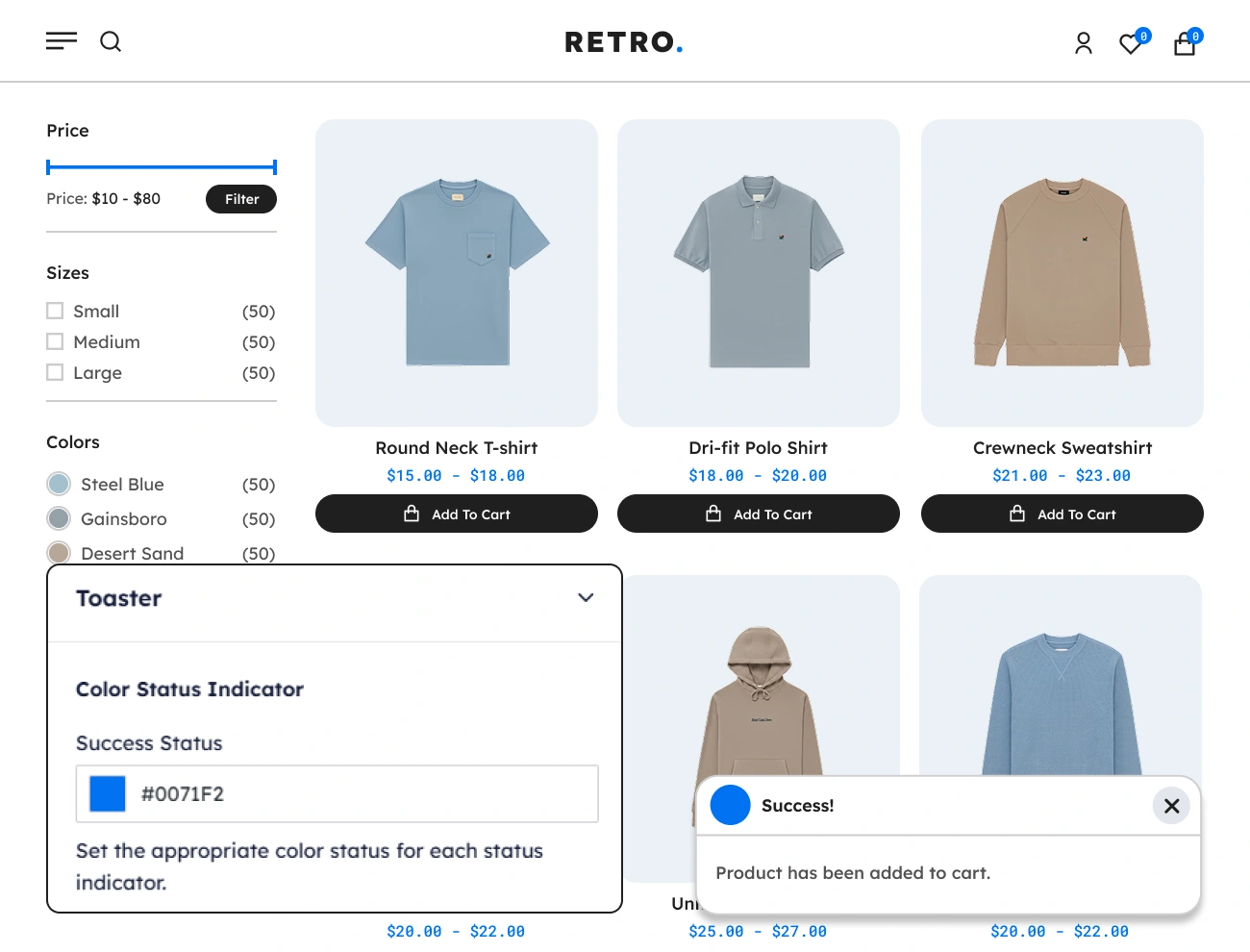
The Handy Added To Cart Toaster Notifier for WooCommerce also supports a success status that indicates a successful completion or execution of an action or event. Having this feature will help your website visitors or customers indicate if their event or transaction was successful.

Handy Added To Cart Toaster Notifier For WooCommerce Customizable Success Color Status Indicator

Customizable Success Color Status Indicator

This plugin also allows you to customize or pick a color that indicates a success status. This will allow you to change the most common success status color, which is green, to your own preference. Having this option will help you align the appearance of the Success Status Toaster Notification with your website’s looks.

Handy Added To Cart Toaster Notifier For WooCommerce Supports Error Status Toaster Notifier

Supports Error Status Toaster Notifier

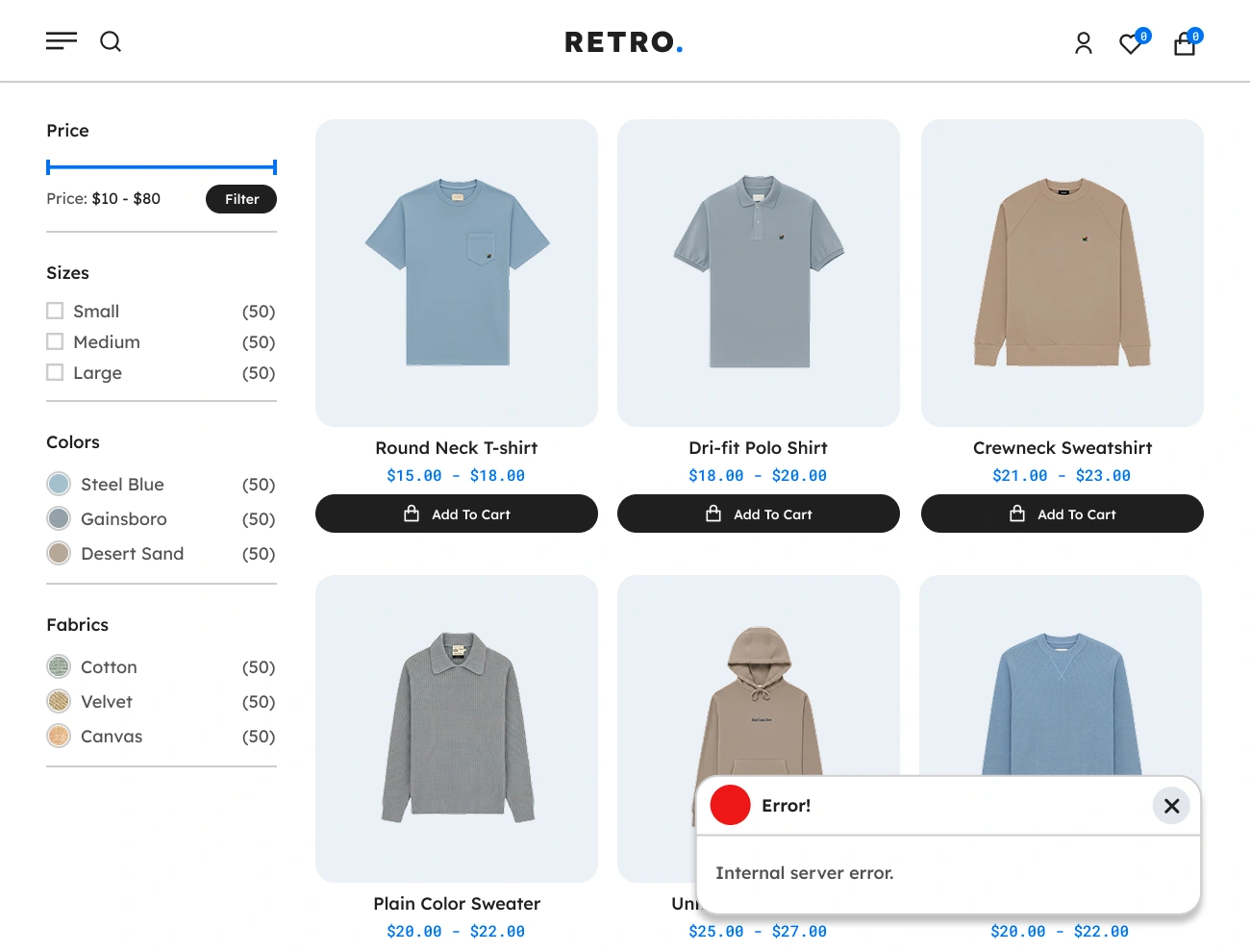
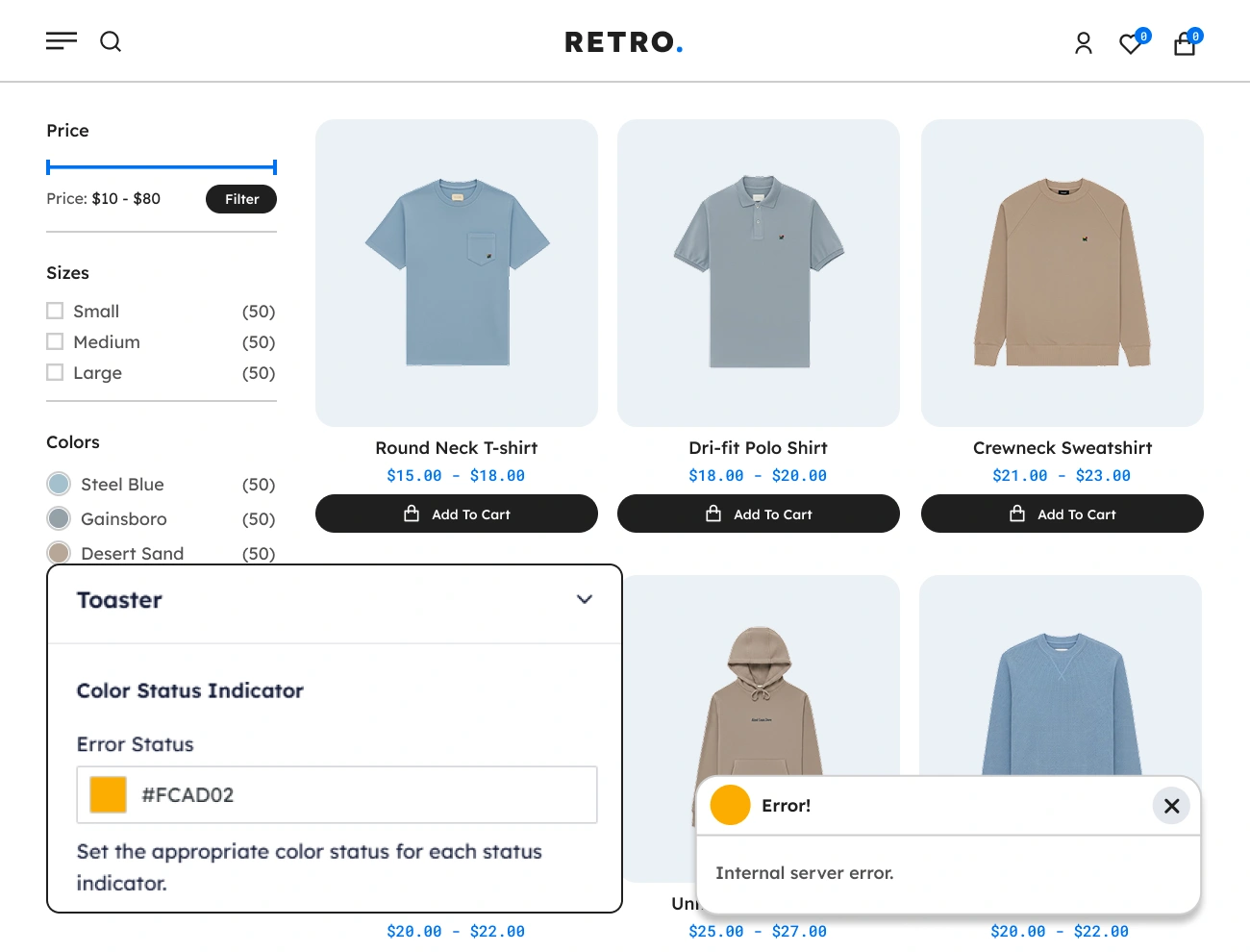
The Handy Added To Cart Toaster Notifier for WooCommerce also supports an error status that indicates that an action was completed, but system-related issues prevented it from being executed. Having this feature will help your website visitors or customers indicate if their event or transaction has failed.

Handy Added To Cart Toaster Notifier For WooCommerce Customizable Error Color Status Indicator

Customizable Error Color Status Indicator

This plugin comes with a feature that allows you to customize or pick a color that indicates an error status. This will allow you to change the most common success status color, which is red, to your own preference. Having this option will help you align the appearance of the Error Status Toaster Notification with your website’s looks.

Handy Added To Cart Toaster Notifier For WooCommerce User Friendly Admin Dashboard Interface

User Friendly Admin Dashboard Interface

This plugin is carefully crafted and follows the principles of creating a user-friendly interface. The admin interface is so easy to understand and use, free of clutter and unnecessary elements, and uses the same terminology and design elements throughout the admin interface. This makes it simple and easy for the user or website owner to use or manage the plugin.

Handy Added To Cart Toaster Notifier For WooCommerce Built In Plugin Speed Optimization

Built-in Plugin Speed Optimization

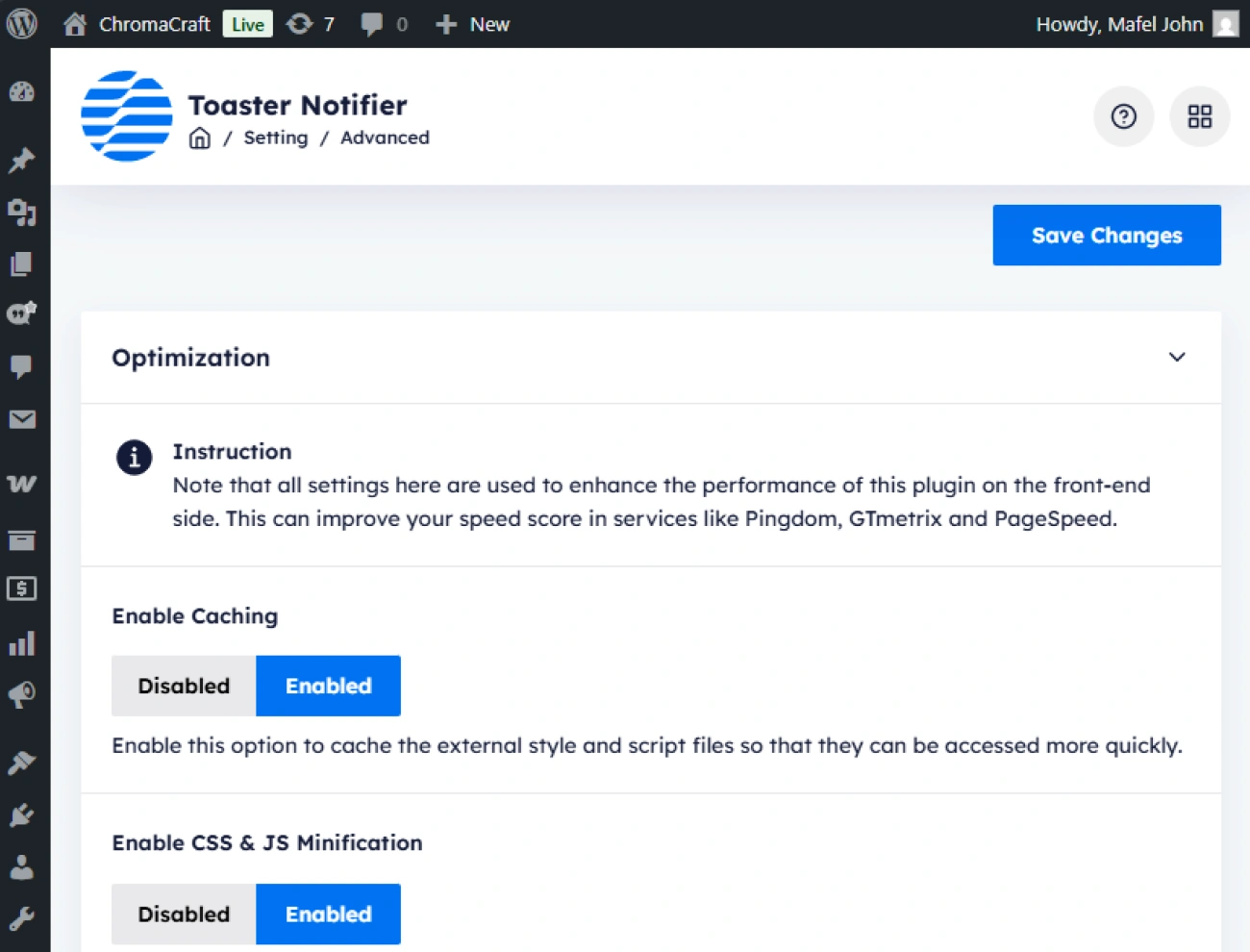
This plugin comes with a plugin performance optimization feature. This will provide options to the website owner to enable caching, CSS and JavaScript minification, deferring JavaScript, and image lazyloading. With the help of this feature, the website owner will be able to enhance the performance of this plugin on the front-end side and improve the speed score in services like Pingdom, GTmetrix, and PageSpeed.

Handy Added To Cart Toaster Notifier For WooCommerce Built In Custom Css Editor

Built-in Custom CSS Editor

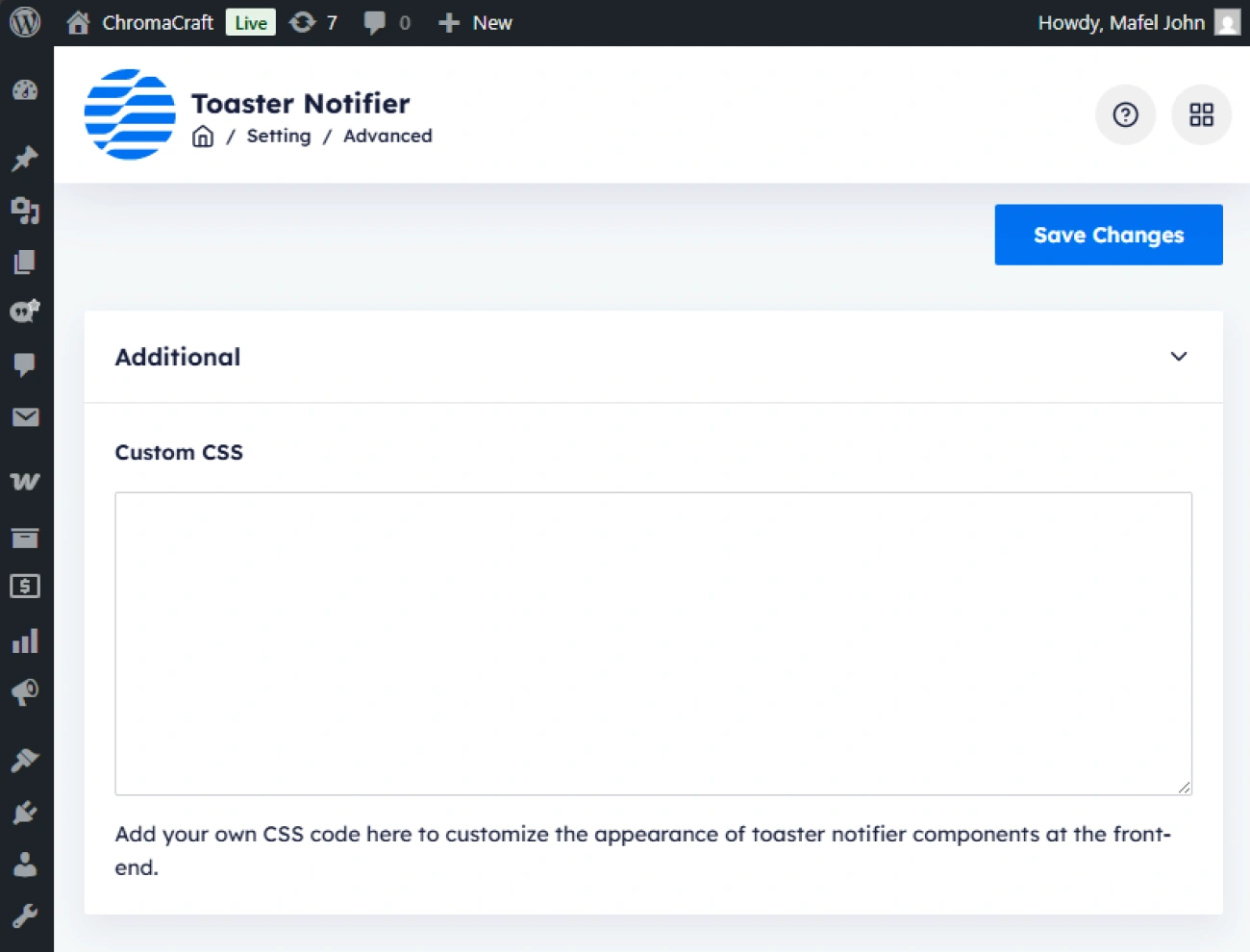
This plugin also has a built-in CSS editor field for adding custom CSS on the front-end side. This will allow the website owner or developer to write and save CSS snippets intended for the components that are generated by this plugin in the front-end. This will help the website owner or developer in managing CSS snippets solely to this plugin. Keep in mind that, in order to prevent performance issues, the stored CSS snippets will be rendered internally in the front-end.

Handy Added To Cart Toaster Notifier For WooCommerce Built In Settings Exporter

Built-in Settings Exporter

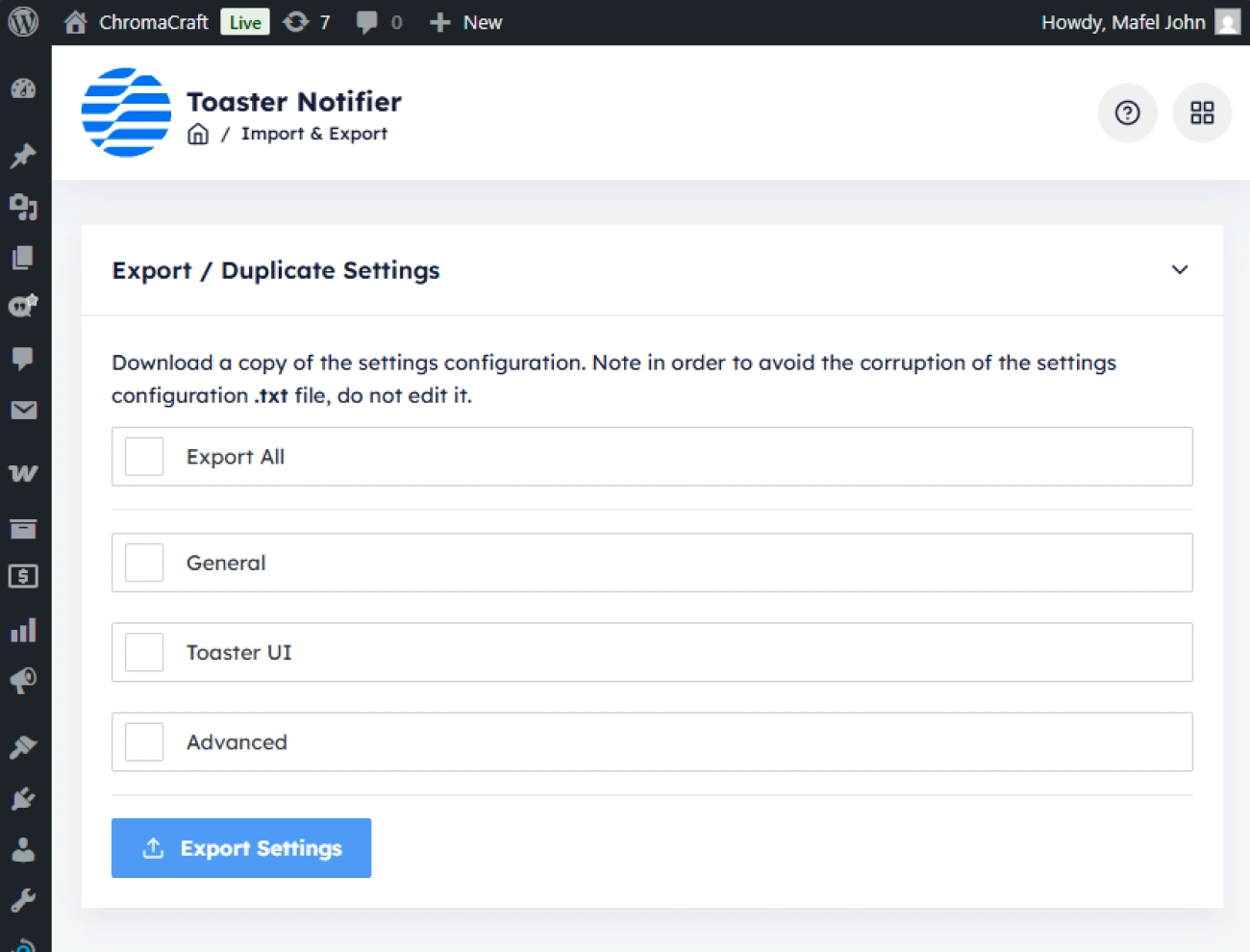
This plugin comes with a plugin settings exporter feature. This will allow the website owner to download a copy of the plugin configuration settings in a single text file that can be used or imported to other WordPress sites that are using this plugin. This will help the website owner, who has multiple WordPress websites, easily copy or share certain plugin configuration settings with other websites.

Handy Added To Cart Toaster Notifier For WooCommerce Built In Settings Importer

Built-in Settings Importer

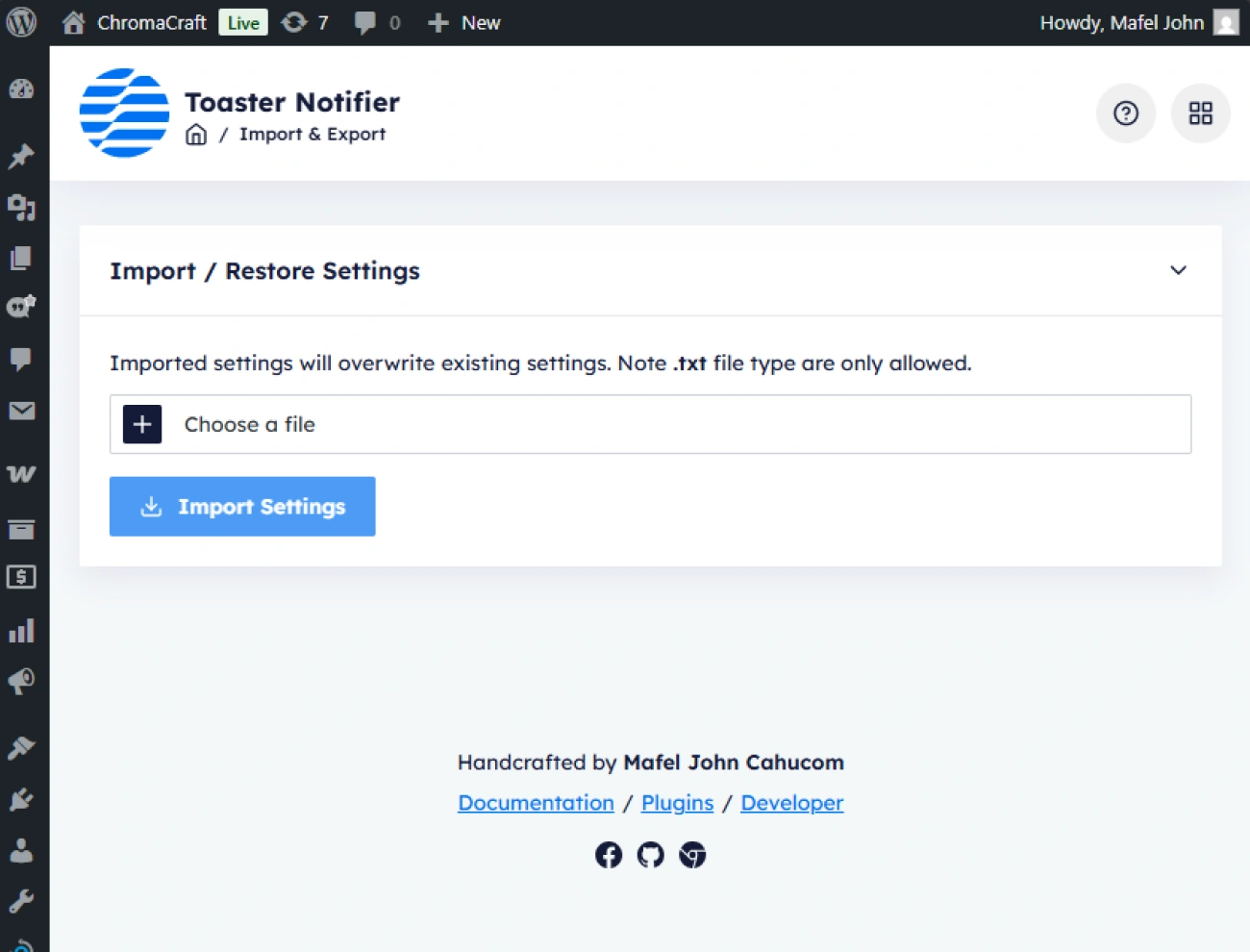
This plugin also has a built-in plugin settings importer. This will allow the website owner to copy or import certain plugin configuration settings in the form of a text file into other WordPress websites that are also using this plugin. This will lend a hand to the website owner in copying and configuring this plugin.