REASONS

Why Use Handy Add To Cart?

Explore the comprehensive list of features and compelling reasons to choose Handy Add To Cart for your WooCommerce store.

01

One-Click AJAX Add to Cart

Products are added to the cart instantly using AJAX, eliminating page reloads and creating a smoother, faster shopping experience that keeps customers engaged.

02

Customizable Button Style

Design a fully personalized Add to Cart button by adjusting its text, colors, size, and style ensuring it matches your brand and improves click-through rates.

03

Works on Product & Shop Pages

Enable the button on product pages, shop grids, category pages, and featured sections so customers can add items wherever they’re browsing.

04

Quantity Selector Support

Let shoppers choose their desired quantity before adding a product to the cart, reducing extra steps and improving usability.

05

Loading & Success Indicators

Show clear button states like loading spinners, success messages, or checkmarks to reassure shoppers that their action was completed successfully.

06

Customizable Button Position

Place the Add to Cart button above or below product titles, prices, or images or position it manually using shortcodes for full layout control.

07

Lightweight & Performance-Optimized

The plugin is built with minimal code and optimized scripts to ensure your store stays fast, even with high traffic or large product catalogs.

08

Multi-Language & RTL Support

Fully compatible with multilingual and right-to-left layouts, making your store accessible and user-friendly for global audiences.

09

Compatible With All Themes

Handy Add To Cart Button is designed to work seamlessly with any well coded WooCommerce theme, ensuring clean integration and zero style conflicts.

FEATURES

Core Features & Functionalities

Discover the complete set of core features and powerful functionalities of Handy Add To Cart, designed to enhance your WooCommerce stores.

Handy Add To Cart For WooCommerce Supports Add To Cart Button For Simple Product On Product Single Page

Supports Add To Cart Button For Simple Product On Product Single Page

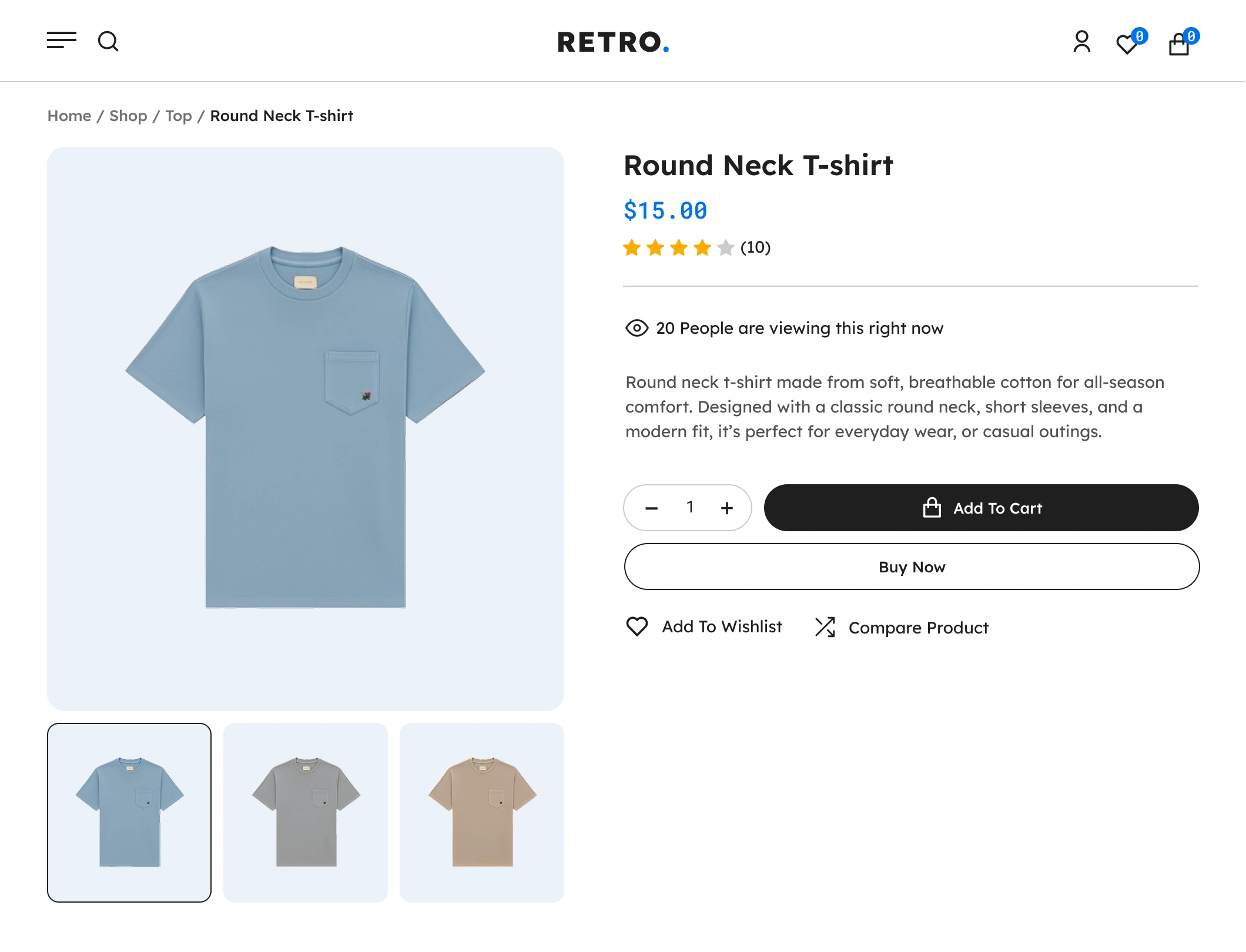
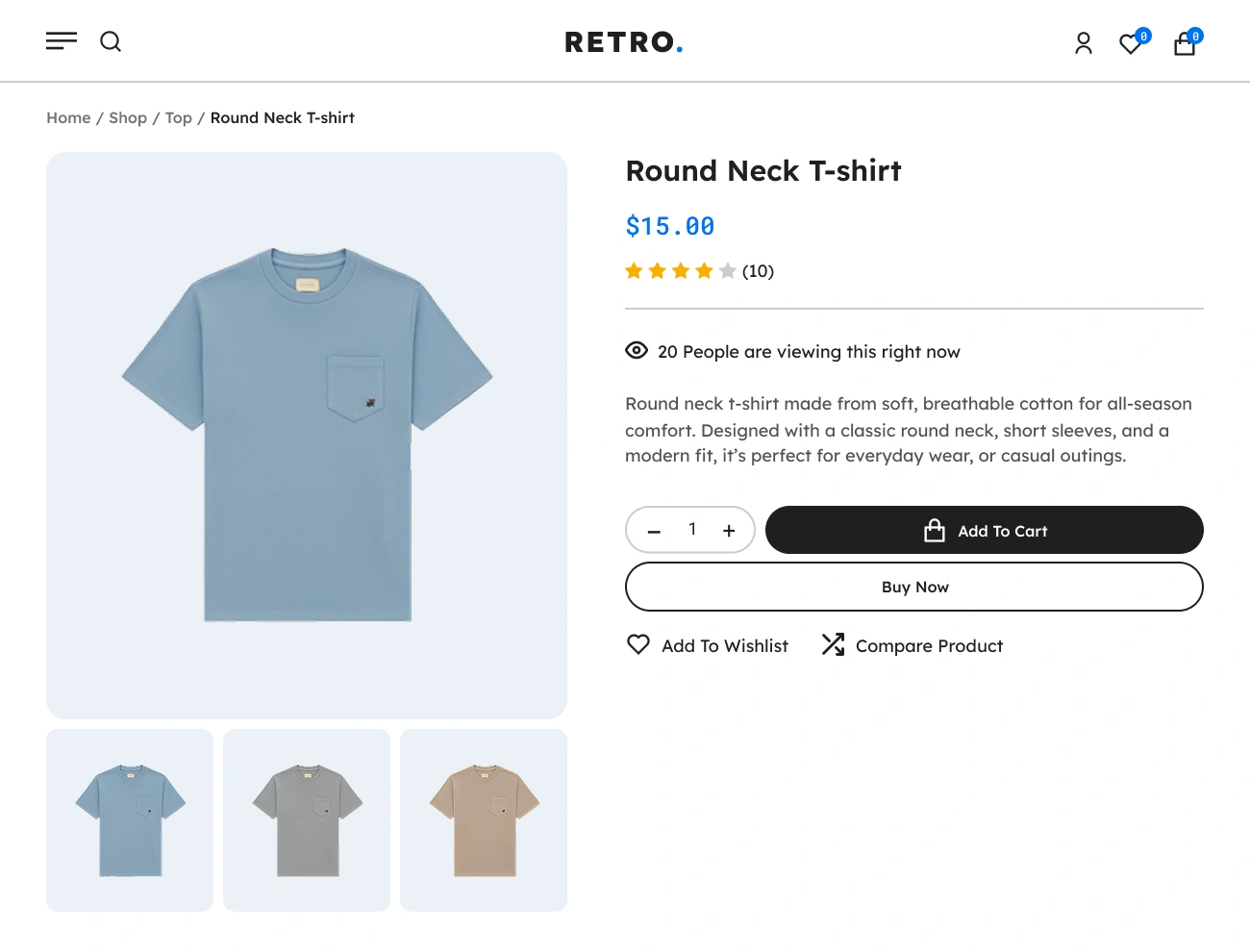
One of the main features of Handy Add To Cart for WooCommerce is to replace the default WooCommerce “Add to Cart” button with a customizable and powered with AJAX “Add To Cart” button for simple product types on the product single page. This feature is highly effective on your website since it reduces the site’s loading time, increases sales, and improves the user experience.
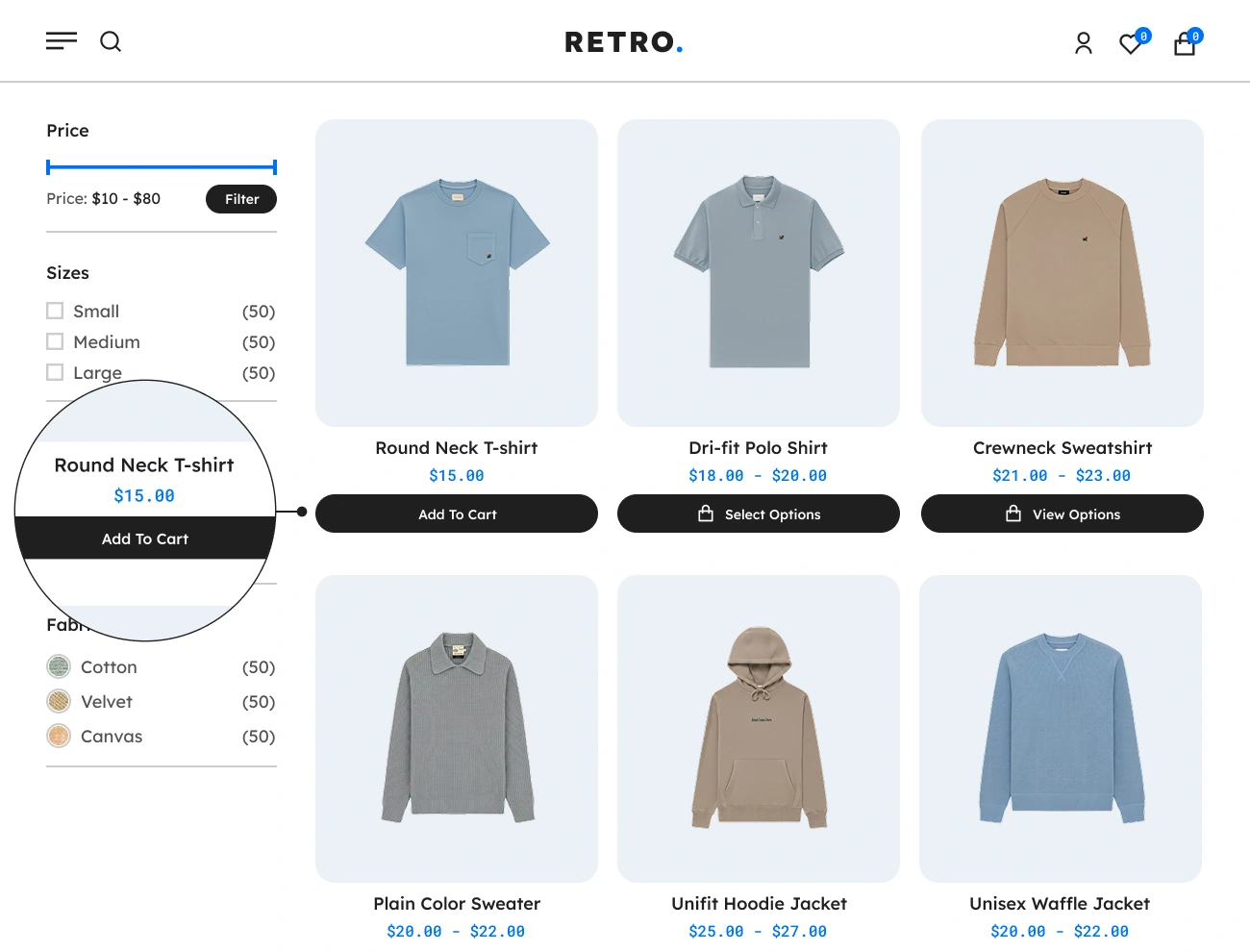
Handy Add To Cart For WooCommerce Supports Add To Cart Button For Simple Product On Shop Page

Supports Add To Cart Button For Simple Product On Shop Page

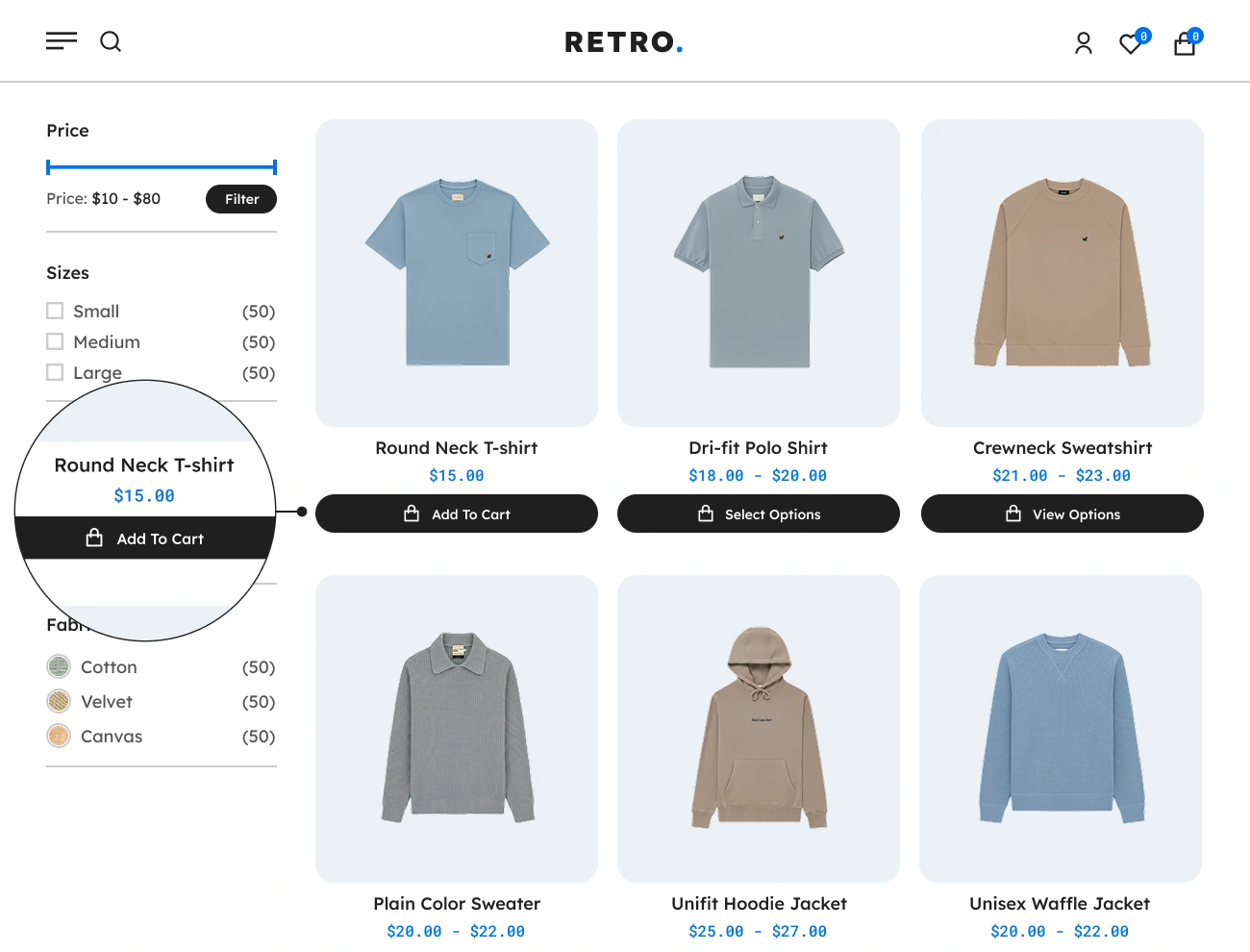
The Handy Add To Cart for WooCommerce also displays or replaces the default WooCommerce “Add to Cart” button for each simple product type on the shop page or product archive page. This will allow website visitors or customers to add a certain product to their cart without reloading the whole website and leaving the shop page.

Handy Add To Cart For WooCommerce Customizable Add To Cart Button Type For Simple Product

Customizable Add To Cart Button Type For Simple Product

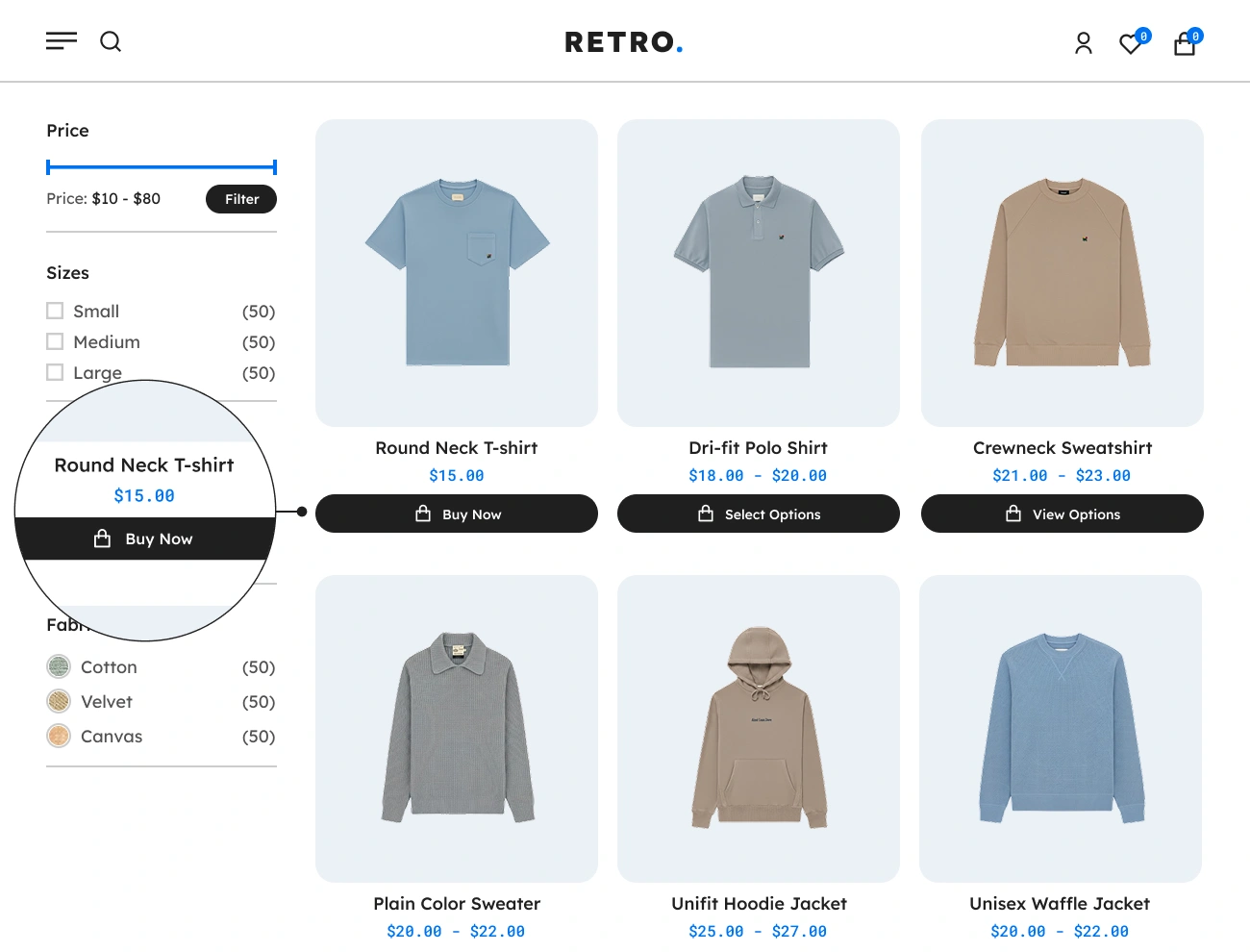
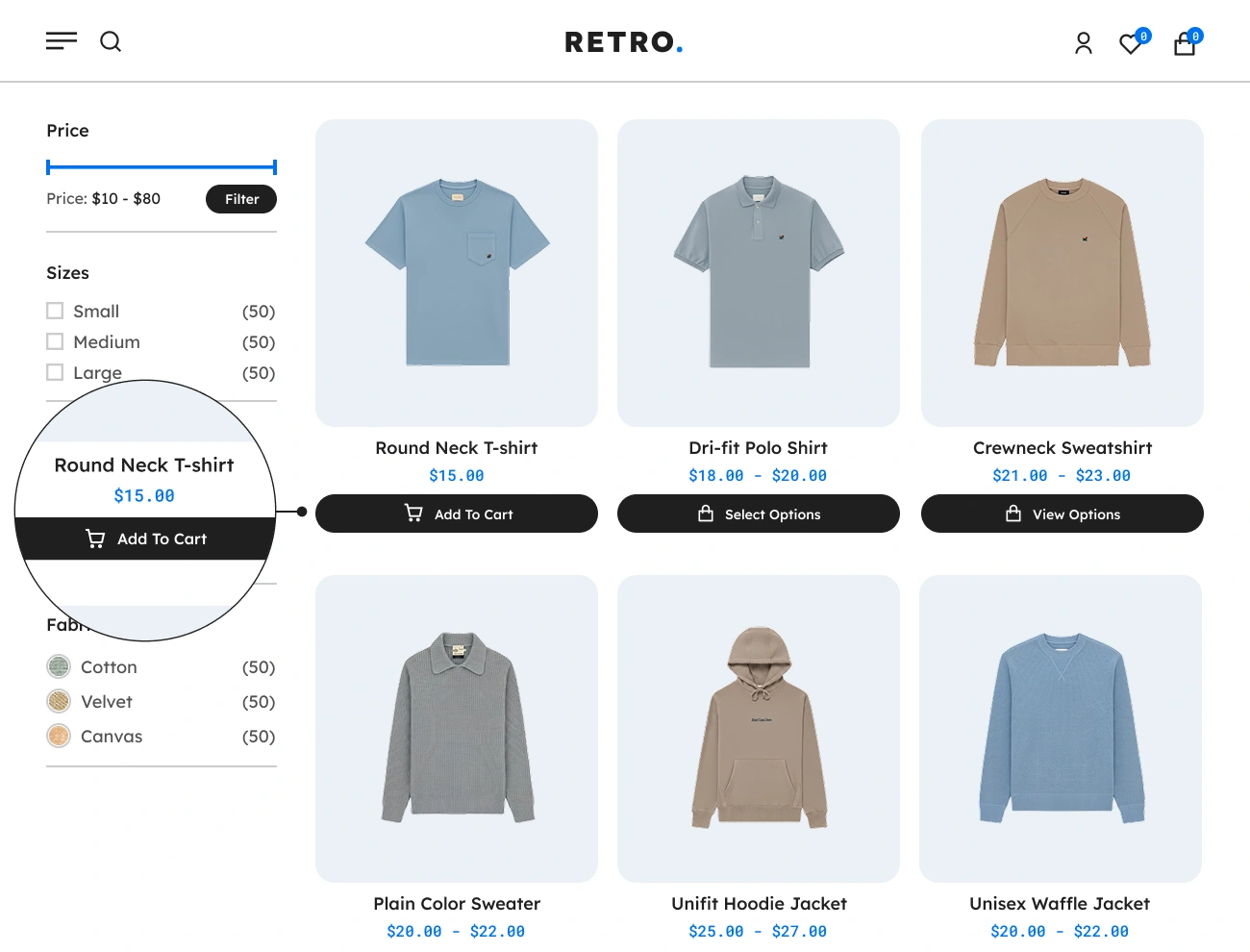
This plugin comes with a feature that allows you to select a type of “Add to Cart” button. You can choose from the following three “Add to Cart” button types: text, icon, and text + icon. This option is very simple but powerful since it will improve the appearance of the “Add to Cart” button on your WooCommerce website.

Handy Add To Cart For WooCommerce Customizable Add To Cart Button Label For Simple Product

Customizable Add To Cart Button Label For Simple Product

This plugin also allows you to customize the label of the “Add to Cart” button. This will allow you to localize or change the default label of the “Add to Cart” button and replace it with a more appropriate label based on your needs. This will improve the readability of the “Add to Cart” button on your website.

Handy Add To Cart For WooCommerce Customizable Add To Cart Button Icon For Simple Product

Customizable Add To Cart Button Icon For Simple Product

This plugin comes with a feature that allows you to customize or select an icon to be displayed in the “Add to Cart” button from a defined set of icons. This will allow you to enhance the appearance of the “Add to Cart” button based on your preferences. This option will help your website visitors easily point out or recognize the “Add to Cart” button.

Handy Add To Cart For WooCommerce Customizable Add To Cart Button Loader For Simple Product

Customizable Add To Cart Button Loader For Simple Product

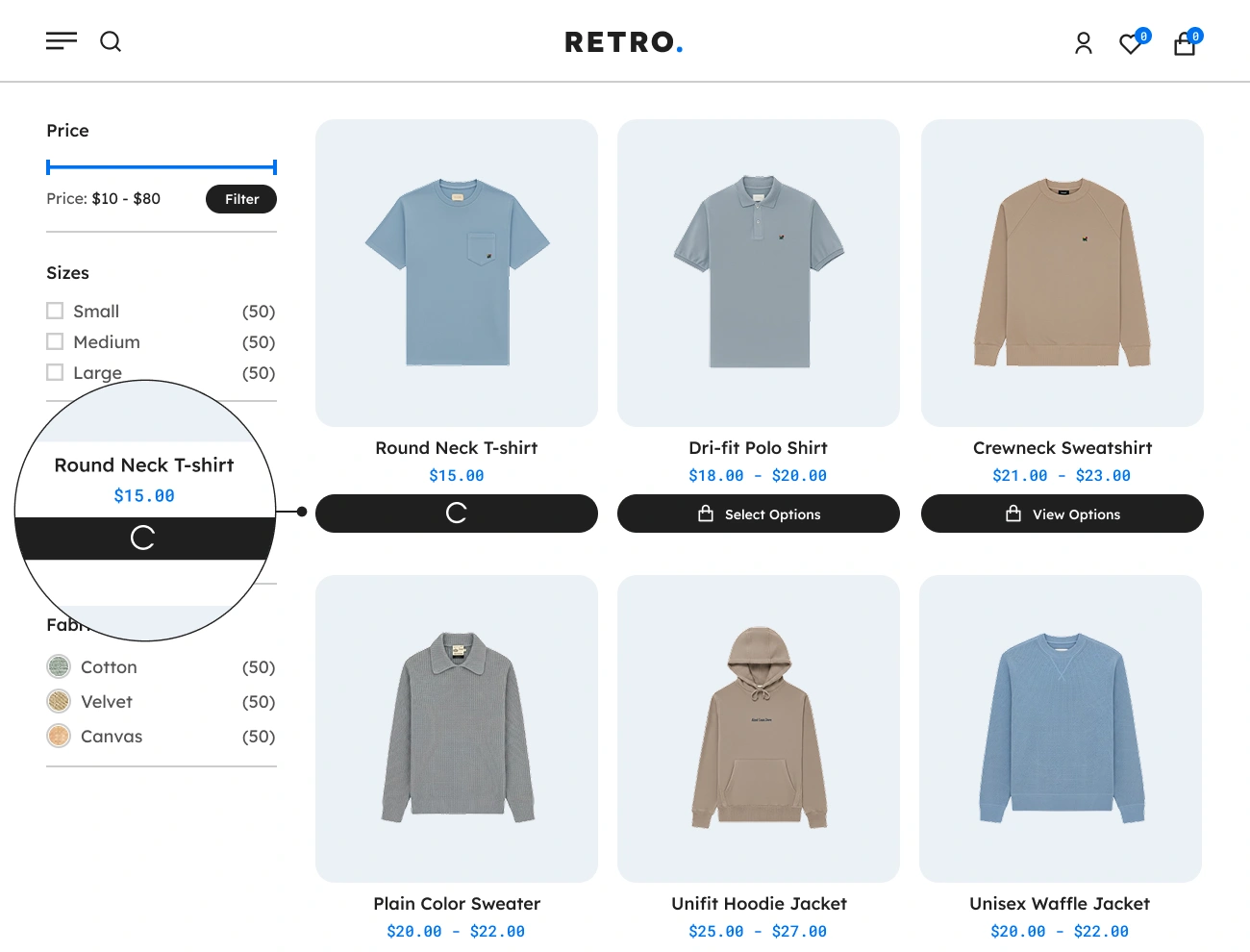
This plugin also allows you to customize or select a loader to be displayed in the “Add to Cart” button from the defined set of loaders. This will allow website visitors to recognize the “Add to Cart” button if it is processing an event. This option will improve the user experience of website visitors when adding products to their cart.

Handy Add To Cart For WooCommerce Customizable Add To Cart Button Style For Simple Product

Customizable Add To Cart Button Style For Simple Product

This plugin comes with features that allow you to fully customize the appearance or style of the “Add to Cart” button. This will give you a chance to fully design the appearance of the “Add to Cart” button, including the width, height, padding, font, text color, background color, border, radius, etc. This option will help you align the appearance of the “Add to Cart” button with your website’s appearance.

Handy Add To Cart For WooCommerce Supports Add To Cart Button Shortcode For Simple Product

Supports Add To Cart Button Shortcode For Simple Product

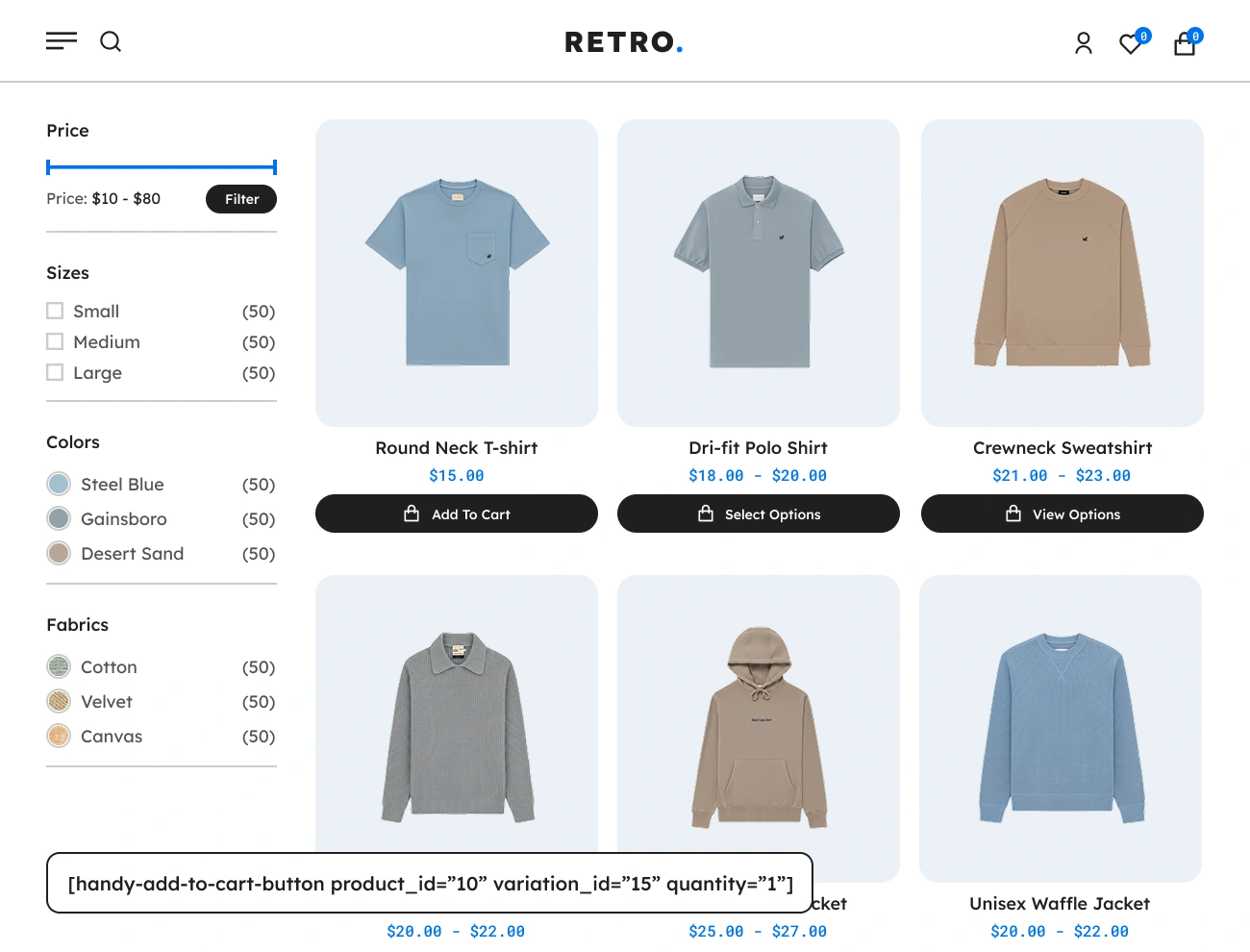
This plugin also provides a shortcode that you can use to manually add an “Add to Cart” button to a certain product. Here’s the shortcode you can use: [handy-add-to-cart-button product_id=”10″ variation_id=”15″ quantity=”1″]. Note: Do not forget to provide the product ID and variation ID for the variable product type.

Handy Add To Cart For WooCommerce Display Added To Cart On Add To Cart Button After A Product Is Added To Cart

Display Added To Cart On Add To Cart Button After A Product Is Added To Cart

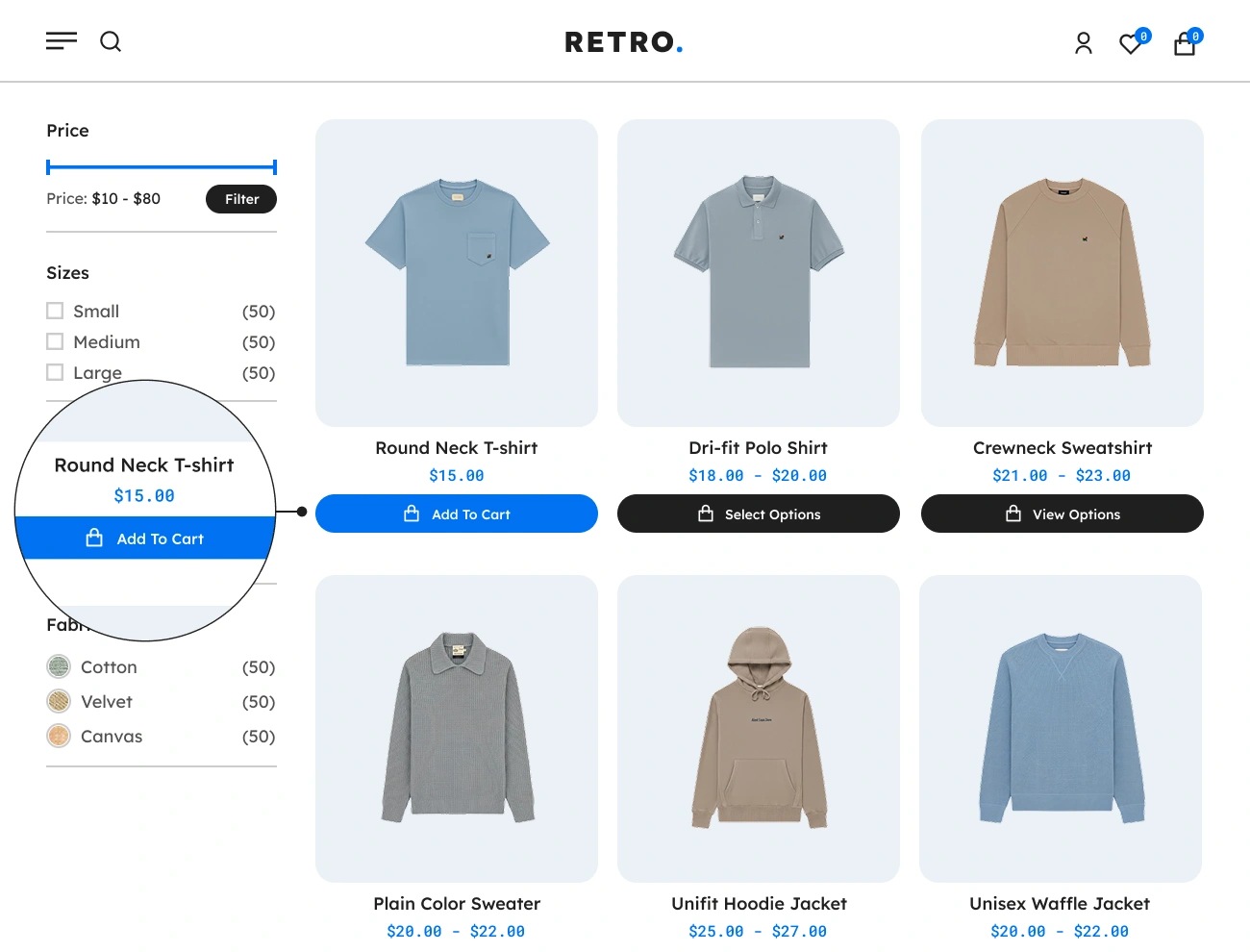
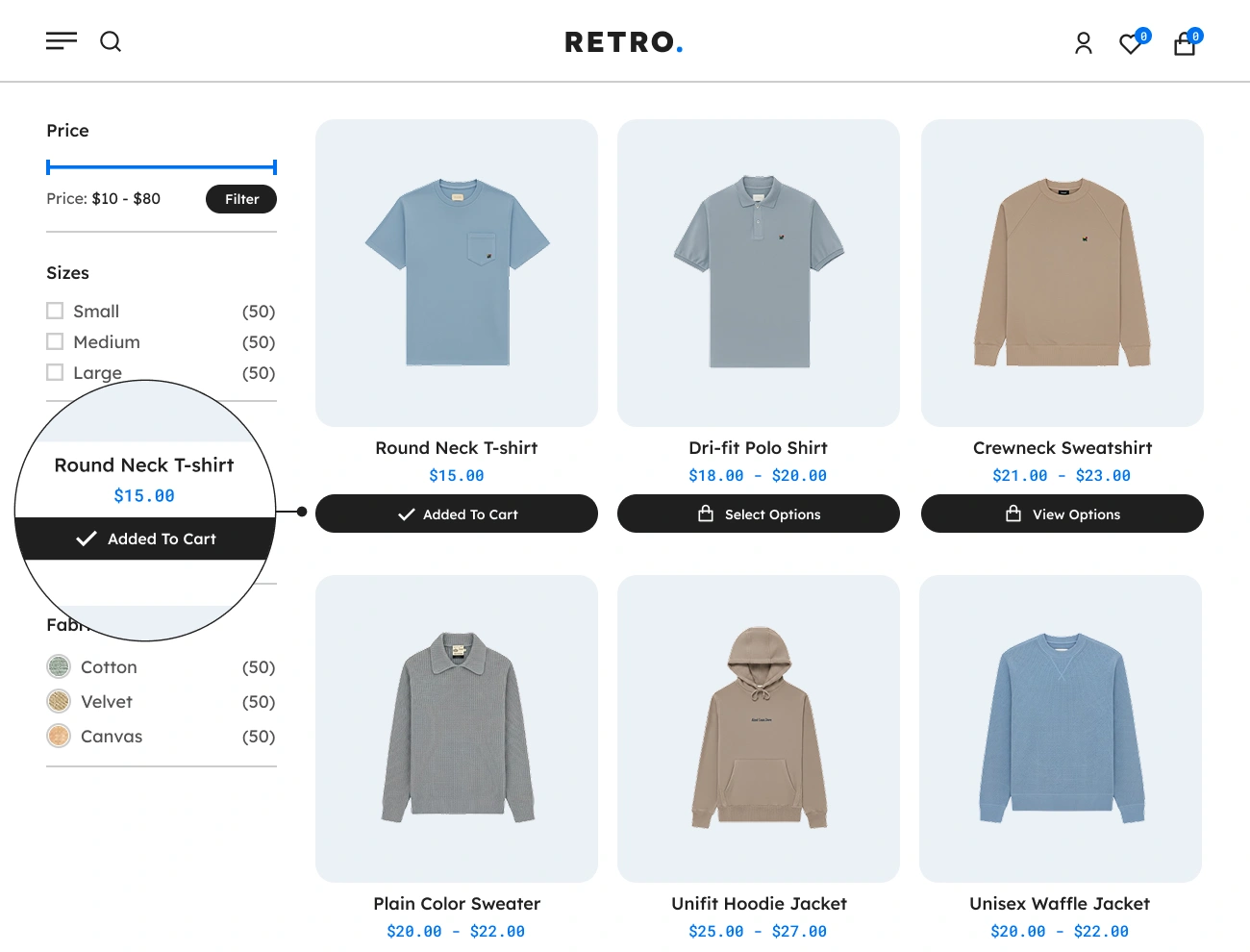
This plugin comes with a feature that changes the current label of the “Add to Cart” button to “Added to Cart” after a product is successfully added to the cart. This will enable visitors to the website to identify whether the product they are attempting to add to their cart was added successfully. This feature will help website visitors avoid adding the same product multiple times.

Handy Add To Cart For WooCommerce Customizable Added To Cart Button Label

Customizable Added To Cart Button Label

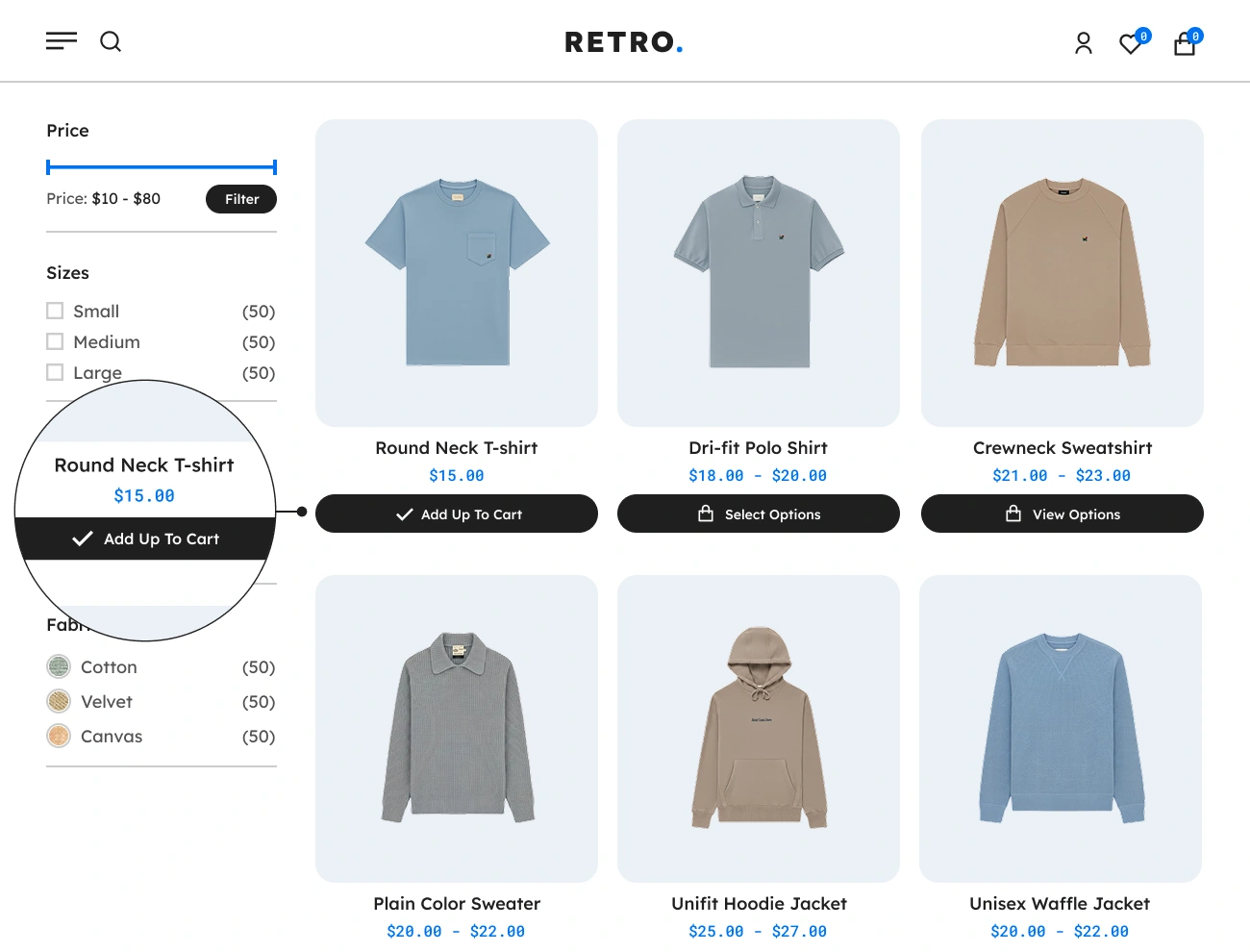
This plugin also allows you to alter the label of the “Added to Cart” label of the “Add to Cart” button. This will allow you to localize or change the default label “Added to Cart” of the “Add to Cart” button and replace it with a more appropriate label based on your needs. This will make your website’s “Add to Cart” button easier to understand.

Handy Add To Cart For WooCommerce Customizable Added To Cart Button Icon

Customizable Added To Cart Button Icon

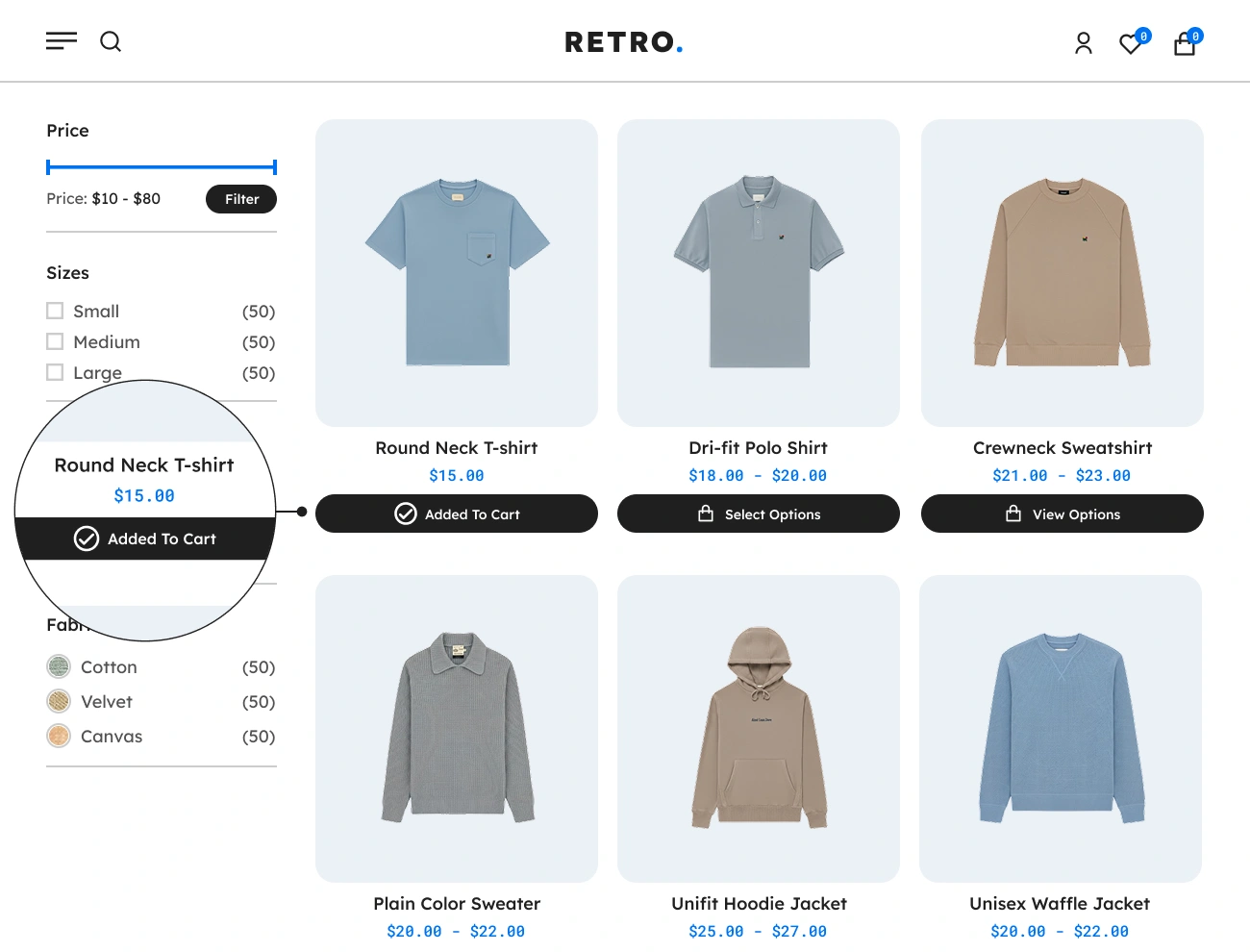
This plugin comes with a feature that allows you to change the icon that describes the “Added to Cart” label in the “Add to Cart” button. This will enable the website owner to choose an appropriate icon that they think is suited for the “Added to Cart” label. This feature will help website visitors easily recognize if the product has already been added to their cart.

Handy Add To Cart For WooCommerce Supports Select Options Button For Variable Product On Shop Page

Supports Select Options Button For Variable Product On Shop Page

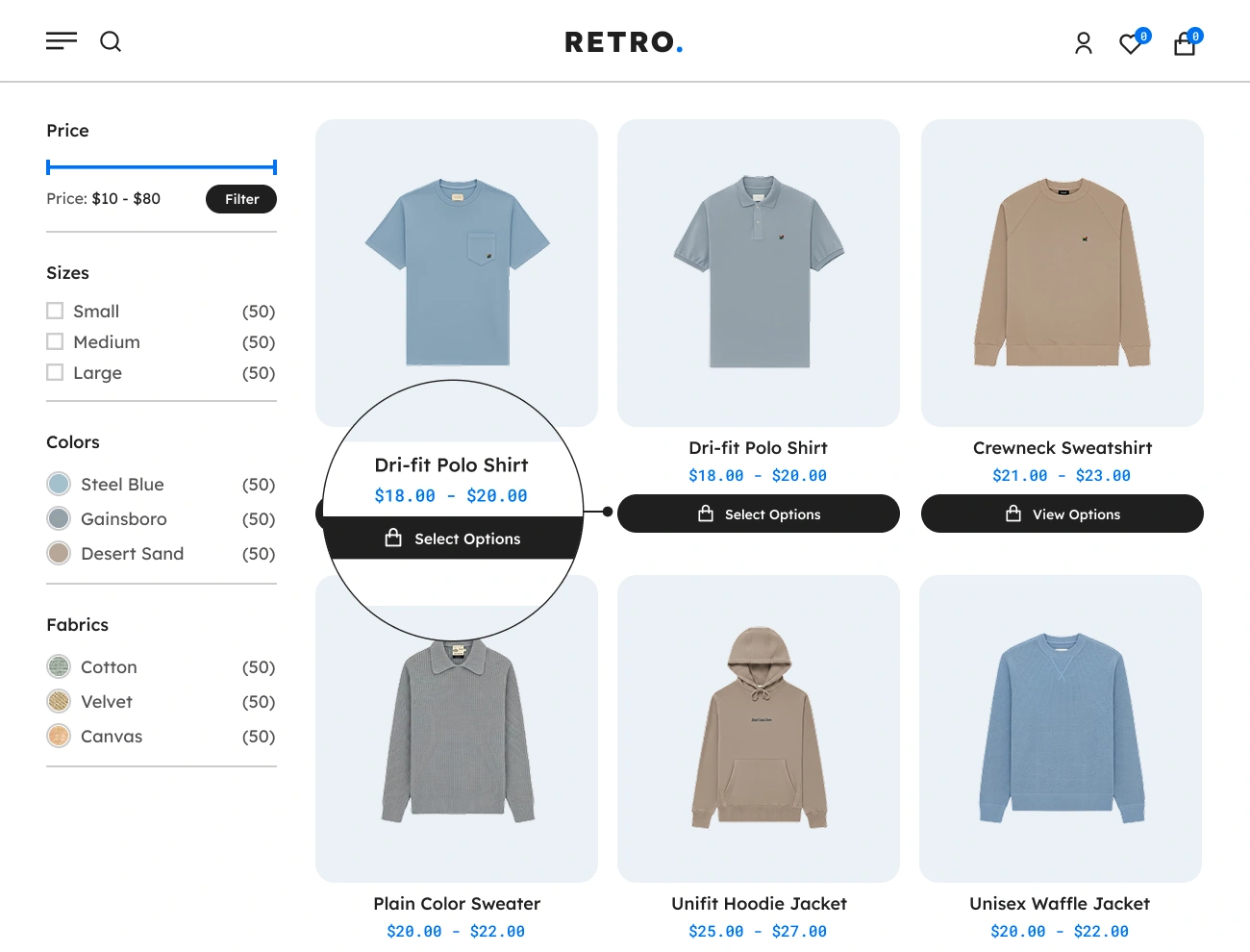
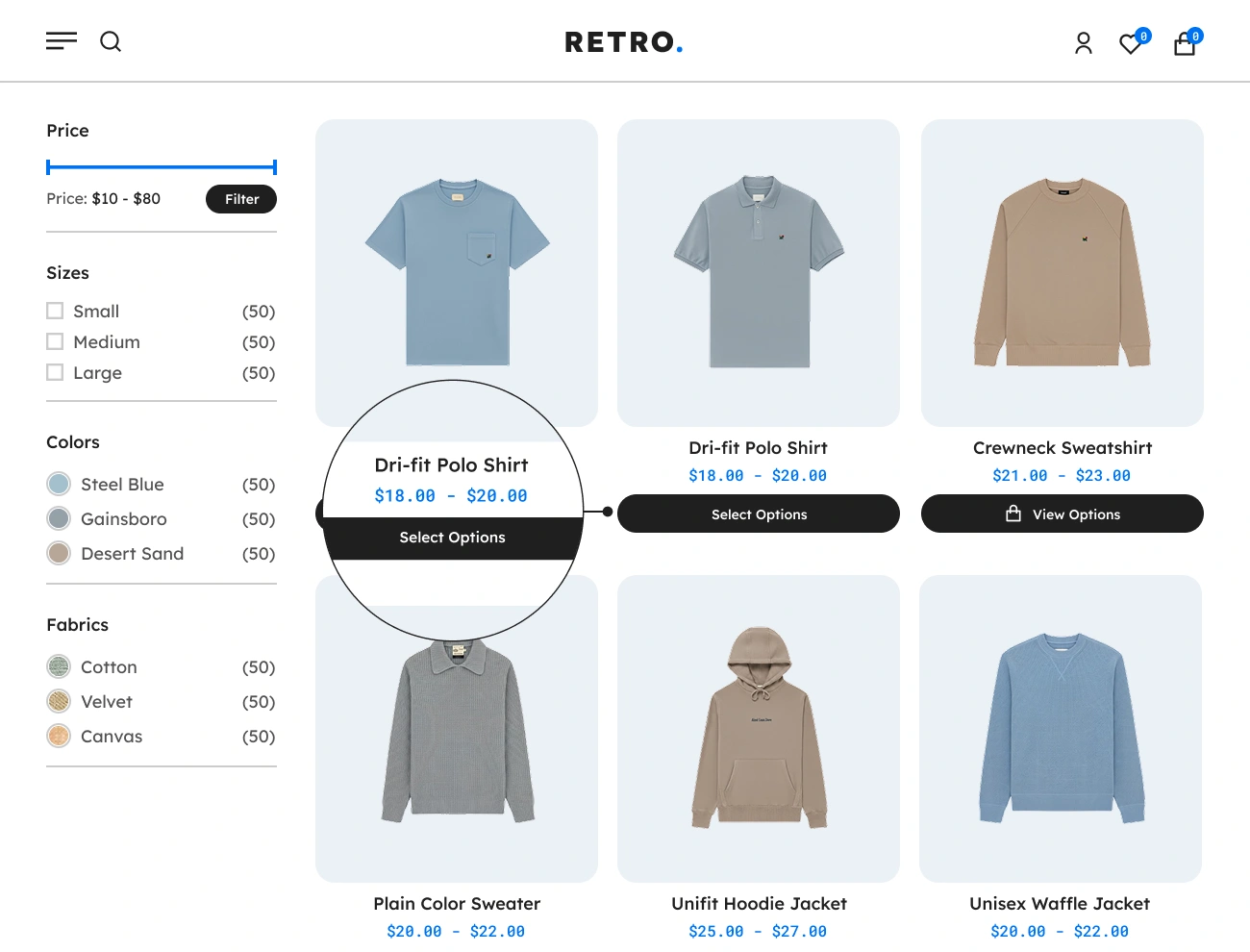
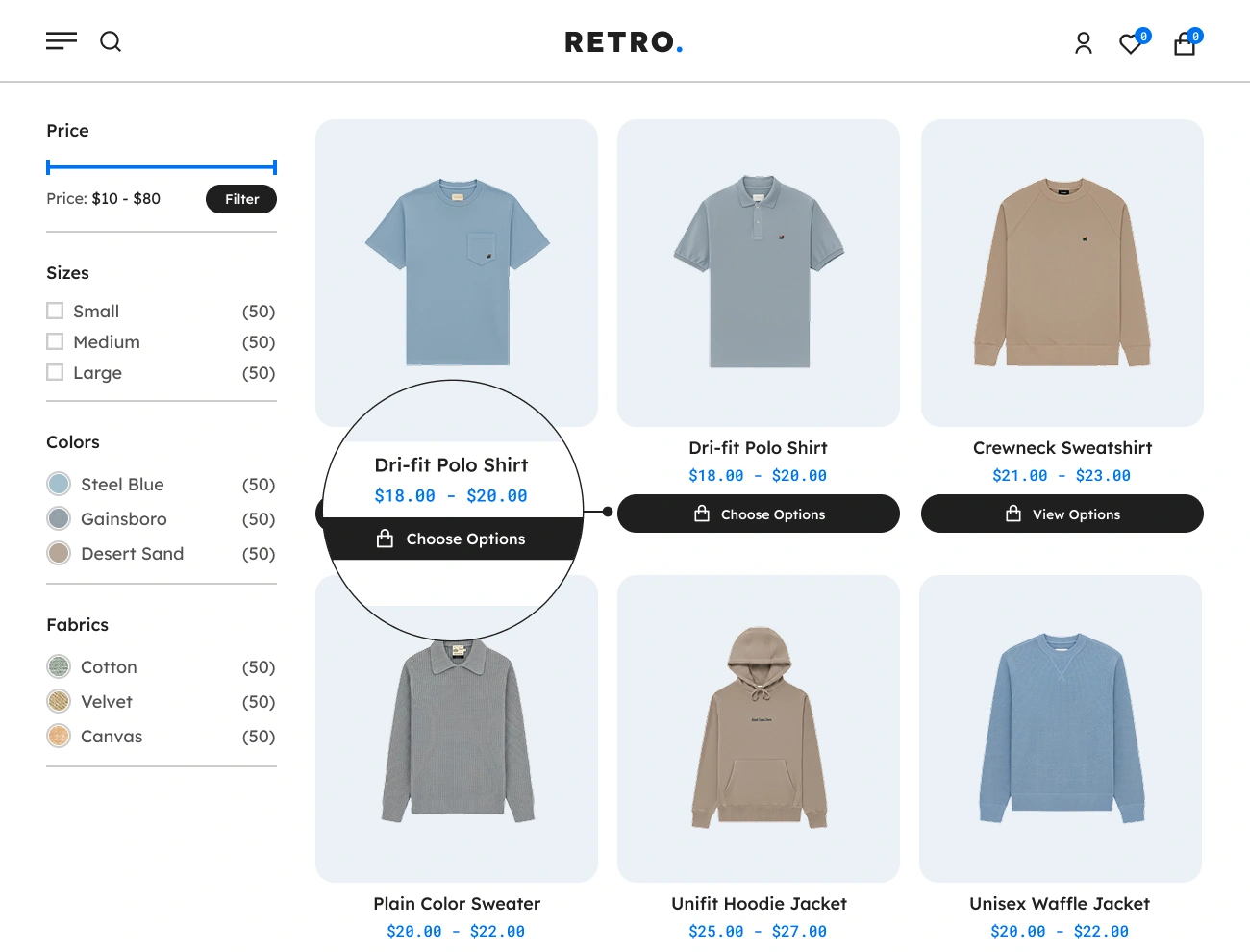
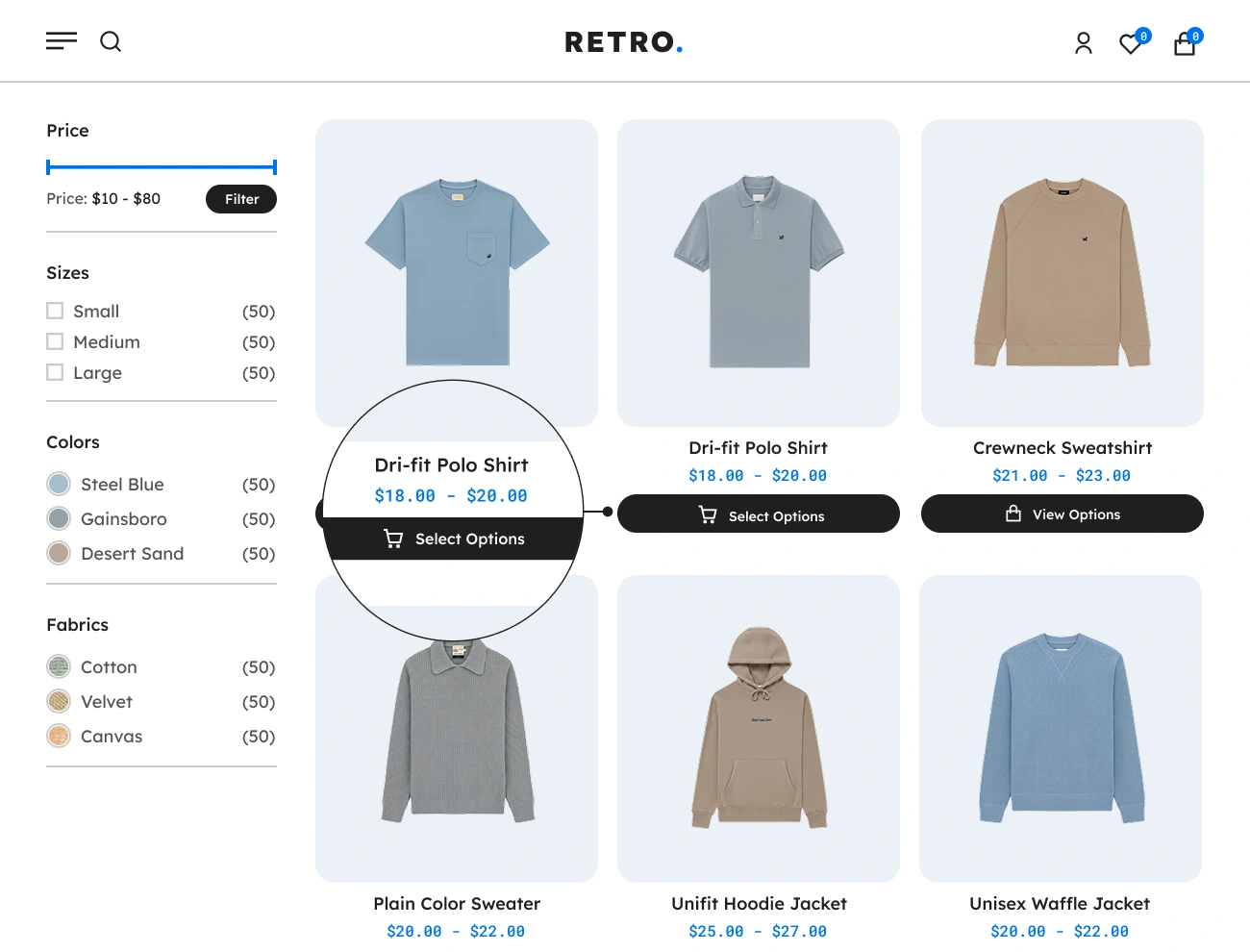
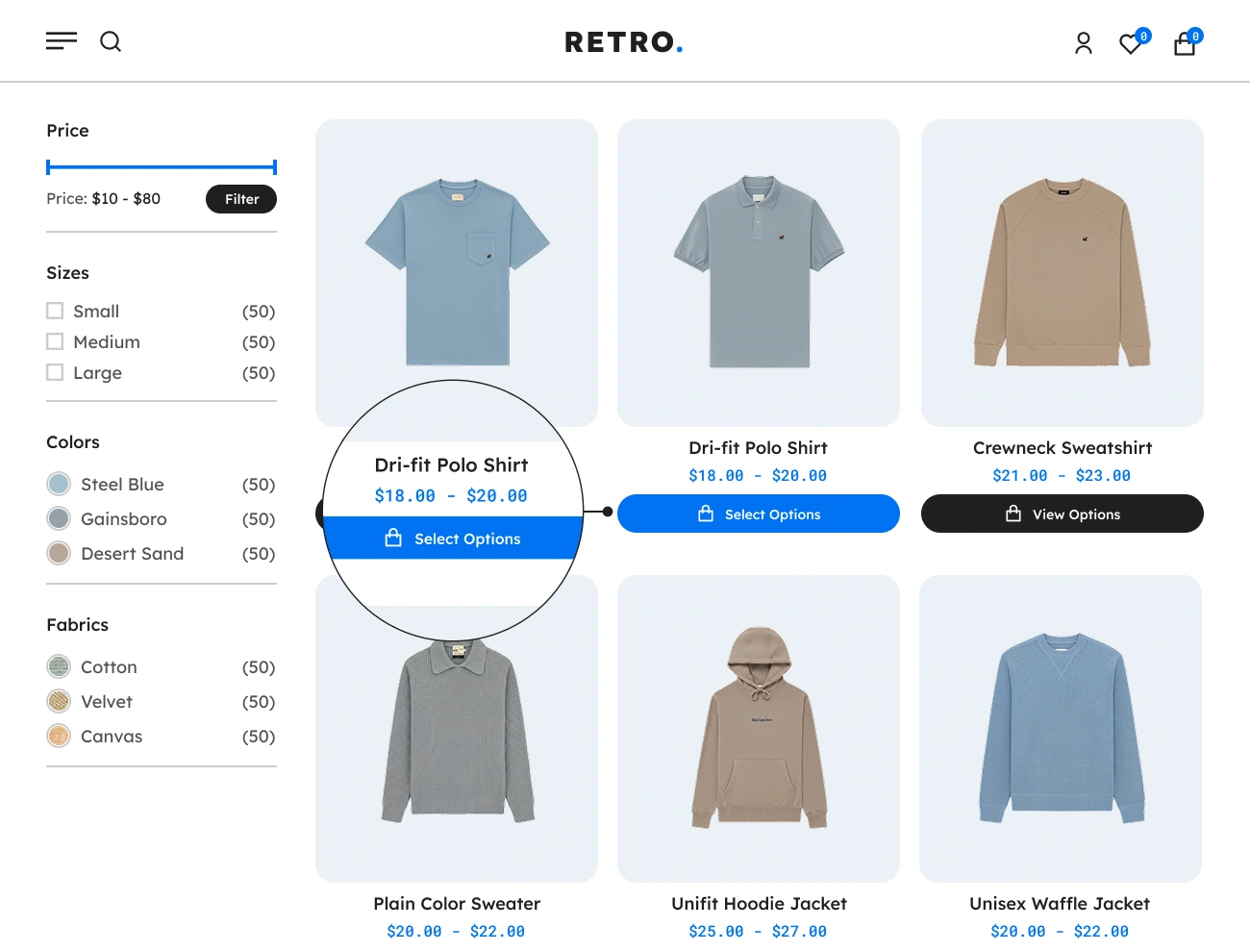
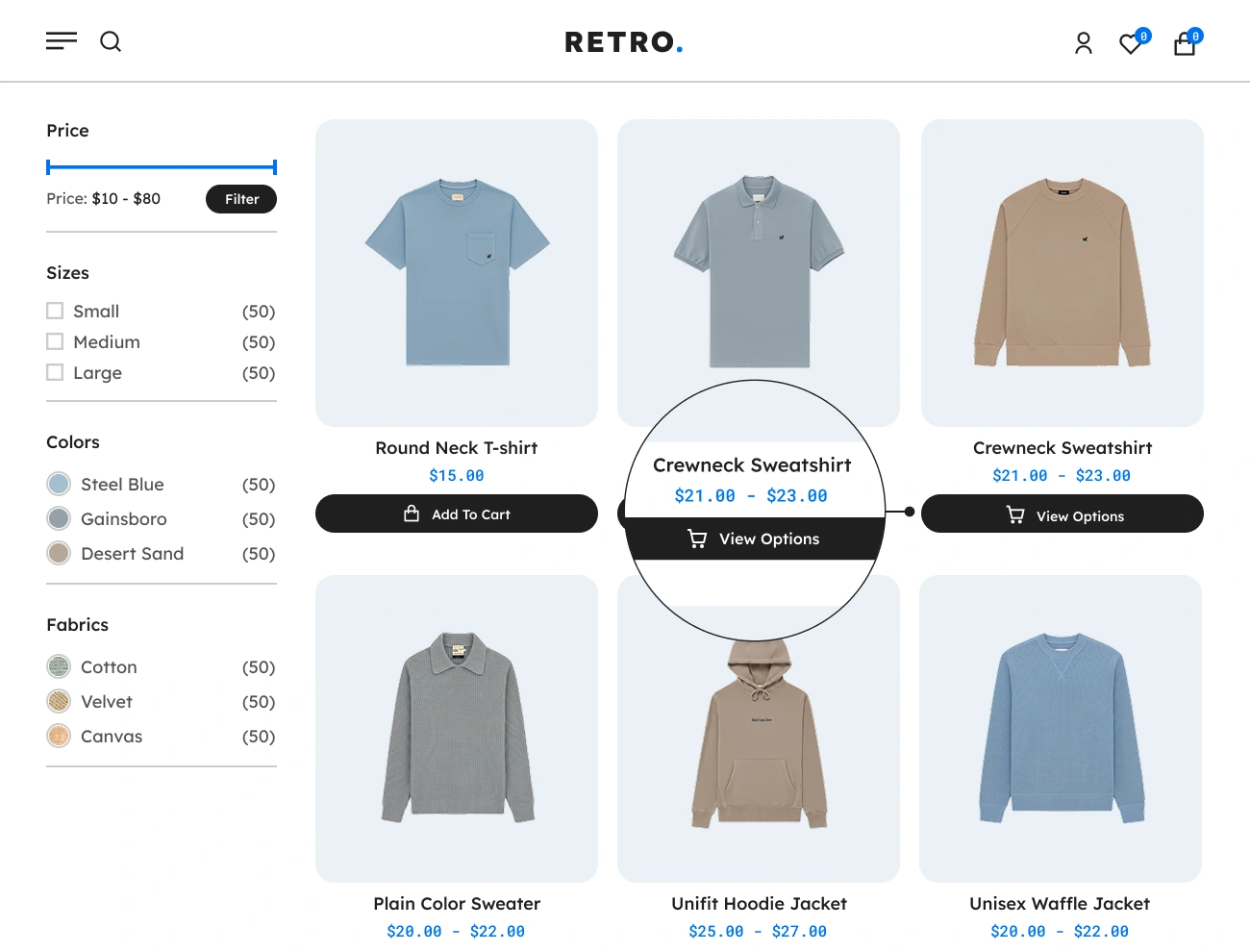
The Handy Add To Cart for WooCommerce also replaces the default WooCoommerce button for each variable product type on the shop page or product archive page with a customizable “Select Options” button. This will allow you to replace the default button with a customizable button that you can style based on your website’s appearance.

Handy Add To Cart For WooCommerce Customizable Select Options Button Type For Variable Product

Customizable Select Options Button Type For Variable Product

This plugin also allows you to select a type of “Select Options” button. You can choose from the following three “Select Options” button types: text, icon, and text + icon. This option is very simple but powerful since it will improve the appearance of the “Select Options” button on your WooCommerce website.

Handy Add To Cart For WooCommerce Customizable Select Options Button Label For Variable Product

Customizable Select Options Button Label For Variable Product

This plugin comes with features that allow you to customize the label of the “Select Options” button. This will allow you to localize or change the default label of the “Select Options” button and replace it with a more appropriate label based on your needs. This will improve the readability of the “Select Options” button on your website.

Handy Add To Cart For WooCommerce Customizable Select Options Button Icon For Variable Product

Customizable Select Options Button Icon For Variable Product

This plugin also allows you to customize or select an icon to be displayed in the “Select Options” button from a defined set of icons. This will allow you to enhance the appearance of the “Select Options” button based on your preferences. This option will help your website visitors easily point out or recognize the “Select Options” button.

Handy Add To Cart For WooCommerce Customizable Select Options Button Style For Variable Product

Customizable Select Options Button Style For Variable Product

This plugin comes with features that allow you to fully customize the appearance or style of the “Select Options” button. This will give you a chance to fully design the appearance of the “Select Options” button, including the width, height, padding, font, text color, background color, border, radius, etc. This option will help you align the appearance of the “Select Options” button with your website’s appearance.

Handy Add To Cart For WooCommerce Supports View Options Button For Grouped Product On Shop Page

Supports View Options Button For Grouped Product On Shop Page

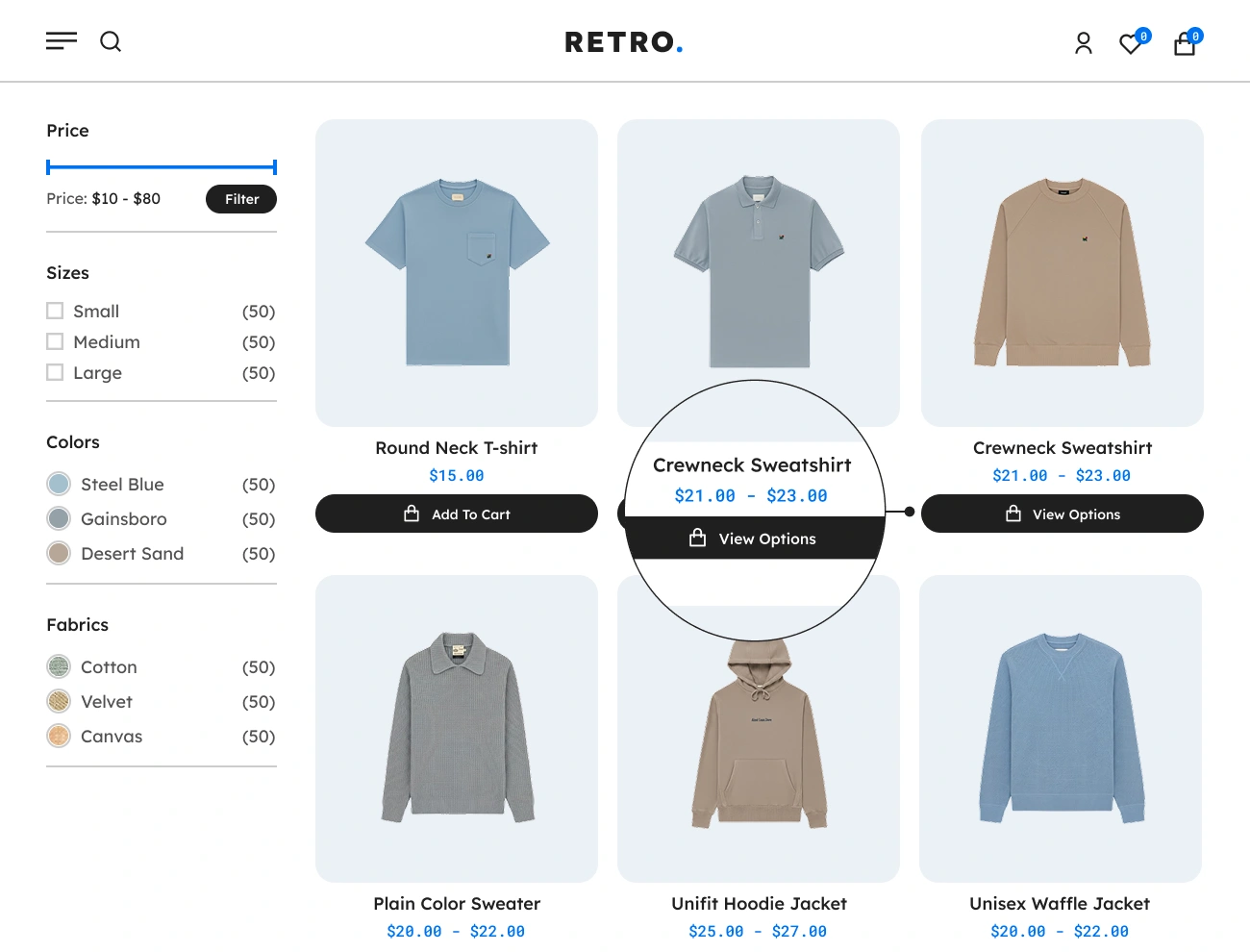
The Handy Add To Cart for WooCommerce also replaces the default WooCoommerce button for each grouped product type on the shop page or product archive page with a customizable “View Options” button. This will allow you to replace the default button with a customizable button that you can style based on your website’s appearance.

Handy Add To Cart For WooCommerce Customizable View Options Button Type For Grouped Product

Customizable View Options Button Type For Grouped Product

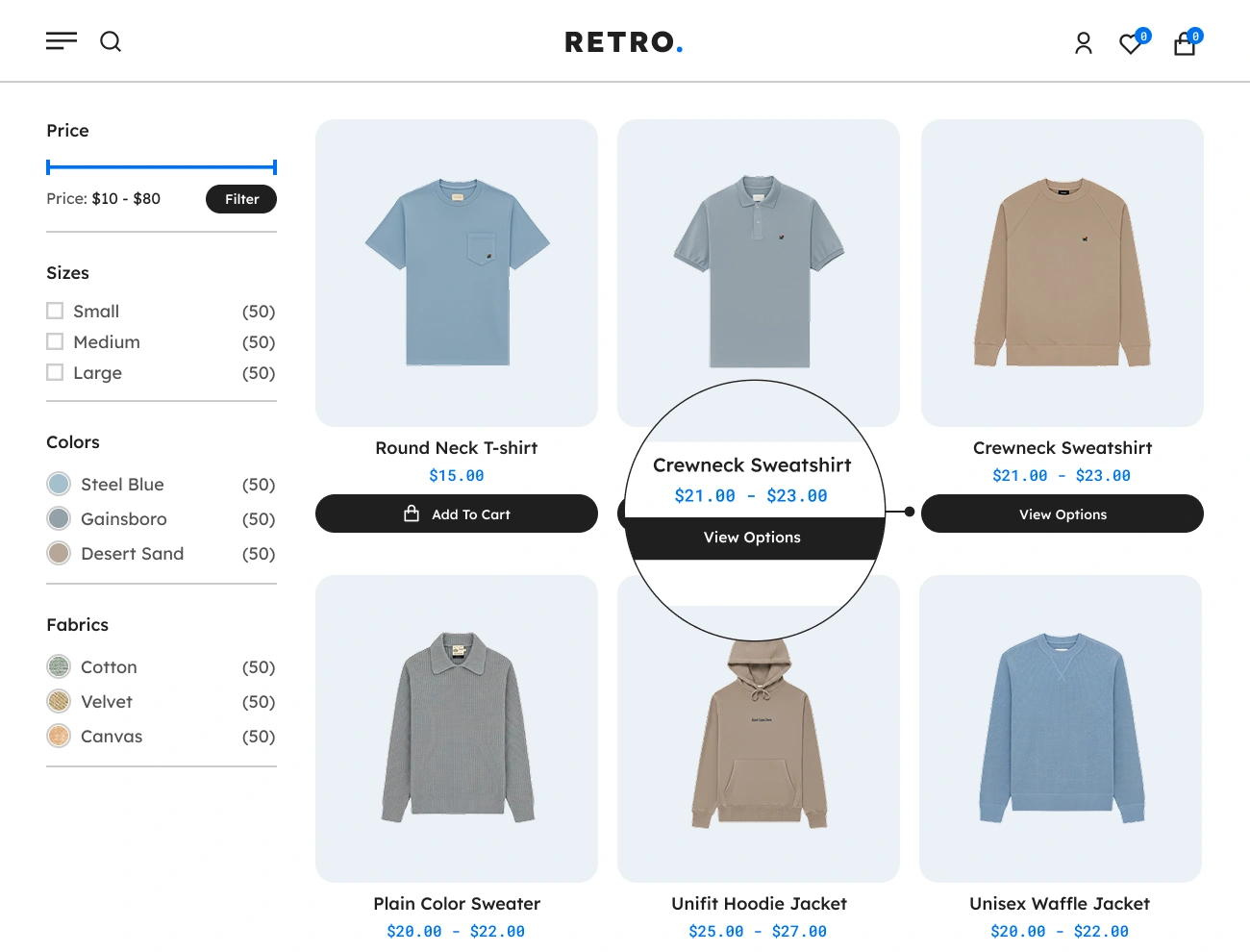
This plugin also allows you to select a type of “View Options” button. You can choose from the following three “View Options” button types: text, icon, and text + icon. This option is very simple but powerful since it will improve the appearance of the “View Options” button on your WooCommerce website.

Handy Add To Cart For WooCommerce Customizable View Options Button Label For Grouped Product

Customizable View Options Button Label For Grouped Product

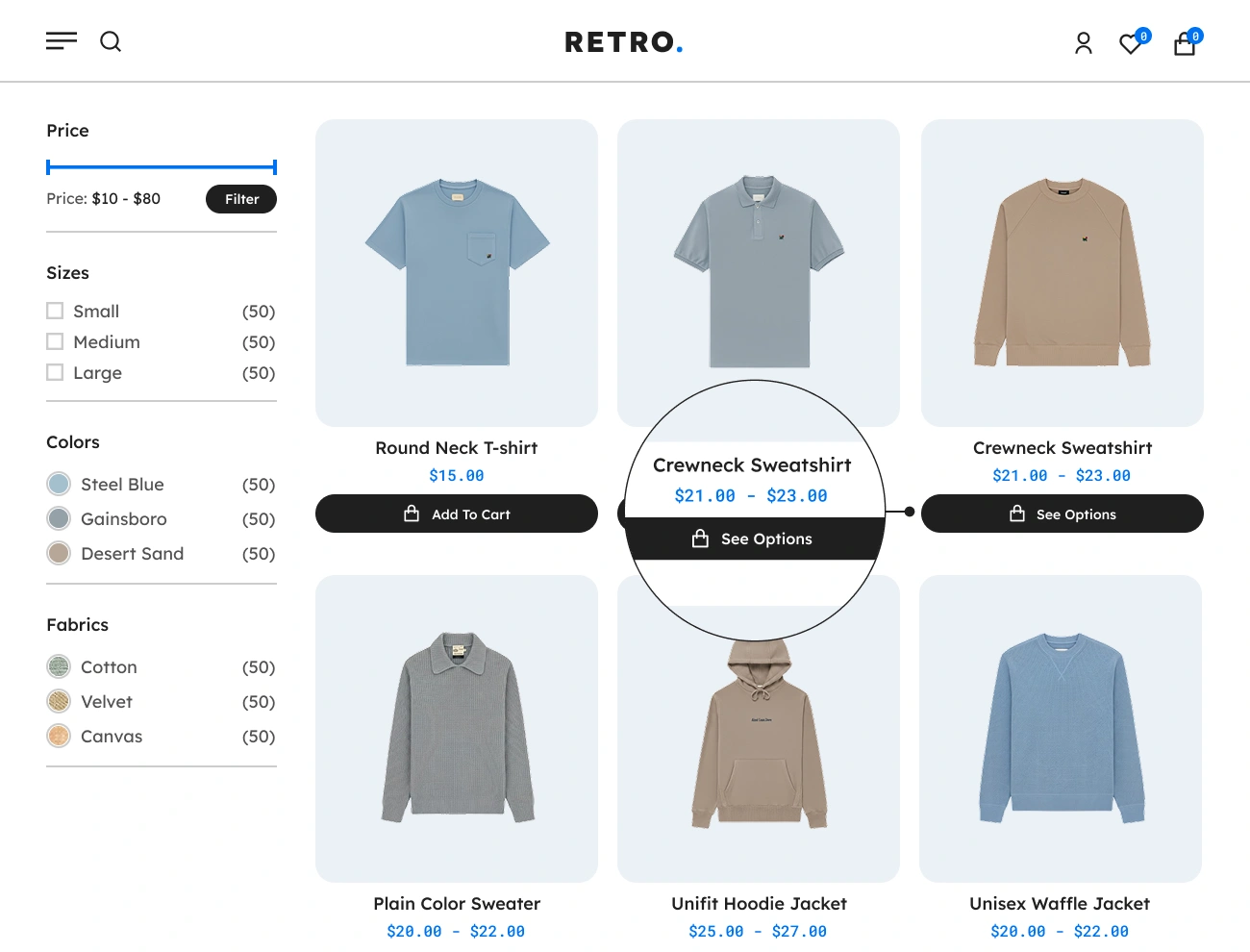
This plugin comes with features that allow you to customize the label of the “View Options” button. This will allow you to localize or change the default label of the “View Options” button and replace it with a more appropriate label based on your needs. This will improve the readability of the “View Options” button on your website.

Handy Add To Cart For WooCommerce Customizable View Options Button Icon For Grouped Product

Customizable View Options Button Icon For Grouped Product

This plugin also allows you to customize or select an icon to be displayed in the “View Options” button from a defined set of icons. This will allow you to enhance the appearance of the “View Options” button based on your preferences. This option will help your website visitors easily point out or recognize the “View Options” button.