REASONS

Why Use Handy Variation Swatches?

Explore the comprehensive list of features and compelling reasons to choose Handy Variation Swatches for your WooCommerce store.

01

Beautiful & Engaging Swatches

Replace dropdowns with stylish color, image, and button swatches that auto-switch product images and beautifully match any theme.

02

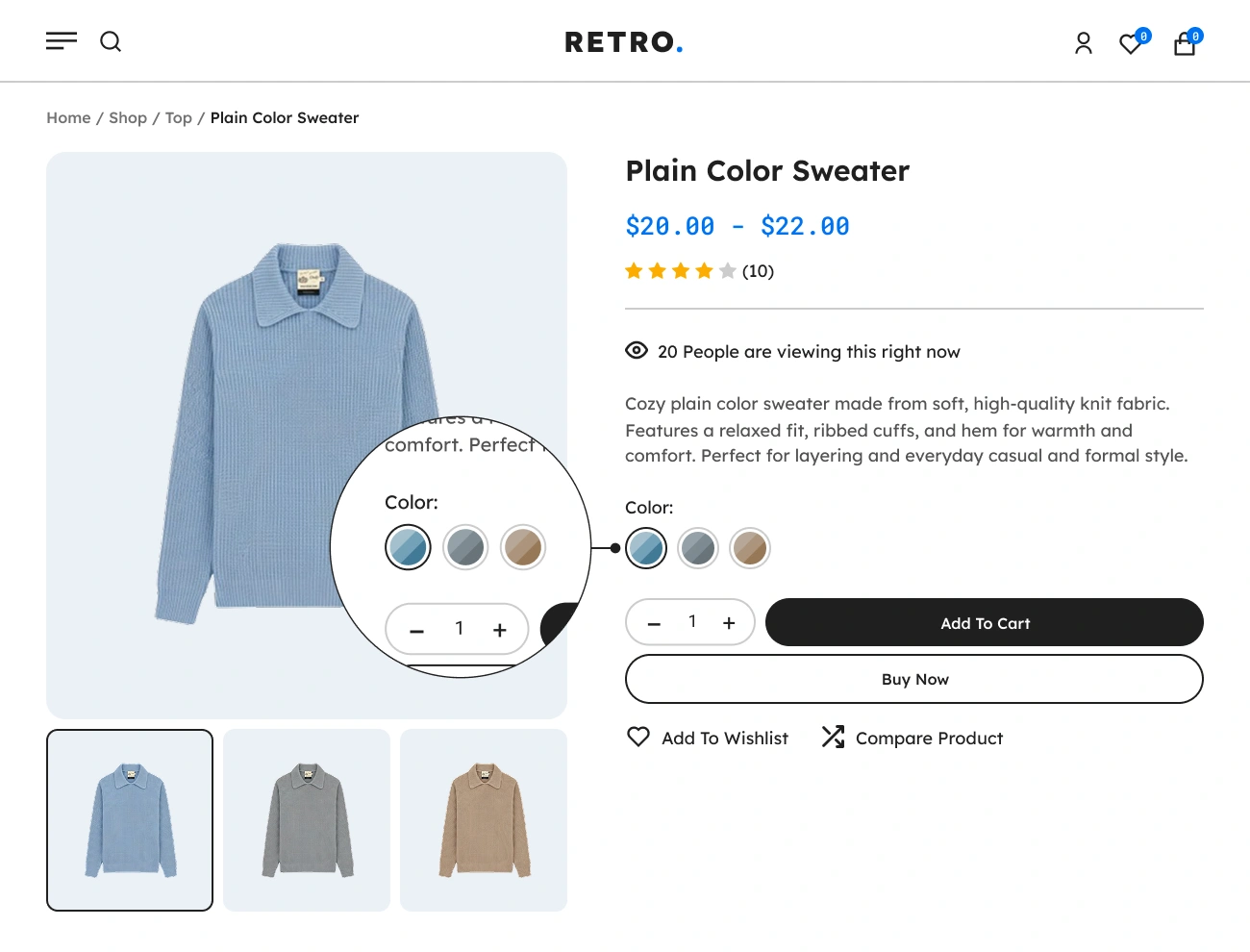
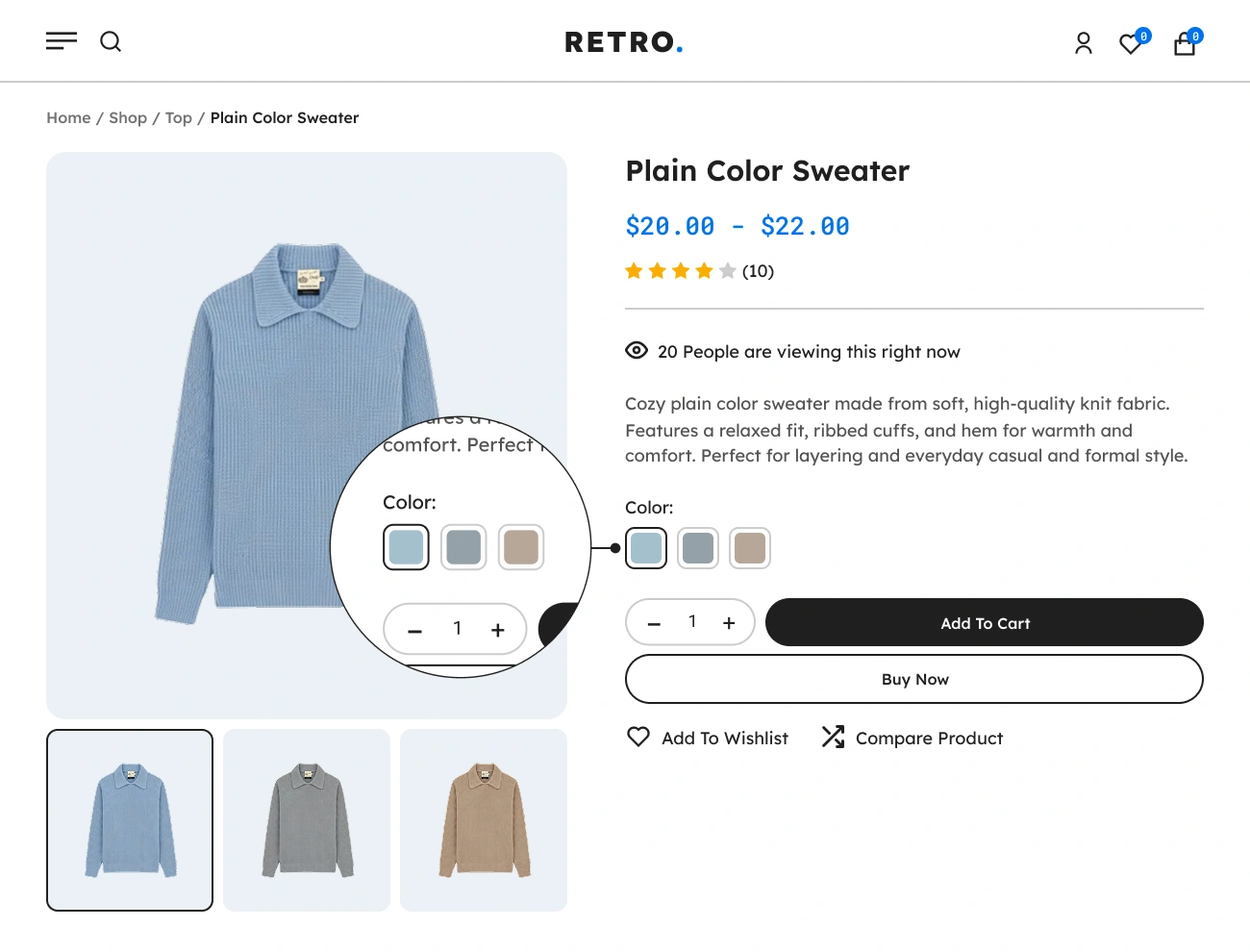
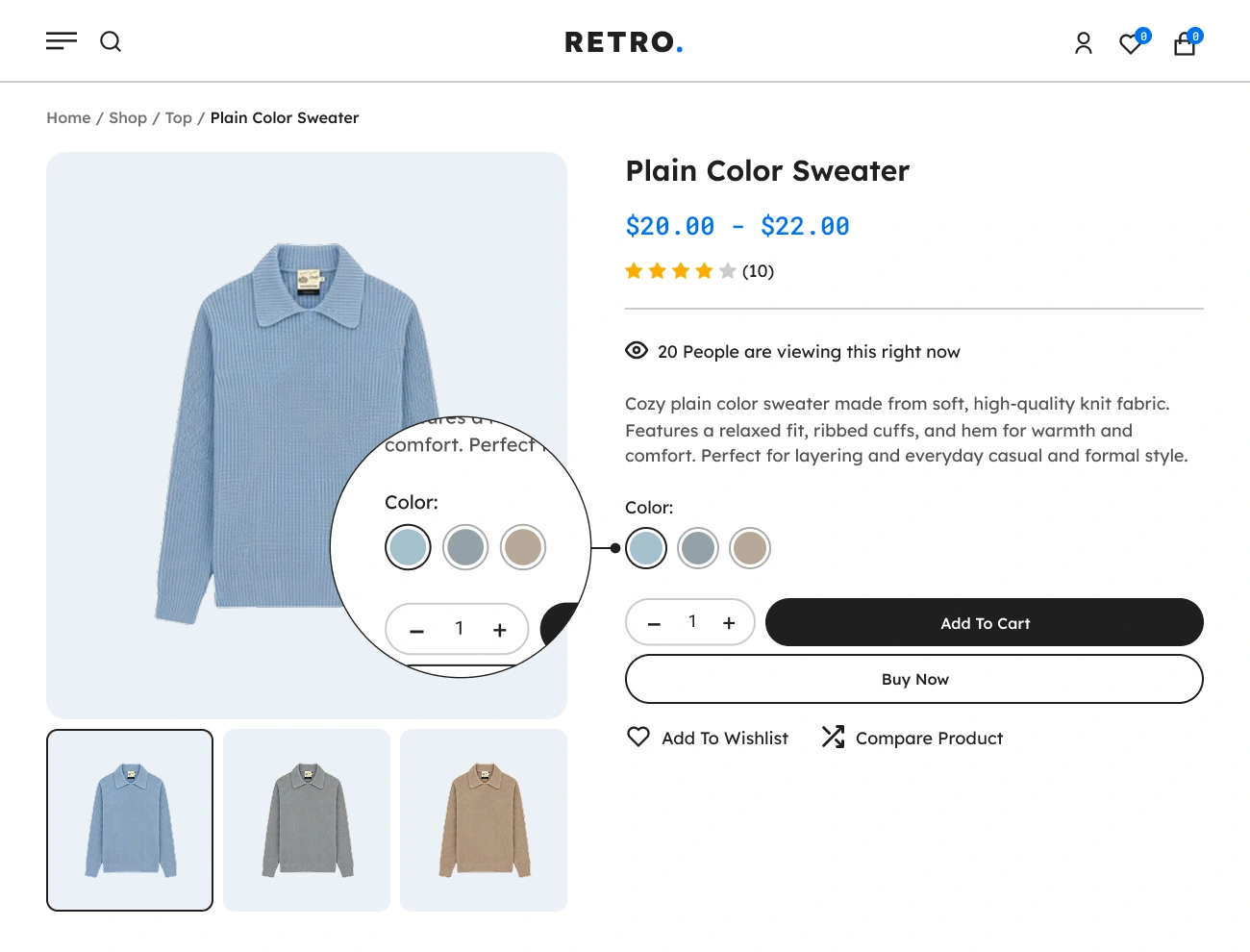
Supports Color Swatches

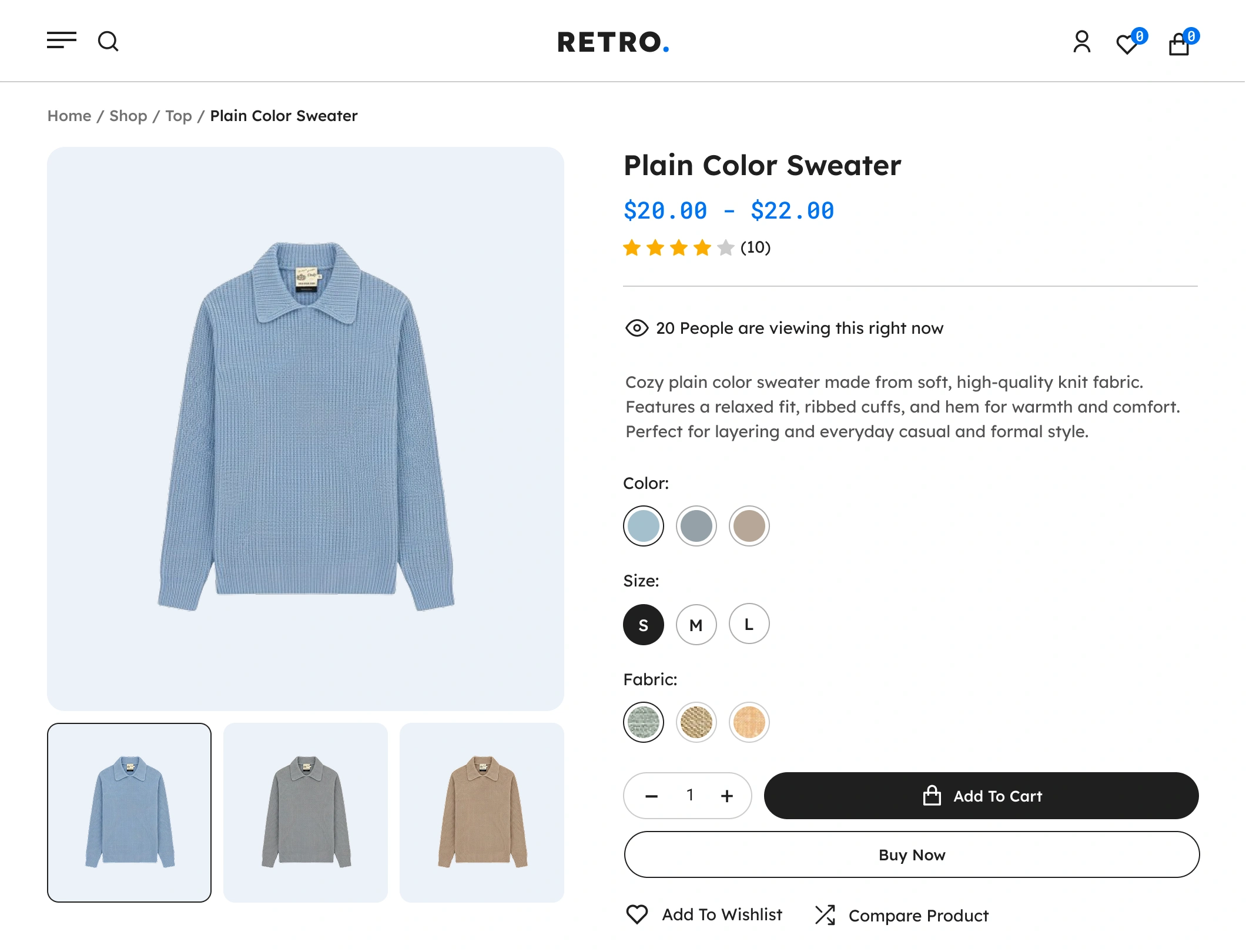
Display product attributes using vibrant color blocks. Perfect for clothing, bags, or any item with color variations, giving users a clearer visual representation.

03

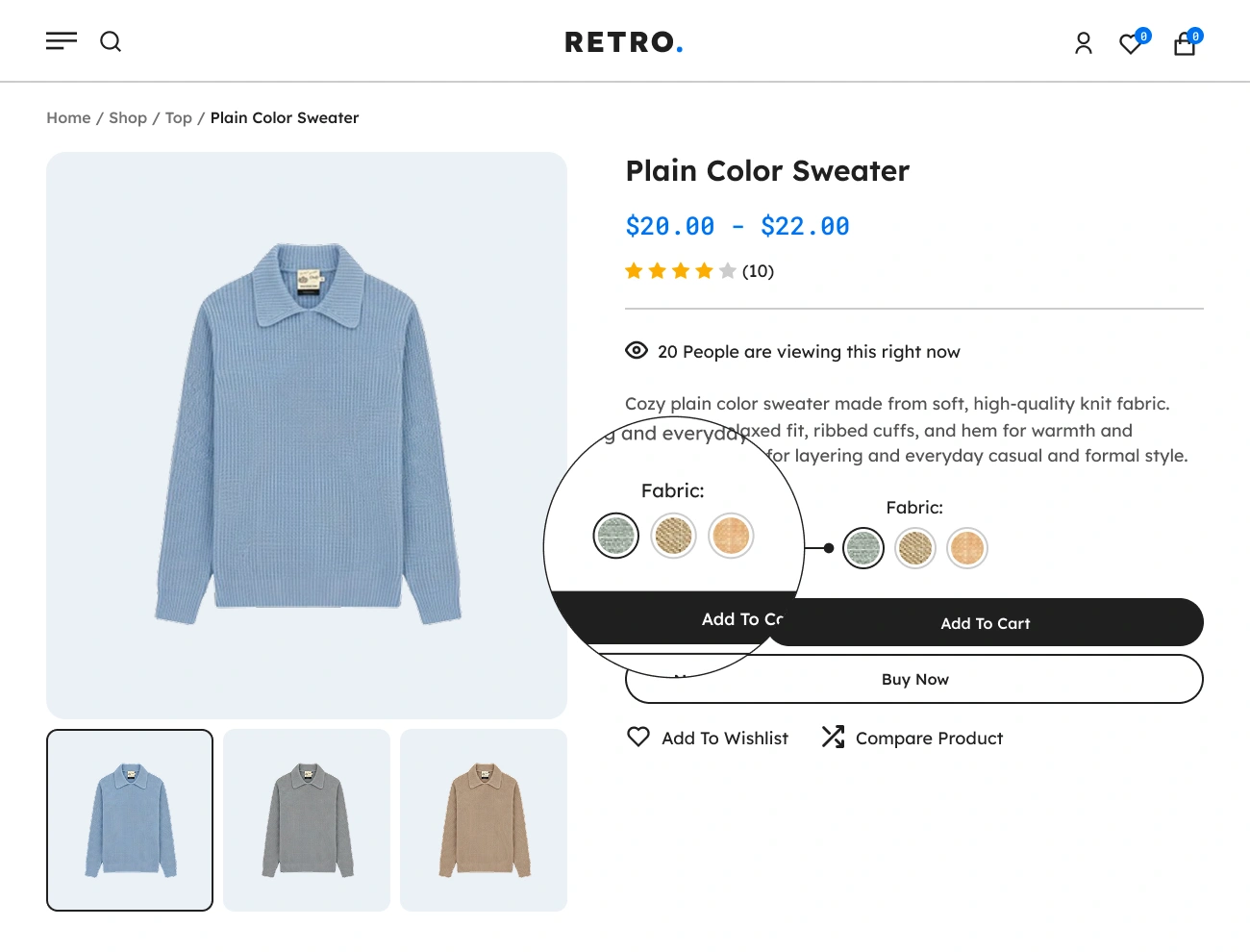
Supports Image Swatches

Use images to showcase variations like patterns, materials, or styles. Customers can quickly identify product differences and choose the exact variation they want.

04

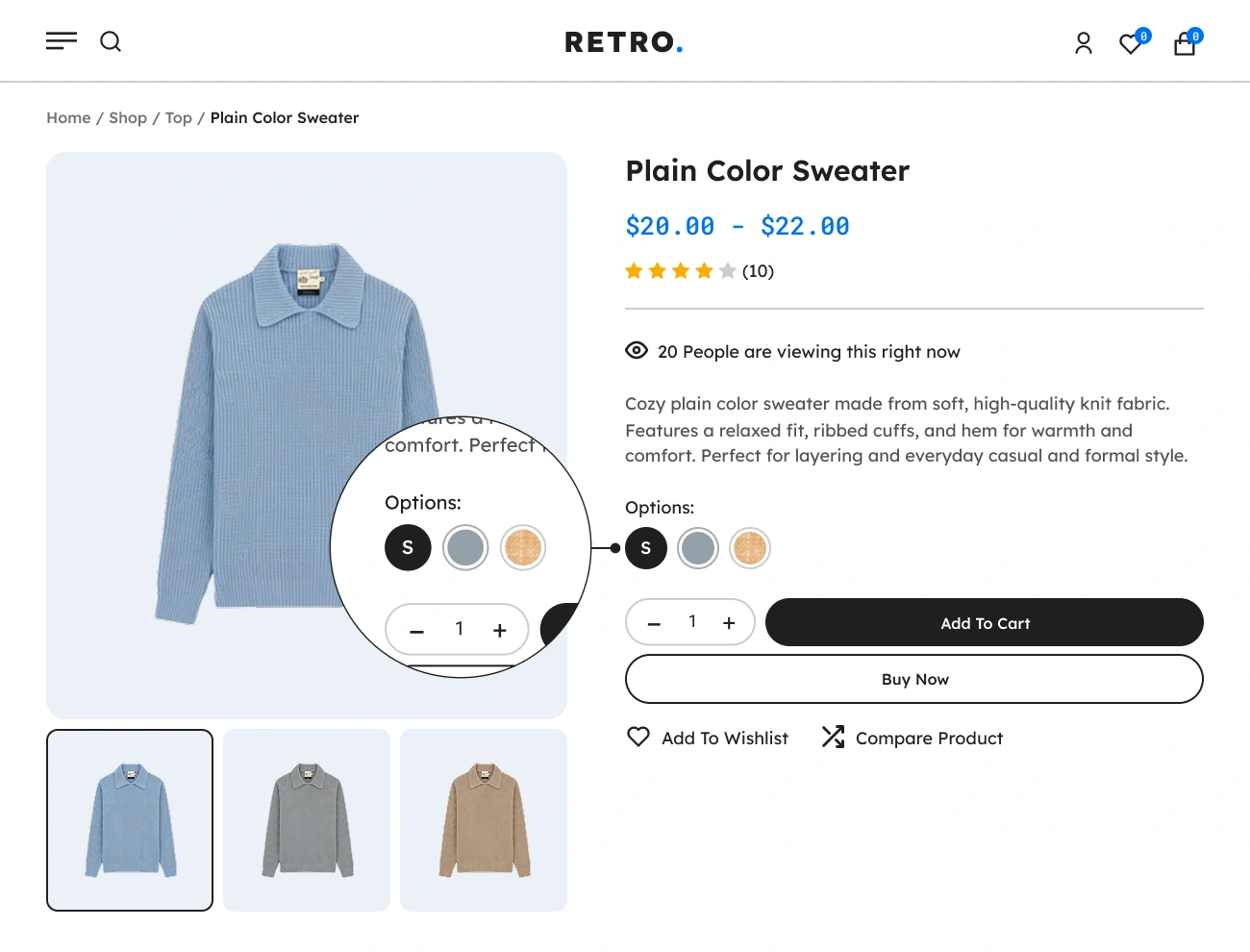
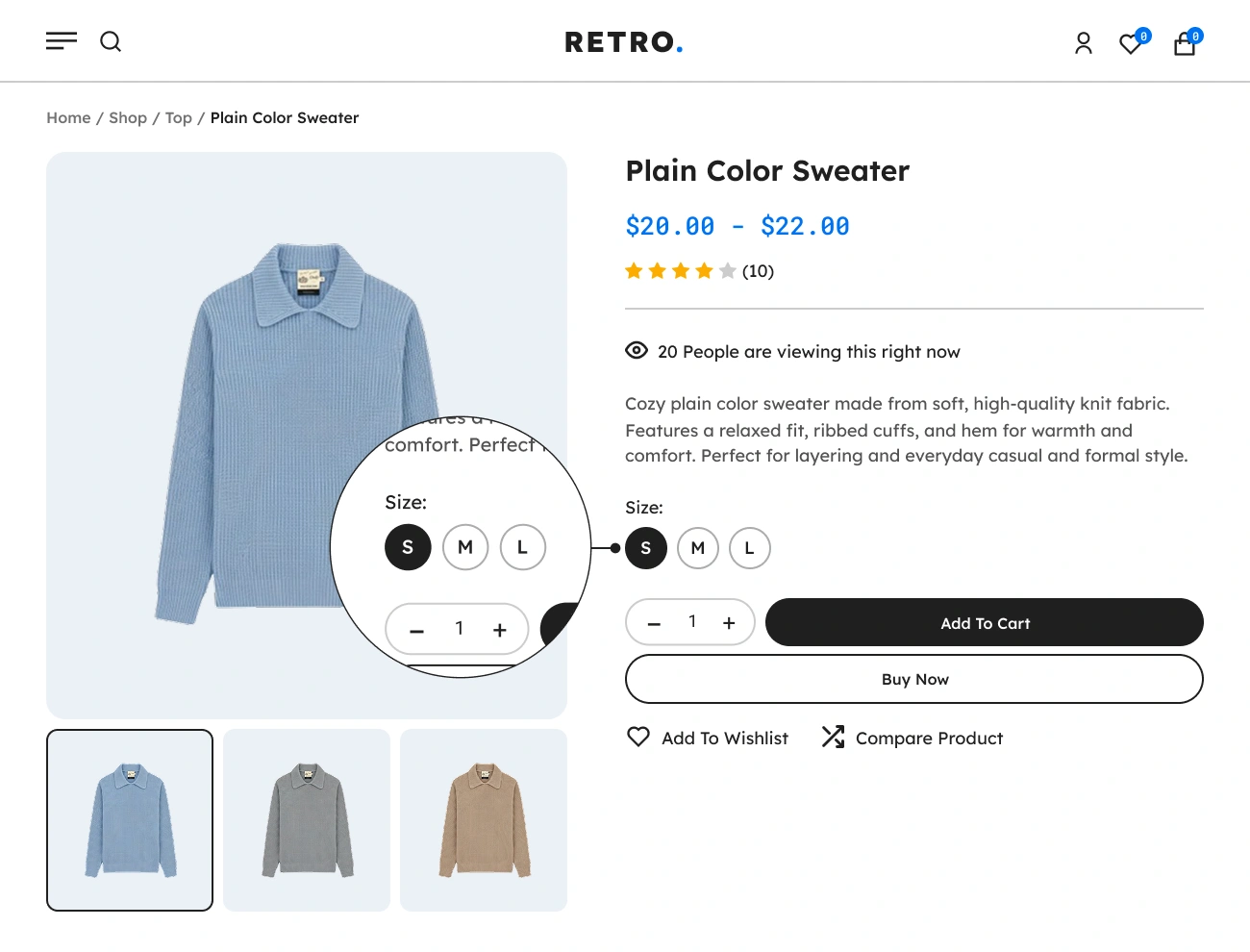
Supports Label/Button Swatches

Convert variations into clean, readable button labels. Best for sizes, dimensions, capacity, materials, or any attribute that works better with text rather than colors or images.

05

Supports Multi-Color Swatches

Enable swatches that display two or more colors within a single variation block perfect for products that come in mixed tones, gradients, multicolor patterns, or dual-shade designs.

06

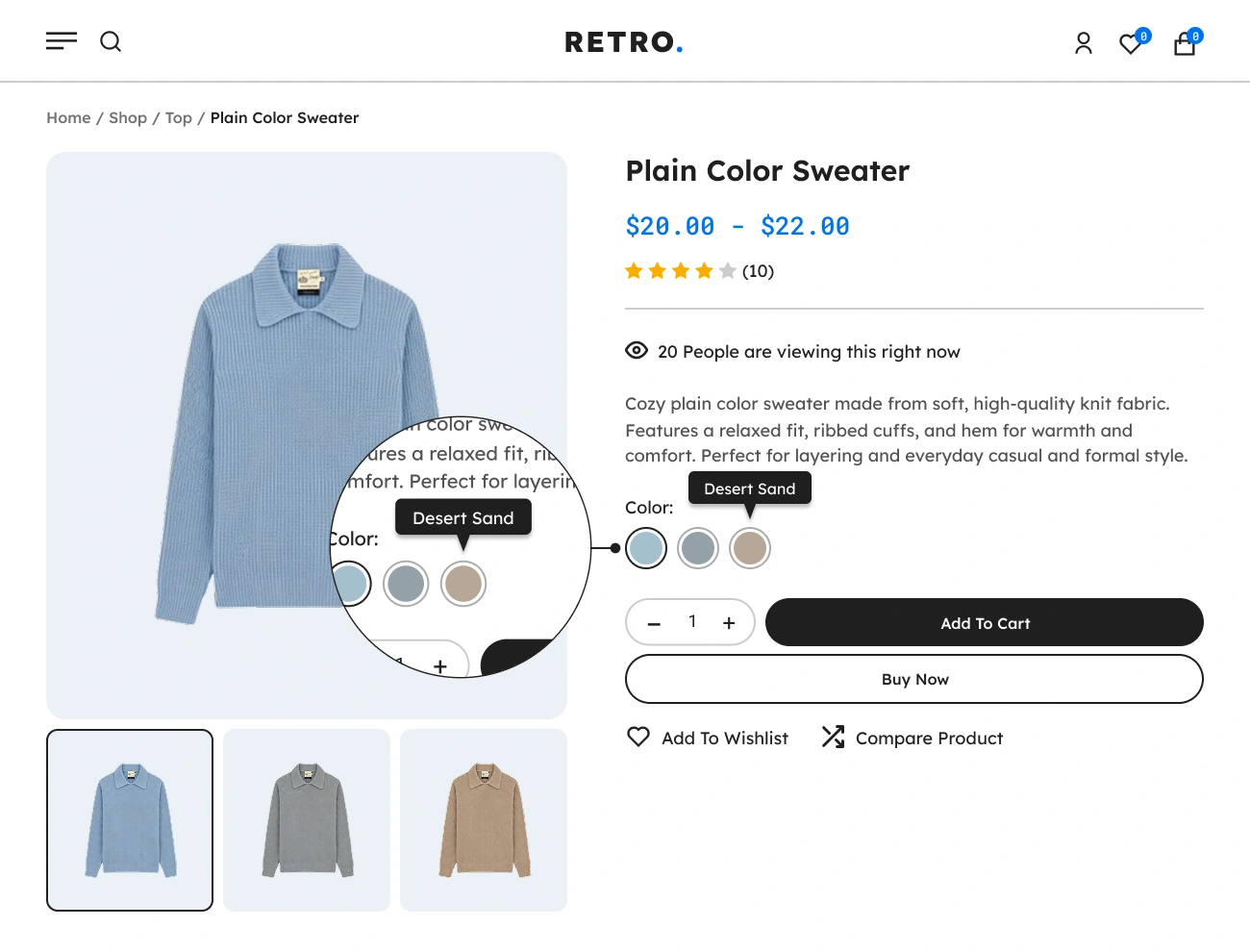
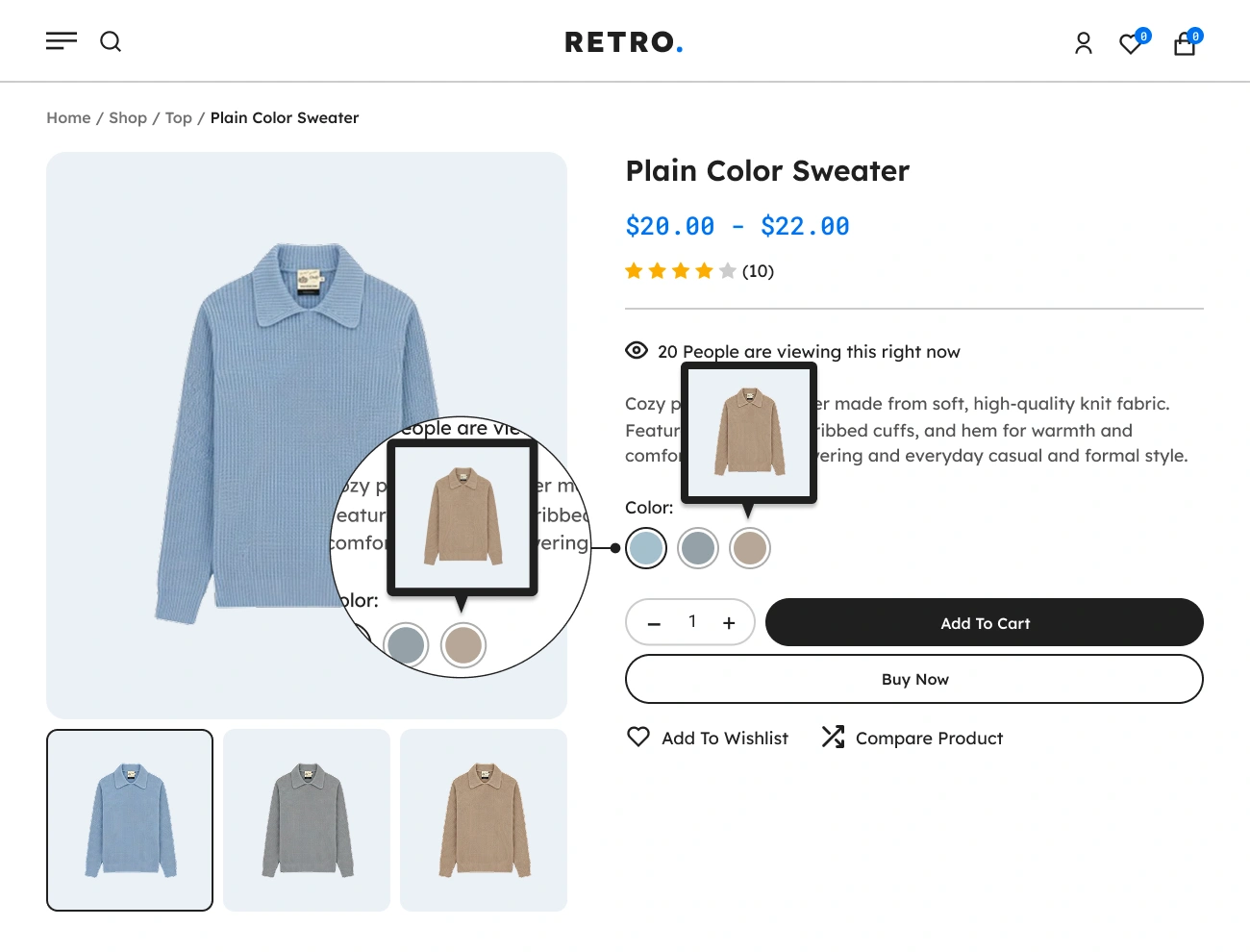
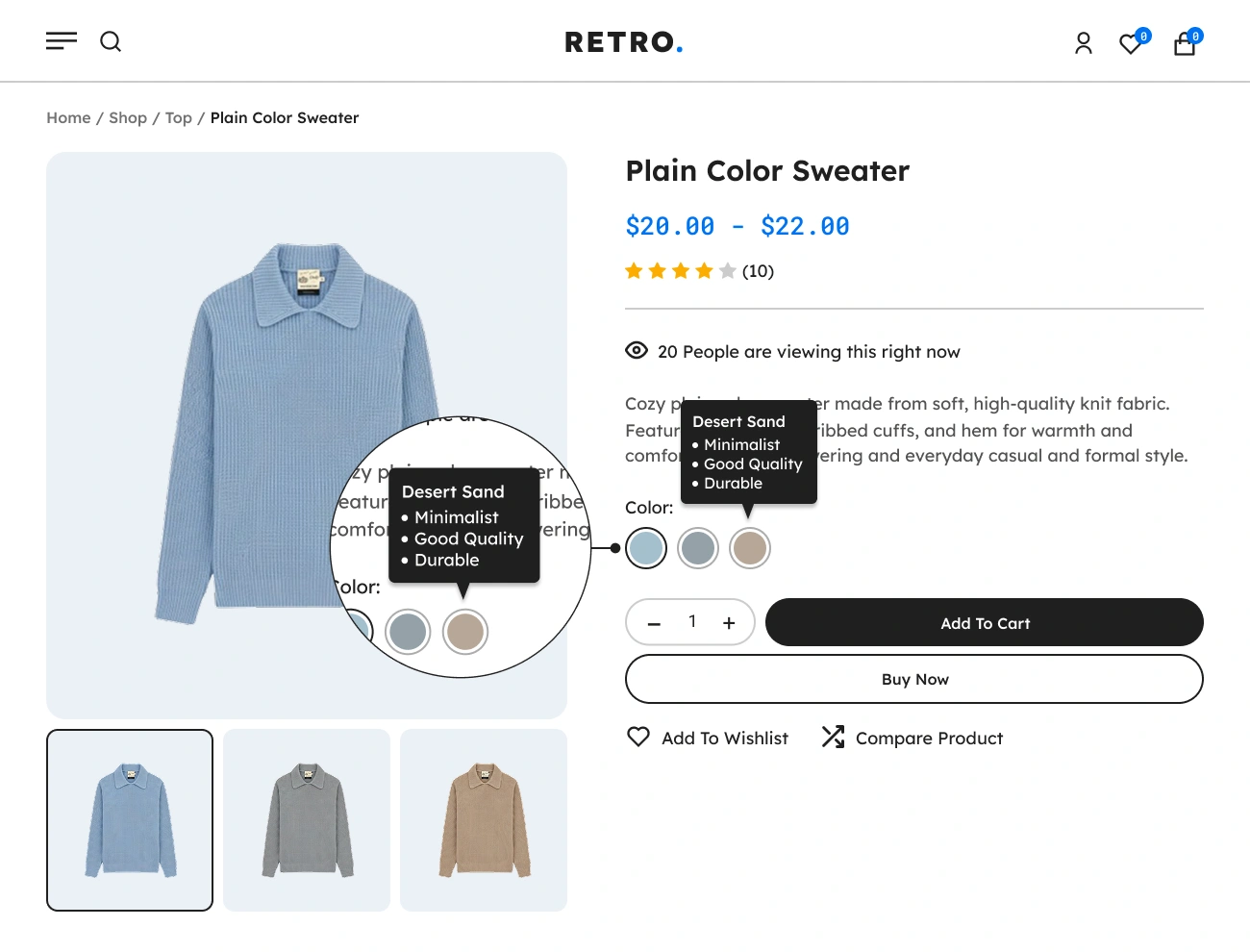
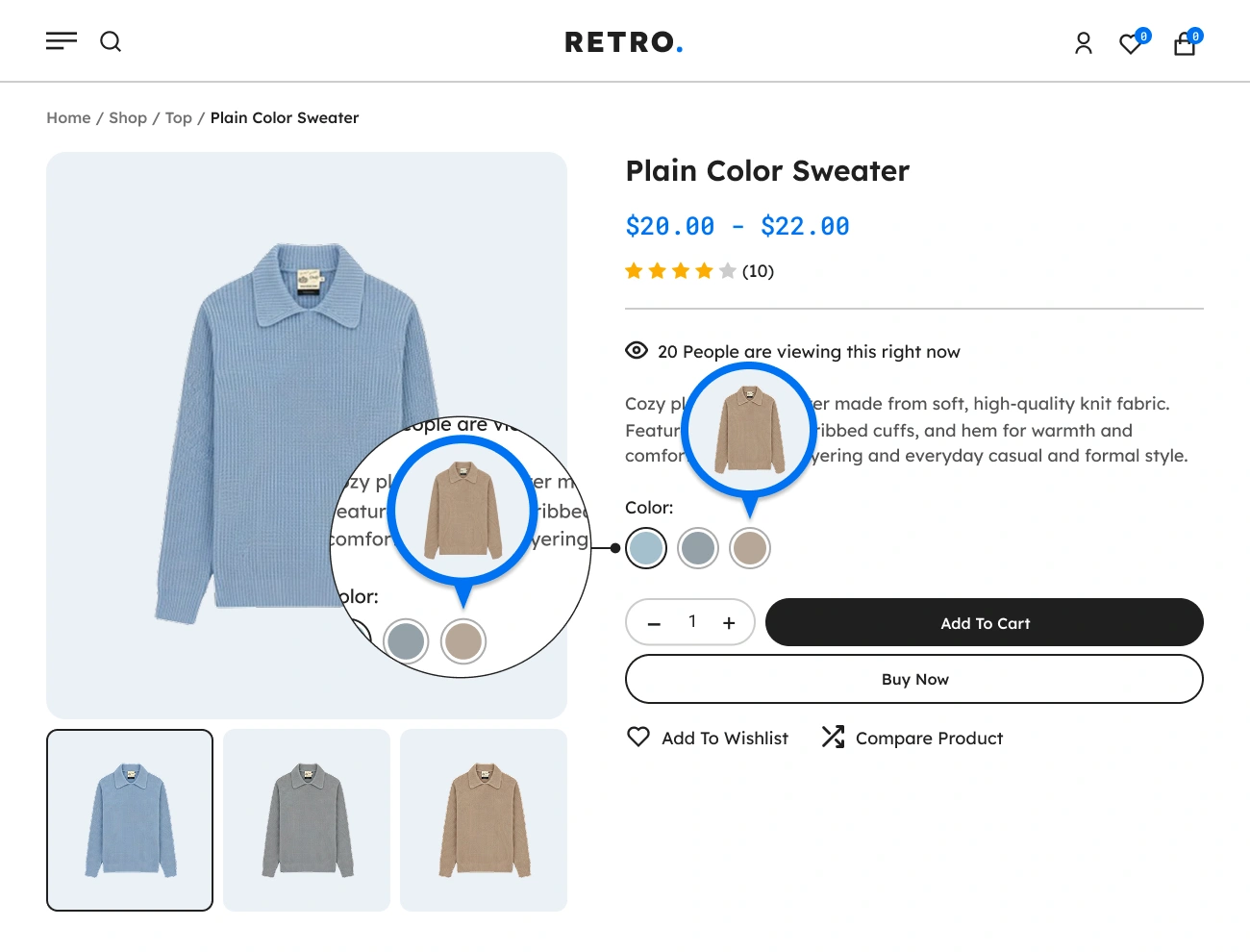
Tooltips Text, HTML & Image

Enhance user clarity by showing text descriptions, HTML markup or thumbnail images inside tooltips. This is especially helpful when variations have subtle differences.

07

Customizable Swatch Style

Customize swatches with flexible shapes, sizes, spacing, and effects, plus styled tooltips and full layout control for pixel-perfect design.

08

Global & Per-Product Setup

Control swatch settings globally for your entire store or override them at the product level for custom layouts. This gives store owners maximum flexibility and fine tuning.

09

Seamless Theme Compatibility

Works smoothly with most modern WooCommerce themes. The plugin integrates without breaking layout structure or requiring heavy modifications.

FEATURES

Core Features & Functionalities

Discover the complete set of core features and powerful functionalities of Handy Variation Swatches, designed to enhance your WooCommerce stores.

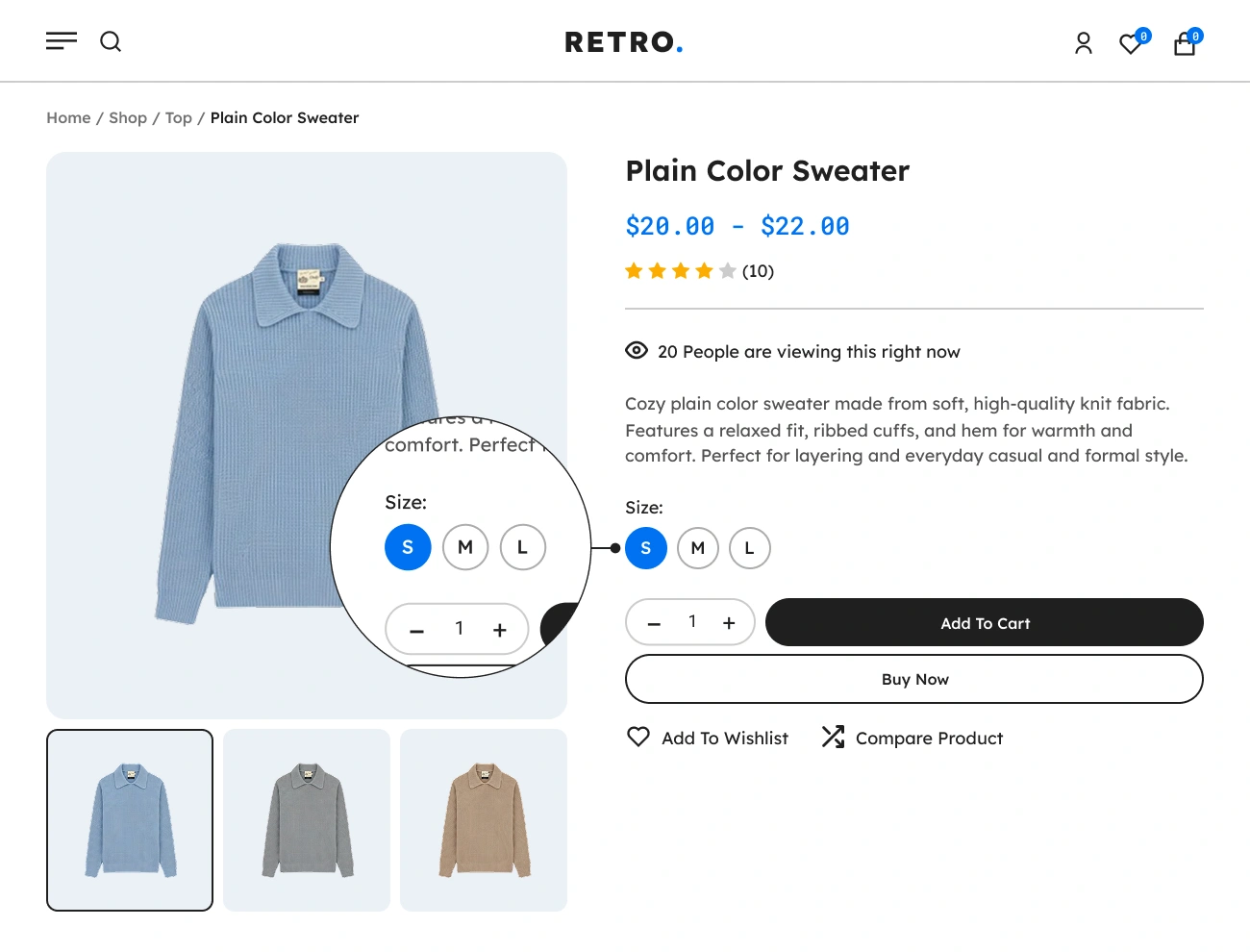
Handy Variation Swatches For WooCommerce Supports Button Variation Swatch

Supports Button Variation Swatch

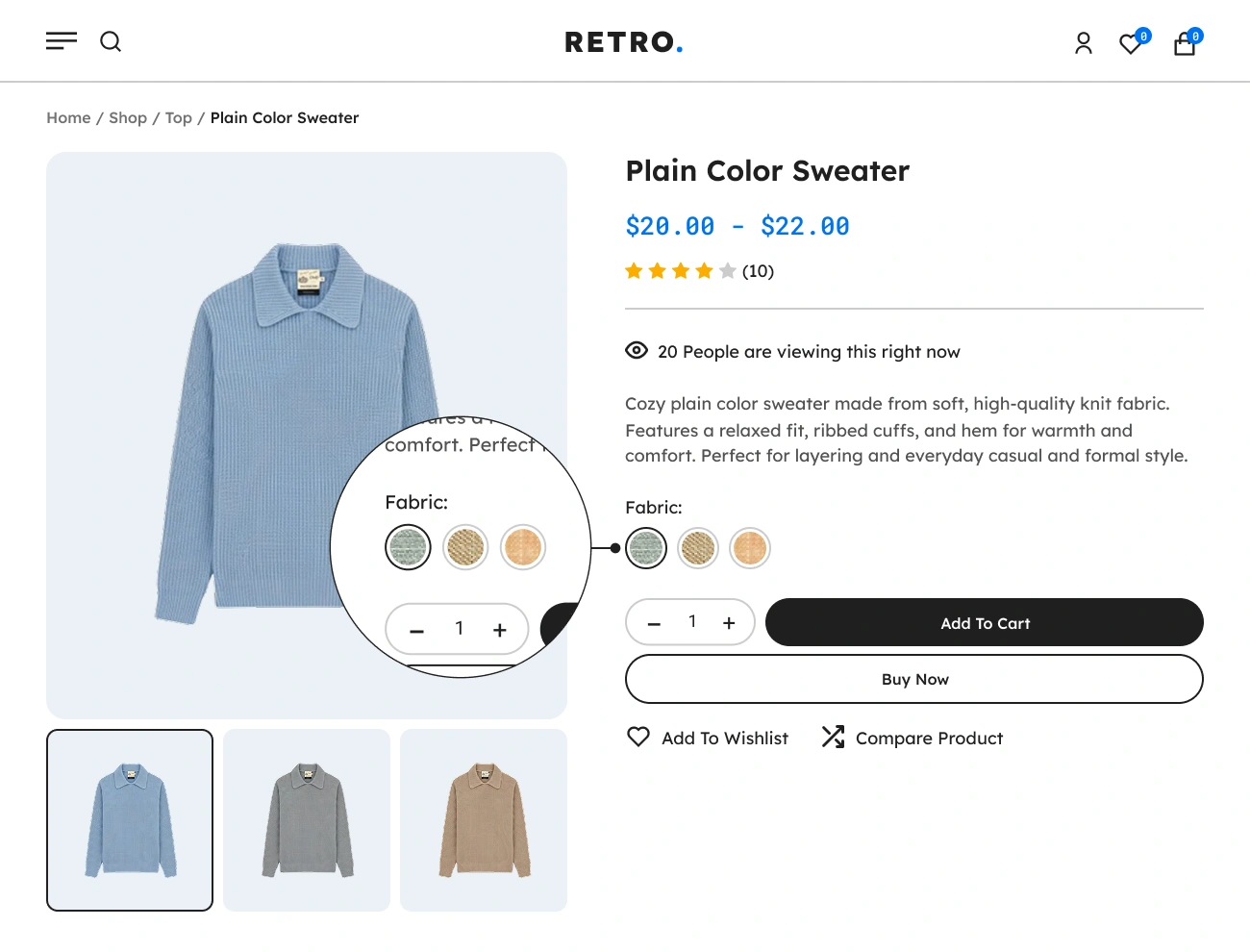
The button swatch is one of the available swatch type of Handy Variation Swatches for WooCommerce. This will allow you to showcase or represent the product’s variation attributes in the form of a group of buttons. This will give your website visitors a better user experience when selecting a variation.
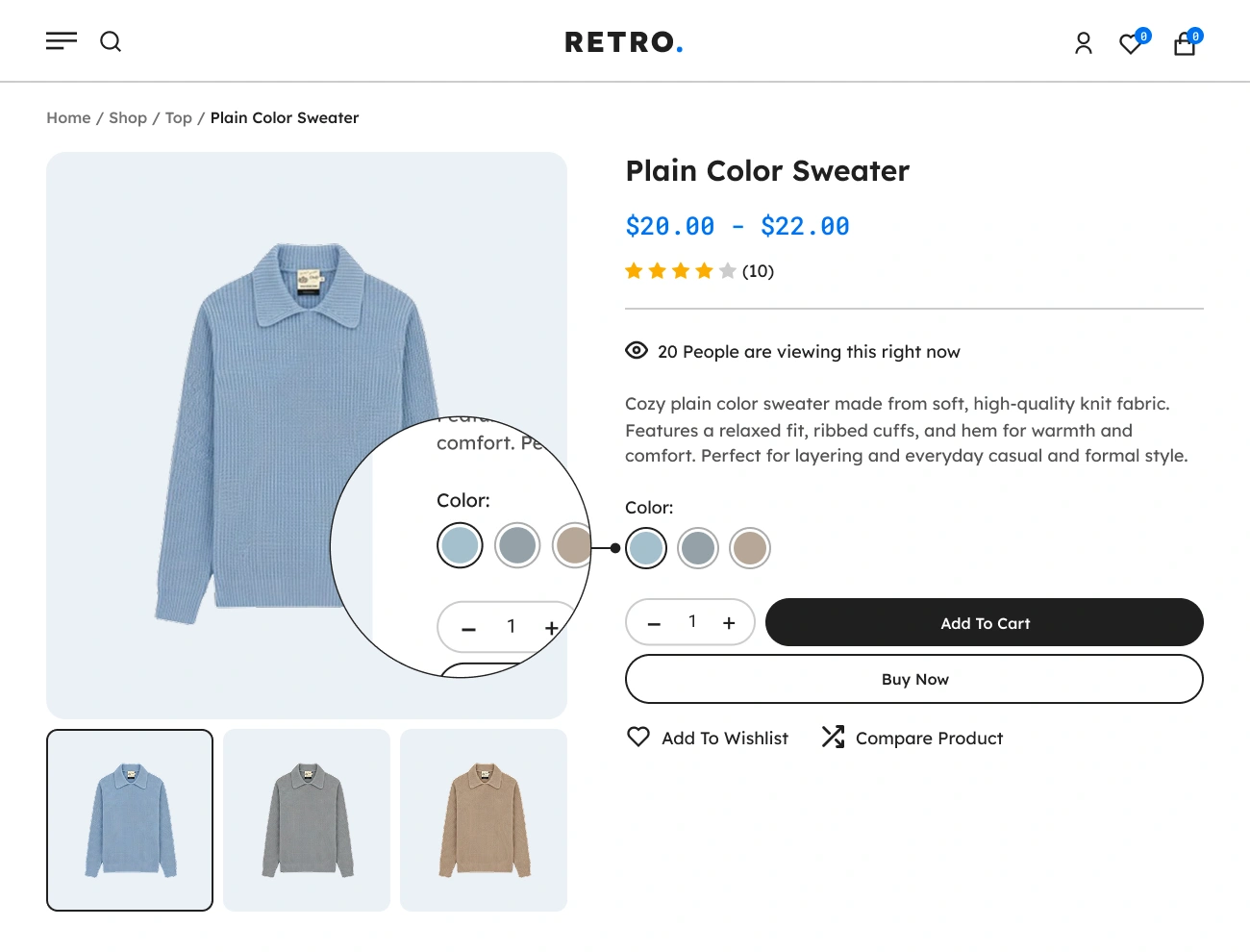
Handy Variation Swatches For WooCommerce Supports Color Variation Swatch

Supports Color Variation Swatch

One of the Handy Variation Swatches for WooCommerce’s swatch type that is accessible is the color swatch. This will enable you to display the product’s variation attributes in the form of a color palette. This will improve the visual experience for users choosing a variation on your website.

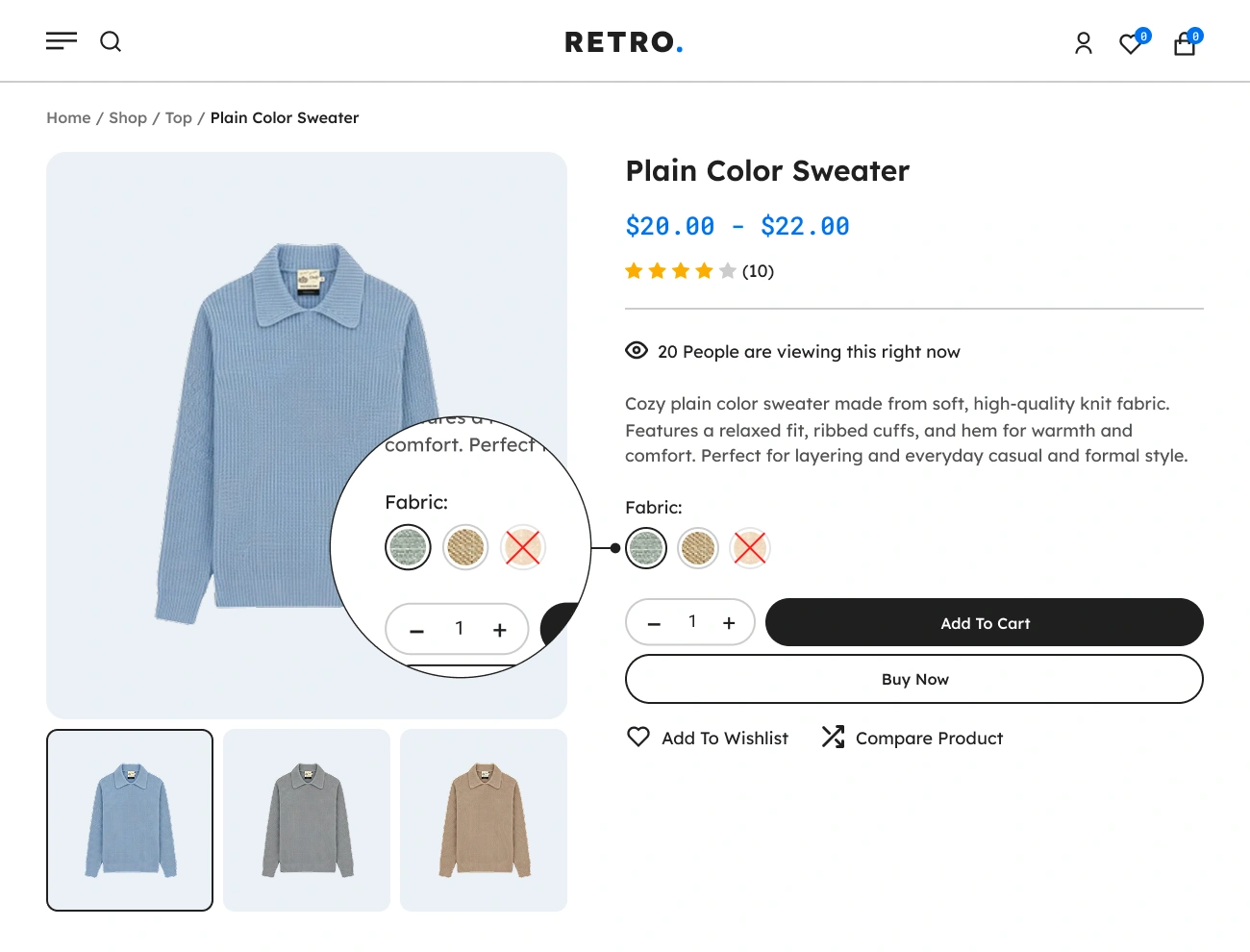
Handy Variation Swatches For WooCommerce Supports Image Variation Swatch

Supports Image Variation Swatch

The image swatch is one of the supported swatch types of Handy Variation Swatches for WooCommerce that will allow you to display the product’s variation attributes in the form of a group of images. This will enable your website visitors to use a more detailed and visually informative variation swatch.

Handy Variation Swatches For WooCommerce Supports Multiple Colors Variation Swatch

Supports Multiple Colors Variation Swatch

One of the advantages of using Handy Variation Swatches for WooCommerce is that it supports multiple colors in color variation swatches. If you have a product variation attribute that contains multiple colors, you can easily showcase them in a single variation swatch. This will increase the effectiveness of your color variation swatches.

Handy Variation Swatches For WooCommerce Supports Assorted Variation Swatch Type

Supports Assorted Variation Swatch Type

The powerful feature of Handy Variation Swatches for WooCommerce is the ability to use a different variation swatch type in a single attribute. In this feature, you can use the button, color, and image variation swatch in a single attribute. This will enable your website visitors to use a more detailed variation swatch.

Handy Variation Swatches For WooCommerce Customizable Swatches Shape

Customizable Swatches Shape

This plugin also allows you to customize the shape of the swatches. There are 3 different swatch shapes available in this plugin: square, circle, and custom, depending on the look of your website. If you want to easily set the shape of the swatches, you can use the square or circle shape, and if you’re looking for a way more custom shape, you can select the custom shape and modify the border radius.

Handy Variation Swatches For WooCommerce Customizable Swatches Position

Customizable Swatches Position

This plugin comes with the feature that allows you to modify the alignment of the swatches. You can choose from the following three swatch alignments: left, center, and right. This option is very simple but powerful since it will improve the appearance of your WooCoommerce website, particularly in the product variation area.

Handy Variation Swatches For WooCommerce Customizable Swatches Style

Customizable Swatches Style

This plugin also allows you to customize the style of the swatches. The following is a list of style properties that you can change: padding, text color, background color, line height, font size, font weight, border style, border width, border color, and border radius. This option will help you align the style of the swatches with your website’s looks.

Handy Variation Swatches For WooCommerce Supports Highlight Border To Selected Attribute

Supports Highlight Border To Selected Attribute

This plugin comes with the feature that you can highlight the active or selected variation swatches. You can also modify the appearance of the highlighted swatch by changing its text color, border width, and border color. This option will help your website visitors point out or indicate the current selected or active variation swatches.

Handy Variation Swatches For WooCommerce Supports Crossed Out Blurred And Hide Disabled Attribute

Supports Crossed Out, Blurred And Hide Disabled Attribute

This plugin also allows you to indicate disabled attributes or out of stock attributes. The following are the indication styles that you can choose: crossed out, blurred, blurred + crossed out, and hidden. Using this option will make it easier for your website visitors to identify or point out the disabled or out of stock attributes.

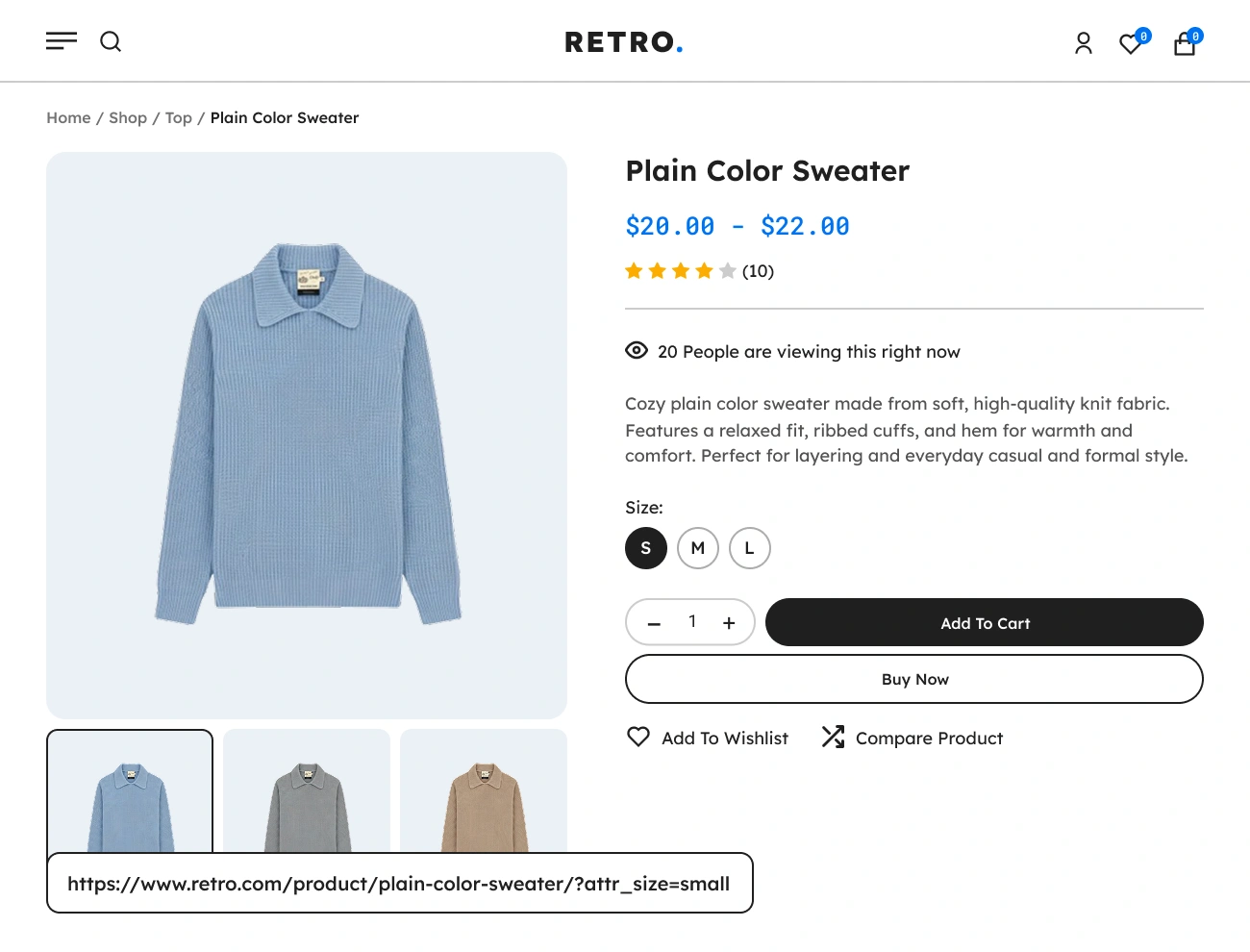
Handy Variation Swatches For WooCommerce Supports Dynamic Product Variation URL

Supports Dynamic Product Variation URL

This plugin comes with the feature that you can construct a URL dynamically based on the selected variation attributes. In WooCommerce, this feature is not available. Having this feature on your e-commerce website is quite advantageous since you can easily share a product with specific variation attributes with your customers or share it on social media.

Handy Variation Swatches For WooCommerce Display Swatches On The Shop Page Or Product Archive Page

Display Swatches On The Shop Page Or Product Archive Page

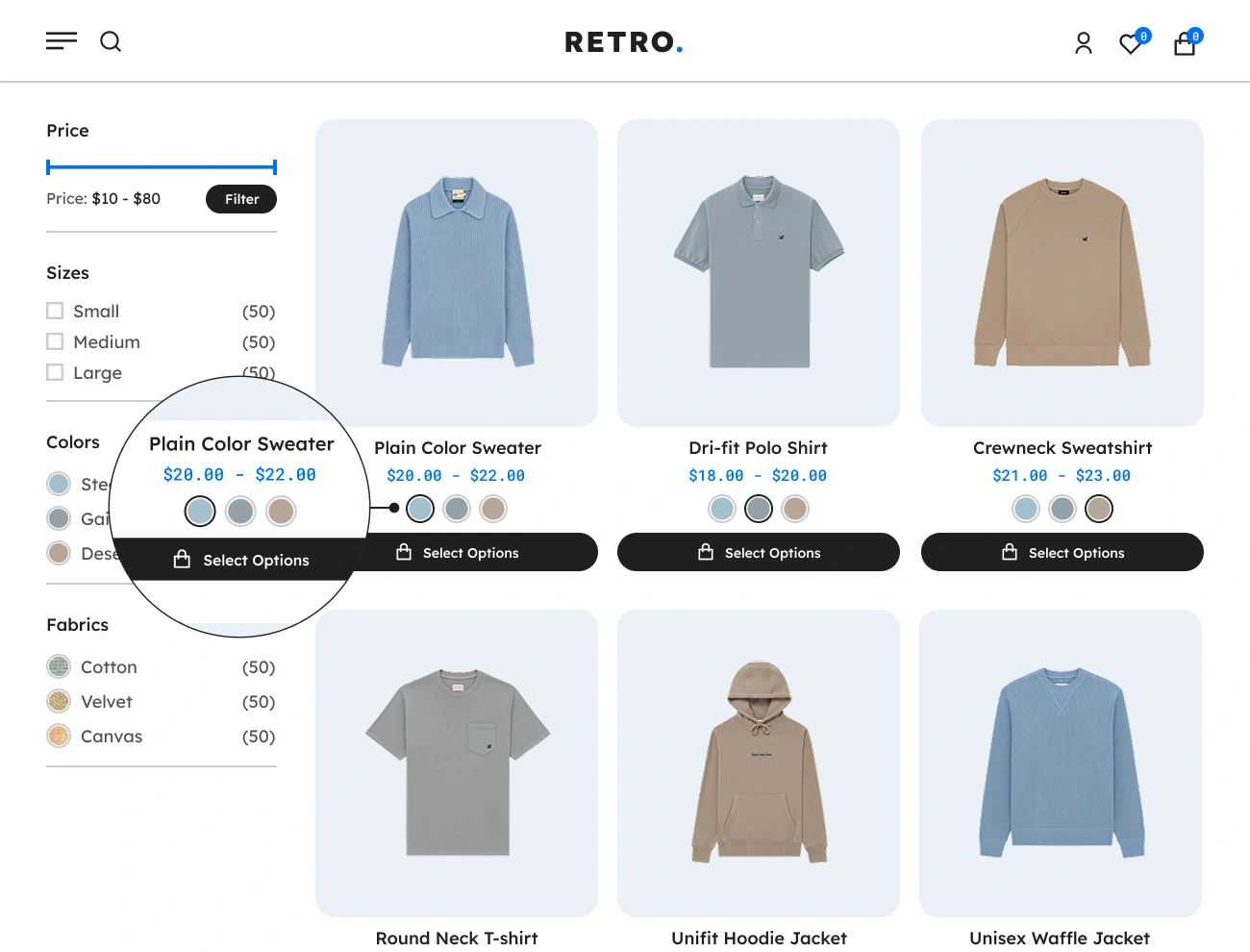
This plugin also allows you to display the variation swatches on the shop page or product archive page. This will help your website improve the user experience, engagement, and sale conversion. This will be handy to your website visitors since they can check the product’s variations without visiting the single product page.

Handy Variation Swatches For WooCommerce Limit Variation Swatches Or Show More Link

Limit Variation Swatches Or Show More Link

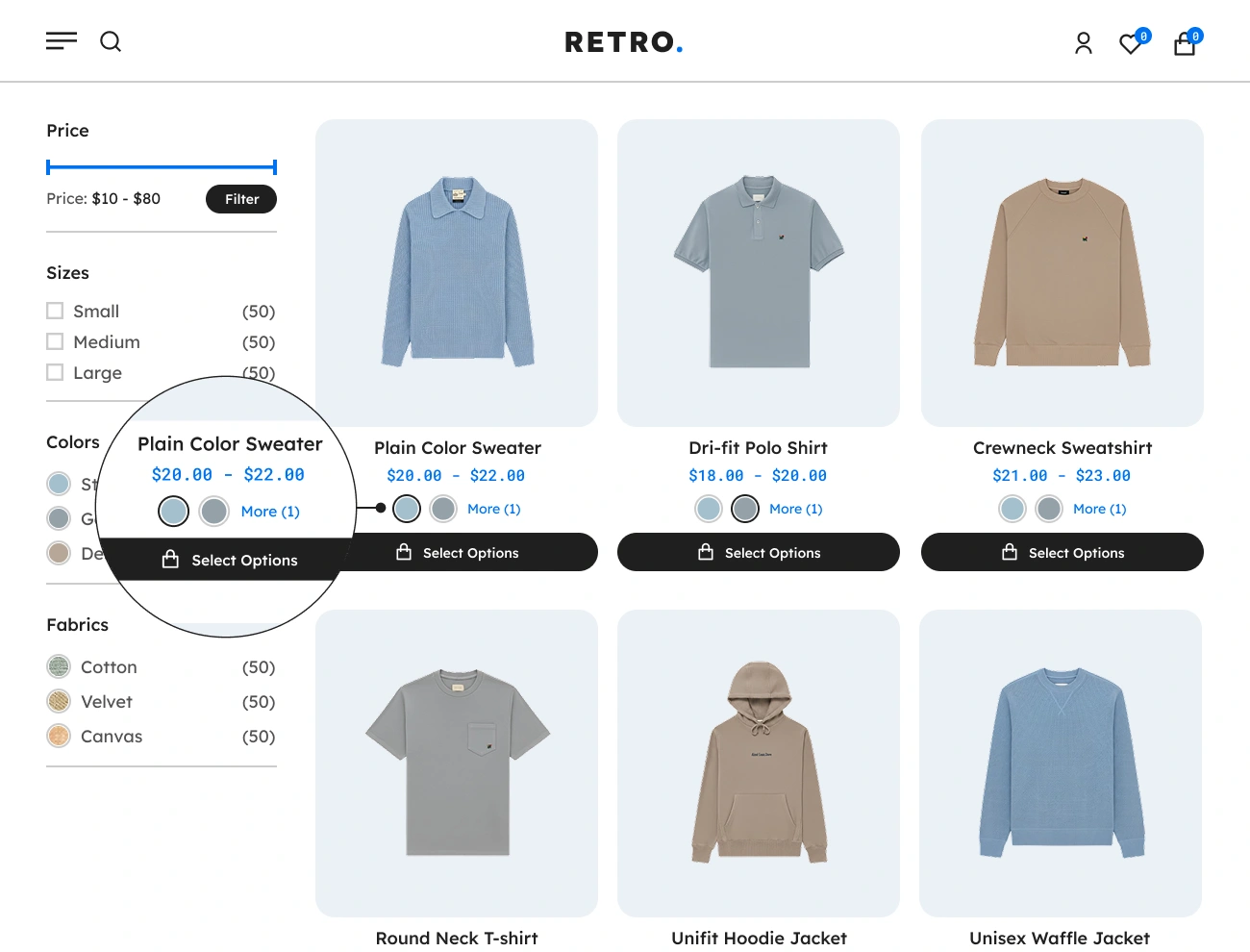
This plugin comes with the feature that you can set a total limit of variation swatches to be displayed on the shop page or product archive page and add or show a “more” link to show the rest of the variation swatches. This will help your website avoid spaces and misalignment issues on the shop page or product archive page.

Handy Variation Swatches For WooCommerce Supports Classic Widget Product Variation Swatches

Supports Classic Widget Product Variation Swatches

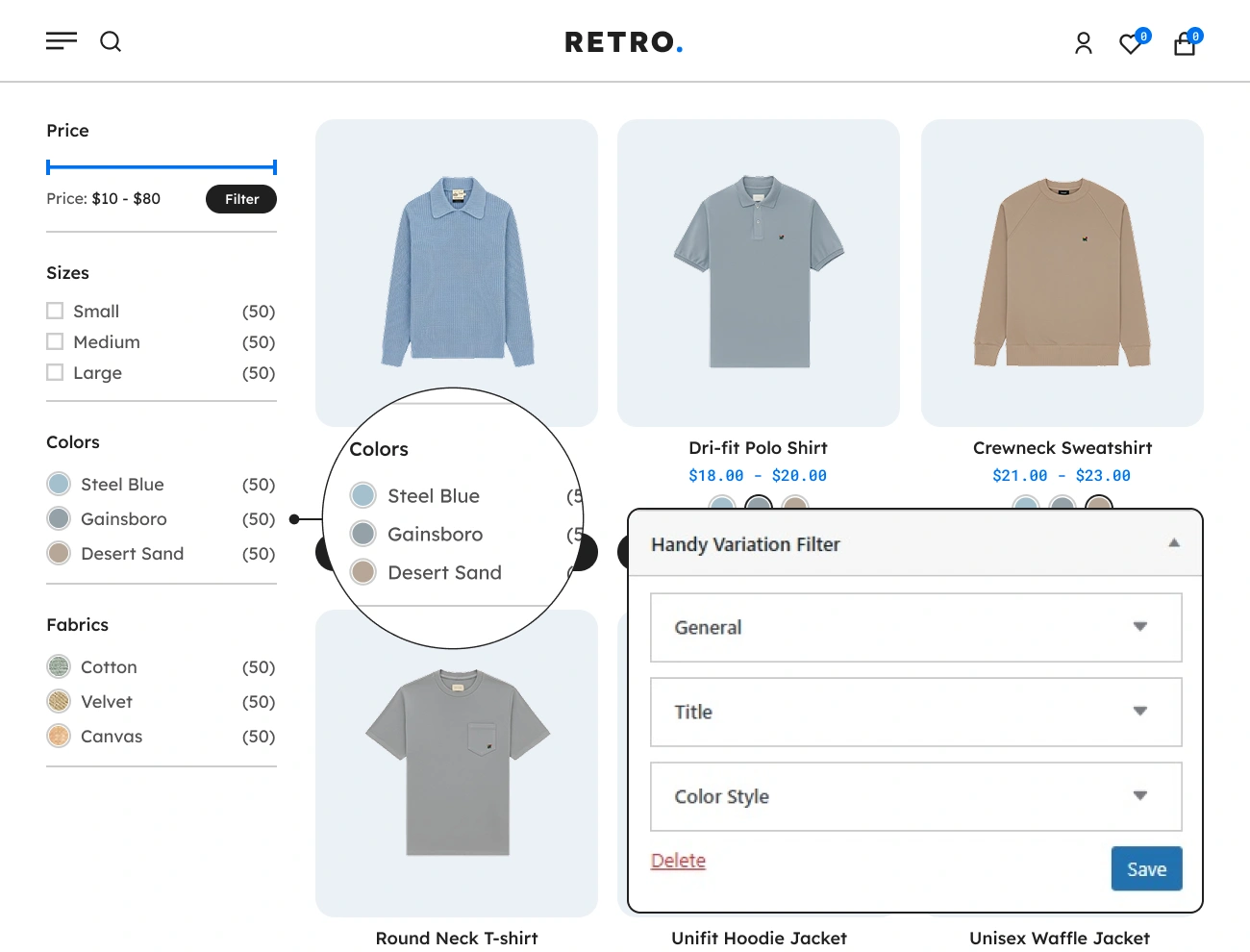
This plugin allows you to also use the product variation swatches filter widget that you can use to filter the products based on the attributes selected. This will display a variation swatches intended only to filter the products on the shop page or product archive page. Having this widget on your website is a huge help to your visitors, especially when it comes to filtering or categorizing the products.

Handy Variation Swatches For WooCommerce Supports Block Component Product Variation Swatches Filter

Supports Block Component Product Variation Swatches Filter

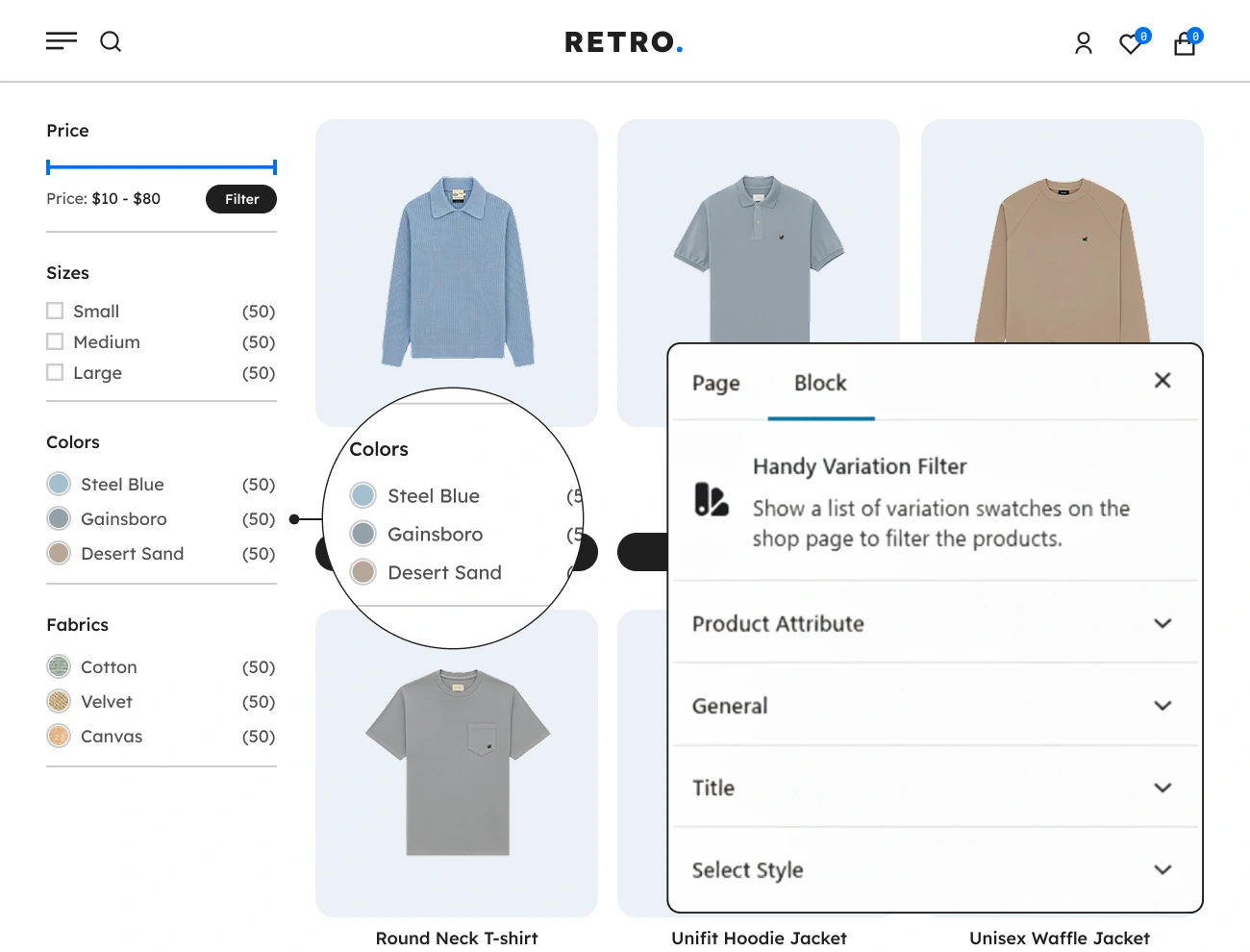
This plugin comes with a product variation swatches filter block component, the same as the widget version, it can filter the products based on the attributes selected. This block component has the same functionality as the widget version; the only difference is that it is only available in the block editor, and it’s way easier to customize the appearance of this block than the widget version.

Handy Variation Swatches For WooCommerce Supports Text Tooltip In Variation Swatches

Supports Text Tooltip In Variation Swatches

Text Tooltip is one of the benefits of using Handy Variation Swatches for WooCommerce. The text tooltip will display information or a description of a certain variation swatch when the user hover over, focuses on, or taps on it. This will help your website visitor learn more about a certain variation swatch.

Handy Variation Swatches For WooCommerce Supports Image Tooltip In Variation Swatches

Supports Image Tooltip In Variation Swatches

An advantage of using WooCommerce’s Handy Variation Swatches is the image tooltip. The image tooltip will display additional image that describe a certain variation swatch. The same as text toolips, this will only display when users hover over, focus on, or tap on a swatch. This will give your website visitor a further information about a specific variation swatch.

Handy Variation Swatches For WooCommerce Supports Html Markup Tooltip In Variation Swatches

Supports HTML Markup Tooltip In Variation Swatches

The HTML Tooltip is the last type of tooltip in Handy Variation Swatches for WooCommerce. The HTML tooltip will display an HTML markup that describes a certain variation swatch. The same as the other tooltips, this will only display when users hover over, focus on, or tap on a swatch. By using this, it will give your website visitors details about a certain variation swatch.

Handy Variation Swatches For WooCommerce Customizable Tooltip Style

Customizable Tooltip Style

This plugin also allows you to customize the style of the tooltip. The following is a list of style properties that you can change: width, height, padding, text color, background color, line height, font size, font weight, border style, border width, border color, and border radius. This option will allow the website owner to style the appearance of the tooltip.

Handy Variation Swatches For WooCommerce Define Global Swatch Style Settings

Define Global Swatch Style Settings

This plugin comes with a feature that enables website owners to define global swatch style settings for the variation swatches on the product archive page and the product single page separately. This will allow the website owner to set a global style for all variation swatches on the website. Note that the global style settings can be overridden if the style settings in the product attribute and individual product are set to custom.